
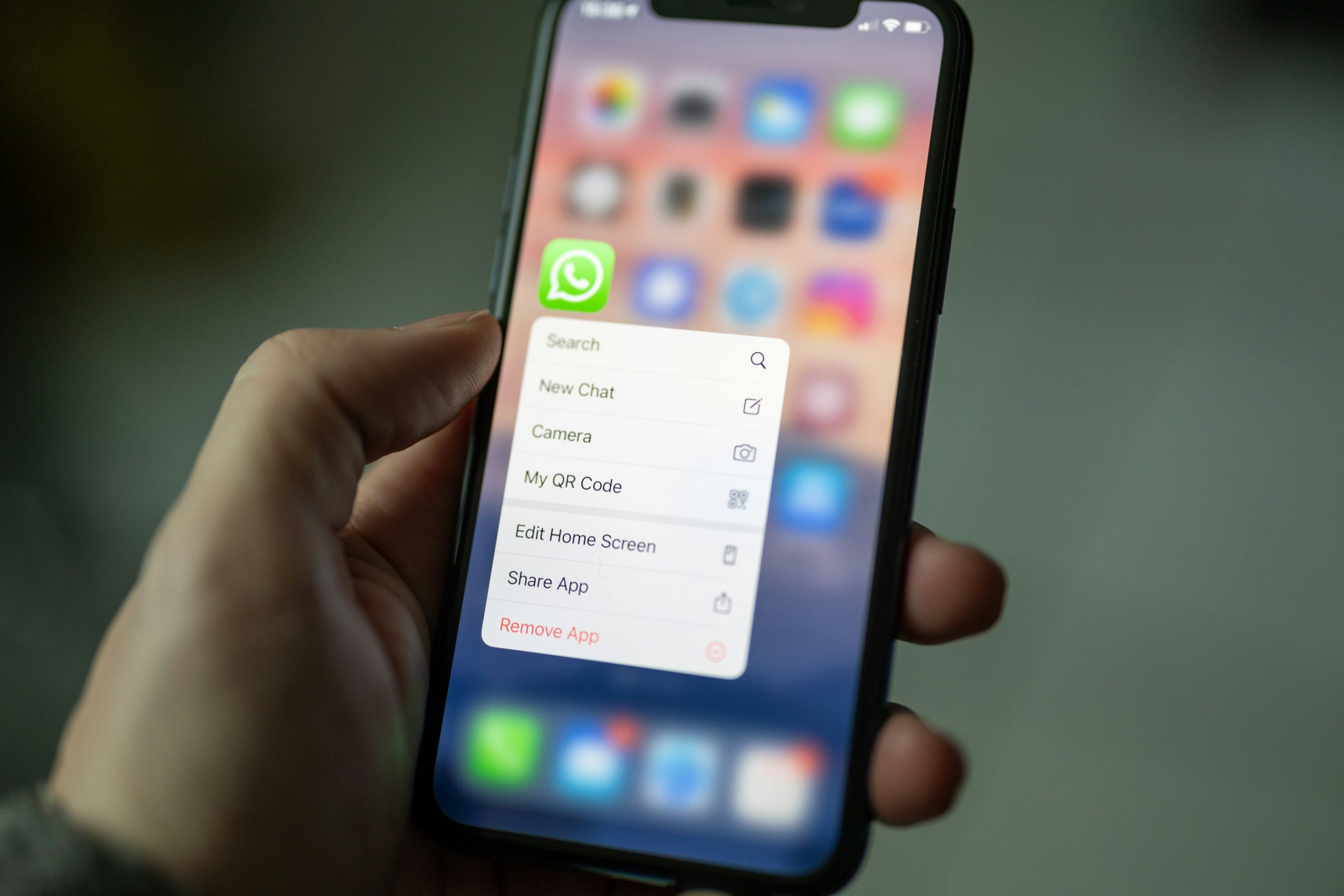
In today’s fast-paced digital world, communication has shifted drastically from traditional methods like voice calls and SMS to internet-based solutions. One such platform that has become a household name is WhatsApp. Used by billions globally, WhatsApp not only facilitates text messaging but also supports audio and video calls — all over an internet connection. A question that often arises among users is: Do WhatsApp calls show up on your phone bill? If you’ve ever wondered about that, we’re here to break it all down for you with a detailed explanation.
Understanding How WhatsApp Calls Work
To grasp whether or not WhatsApp calls appear on your phone bill, it’s crucial to first understand how they operate. Unlike traditional phone calls that are routed through your cellular network, WhatsApp calls use the internet to transmit voice and video. This can be through either Wi-Fi or mobile data (3G, 4G, or 5G).
So when you make a call via WhatsApp, you are essentially using data — not your voice minutes or standard calling service. This difference is at the core of why WhatsApp calls typically don’t show up on your phone bill in the way traditional calls do.
Do WhatsApp Calls Appear on Your Phone Bill?
No, WhatsApp calls do not appear on your traditional phone bill. Here’s why:
- No Carrier Involvement: Since WhatsApp calls use the internet, your mobile carrier is not directly involved in the call routing process.
- No Dialed Number Record: Traditional phone billing systems log numbers you dial through the cellular service. WhatsApp calls bypass this, so the log isn’t built into your phone bill.
- Using Data Instead of Minutes: Any usage of WhatsApp calling is recorded under your data usage statistics, not as individual call entries.

But, What About Data Usage?
Although WhatsApp calls do not show up as voice call entries on your phone bill, your carrier might still log data usage. You can sometimes find entries showing how much data was used over a certain period. However, these are generalized and won’t specifically label that the data consumption came from a WhatsApp call.
For example: If you made a 10-minute WhatsApp audio call using mobile data, that data might be recorded (e.g., 5MB) on your bill under general data usage. But it won’t say “WhatsApp call to Mom” or anything of that sort.
Do WhatsApp Calls Show in Other Logs?
Yes, WhatsApp calls are internally logged within the app itself. If you want to check your call history, here’s how to find it:
- Open WhatsApp
- Tap the Calls tab
- View your list of incoming, outgoing, and missed WhatsApp calls
These logs indicate the time and duration of each call, along with the contact’s name or number. However, this call log is private to the app and isn’t shared with your service provider.
Will International WhatsApp Calls Show Up on My Bill?
One of the best features of WhatsApp is that it allows you to make international calls without incurring the typically high charges associated with international dialing. This is a huge advantage for those who need to stay connected across borders.
And no — international WhatsApp calls will also not show up as international calls on your phone bill. They operate through the internet the same way domestic WhatsApp calls do. You’ll just need a stable internet connection, either via Wi-Fi or cellular data.
Image not found in postmetaWi-Fi vs Mobile Data For WhatsApp Calls
Your billing scenario will slightly differ depending on whether you’re using Wi-Fi or mobile data. Let’s examine both situations:
When Using Wi-Fi:
- WhatsApp calls do not use your mobile data quota.
- There will be no trace of them on your phone bill as calls or data usage.
- You may see activity in your router’s data usage logs if you wanted to dig deeper.
When Using Mobile Data:
- WhatsApp calls consume part of your data allowance.
- This data use will be counted in your billing cycle.
- However, the phone bill will show only data usage, not specific app actions like calling.
Can Your Carrier See WhatsApp Call Activity?
Carriers can detect that data is being transmitted between your phone and certain servers, but they usually cannot see the contents of that data. WhatsApp uses end-to-end encryption, ensuring that not even WhatsApp itself can view the content of your calls or messages. Therefore, while your provider may know you’re using data, they can’t tell whether you’re browsing a website, sending an email, or making a WhatsApp call.
Keeping Track of WhatsApp Call Data Usage
Wondering how much data your WhatsApp calls are using? You can find out within the app itself:
- Open WhatsApp
- Go to Settings > Storage and Data > Network Usage
- Here, you’ll see detailed stats including how much data has been consumed by calls
This can help you manage your data consumption more effectively, particularly if you are on a limited data plan.
Privacy Tip: Can Anyone Else See WhatsApp Call Logs?
Only individuals with physical access to your device can see WhatsApp call logs — unless you’re backing up your WhatsApp data to cloud storage. If privacy is a concern, consider regularly deleting your call logs within the app or enabling a screen lock on WhatsApp via the Privacy Settings.
What About Screenshots or Third-Party Tracking?
Screenshots: Phone bills won’t have screenshots or records of visual call activities. If someone tries to claim that they’ve seen your WhatsApp call in a bill, it’s simply not accurate.
Third-Party Apps: Some employers or parental control tools may track app usage — it’s possible they could log that WhatsApp was active. However, even these apps would not be able to access the contents of the call due to encryption.
Does WhatsApp Calling Save Me Money?
Absolutely! That’s one of its biggest advantages. By using an internet connection for voice communication, WhatsApp allows users to:
- Bypass carrier call charges (especially internationally)
- Communicate freely over Wi-Fi without using call minutes
- Maintain high-quality connections assuming a strong network
However, these benefits come with the caveat that you need reliable internet. Call quality may suffer on slow or unstable connections.
Final Thoughts
To wrap it up, WhatsApp calls do not show up on your phone bill — at least not in the way traditional calls do. Since they use the internet rather than your phone network, they avoid the logs and charges typical of cellular calling. The only trace you might see is in your data usage, and even then, it won’t specify that the data was used for a call.
Whether you’re chatting with a loved one overseas or hopping on a video call with a colleague, WhatsApp provides a convenient, affordable, and private alternative to regular phone calls — without lighting up your phone bill.