

Let’s be honest, if you’re in IT right now, the VMware situation is exhausting. Ever since Broadcom took over, licensing costs have shot through the roof. Teams that used to run lean, predictable budgets are suddenly staring at renewal quotes that make no sense.
And it’s not just the money. The complexity of managing VMware in 2026 feels like it’s grown faster than most organizations can keep up with.
A large number of enterprises are already exploring mitigation strategies or seeking a VMware replacement. Most IT leaders are constantly searching for alternatives to VMware. And honestly, there are multiple vendors that get the same job done at a fraction of VMware’s complex subscription plan, with the same efficacy.
So, what are your actual options? Let’s break it down.

First, a Quick Reality Check
Not every alternative is going to fit every environment. Some of these tools are better for large enterprises. Some are tailor-made for scrappy SMBs or MSPs trying to stretch every dollar.
A few require serious Linux chops to get the most out of them. Knowing your team’s skill set and your infrastructure goals before you make the jump? That matters more than anything else.
5 VMware Alternatives for SMBs & Enterprises
With that said, here are the five alternatives to VMware (and near-alternatives) that are actually worth your time.
1. Sangfor HCI— The One That’s Turning the Most Heads
If you’ve been following the VMware competitors conversation closely, you’ve probably heard Sangfor’s name more than once. And for good reason.
Sangfor HCI isn’t just a hypervisor swap. It’s a full-stack hyper-converged infrastructure platform that bundles virtualization, storage, networking, and security into one unified system. That kind of consolidation genuinely changes how you manage infrastructure day-to-day. Instead of juggling five different vendor portals, you’ve got one place to look.
The cost angle is hard to ignore, too. Sangfor claims up to 70% lower total cost of ownership compared to VMware, and from what organizations migrating off VMware are reporting, the numbers hold up. There’s no “pay extra for this feature” trap either. The aSV hypervisor, visualized management console, and flexible perpetual licensing are all included.
For enterprises that need enterprise-grade scalability without enterprise-grade headaches, this is the one to look at first.
Why is Sangfor HCI gaining so much attention as a VMware alternative?
Sangfor HCI goes beyond basic virtualization by delivering compute, storage, networking, and security in a single platform with transparent, perpetual licensing. For enterprises facing sudden VMware cost spikes, Sangfor offers comparable enterprise features with far less operational and financial friction.
2. Nutanix AHV— Solid, But Check Your Budget
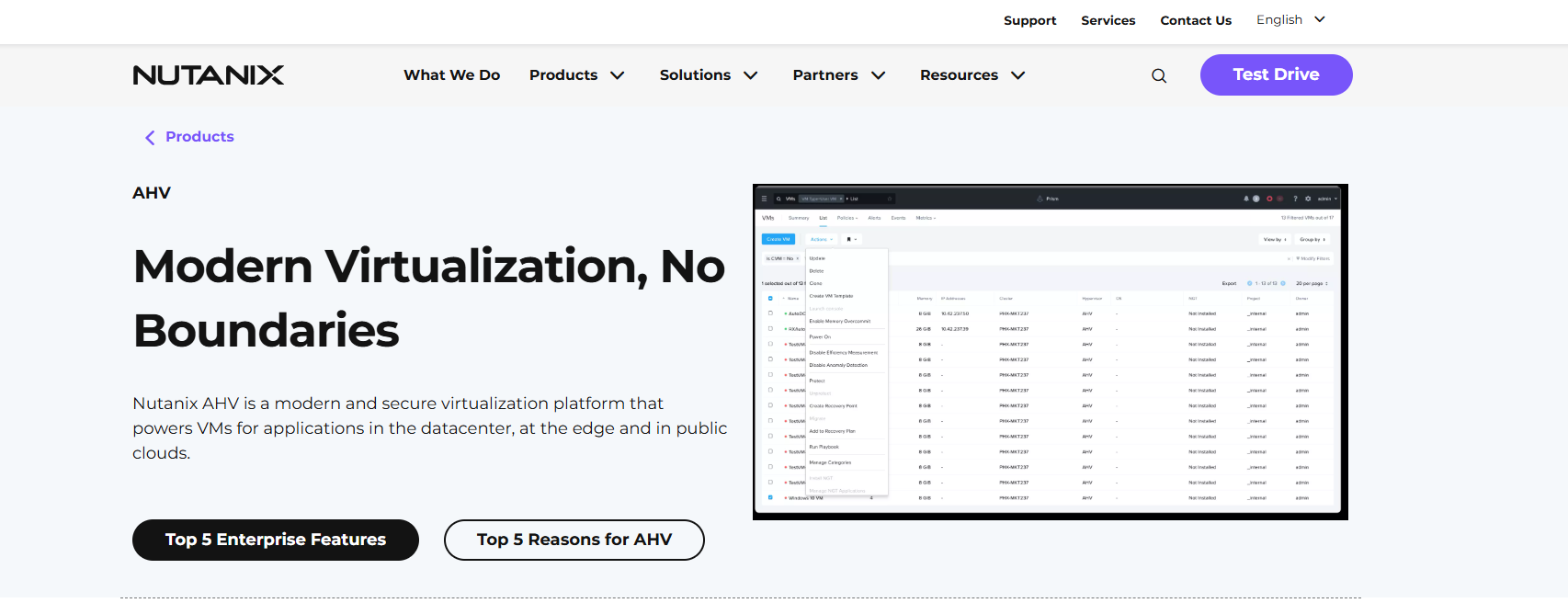
Nutanix is a serious player. There’s no denying it. Their AHV hypervisor, which comes bundled with the Nutanix platform, offers a genuinely polished one-click management experience.
Finance and healthcare environments seem to love it, and it’s easy to see why. Compliance-heavy industries need stability and auditability, and Nutanix delivers both.
The catch? Licensing commitments. Honestly, when compared to platforms like Sangfor that give you perpetual licensing out of the box, Nutanix can get expensive quickly.
If your org is mid-to-large with a healthy budget and deep Microsoft or hybrid cloud integration needs, Nutanix deserves a spot on your shortlist. Just go into the conversation with your finance team fully briefed.
3. Microsoft Hyper-V— The Obvious Pick for Windows Shops
Here’s the thing about Hyper-V: it’s already there for most Windows-centric environments. If your infrastructure is built around Windows Server, Azure, and Microsoft ecosystems, Hyper-V is a genuinely cost-effective virtualization option that doesn’t require a massive overhaul.
Setup is relatively straightforward, and the Azure integration for hybrid workloads is hard to beat. Where it falls short is when you need more than just virtualization.
There’s no built-in unified security layer, no all-in-one networking stack. You’re going to be stitching third-party tools together, which adds both cost and management overhead over time. It’s not flashy. But for the right environment, it works.
4. Proxmox VE — The Open-Source Champion
Proxmox VE has developed a genuinely passionate following over the last few years, and it’s easy to understand why. It’s open-source, it’s free to use, and it doesn’t charge you per virtual machine. For SMBs, MSPs, and dev teams that need real cost-effective virtualization without a vendor relationship breathing down their neck, Proxmox hits differently.
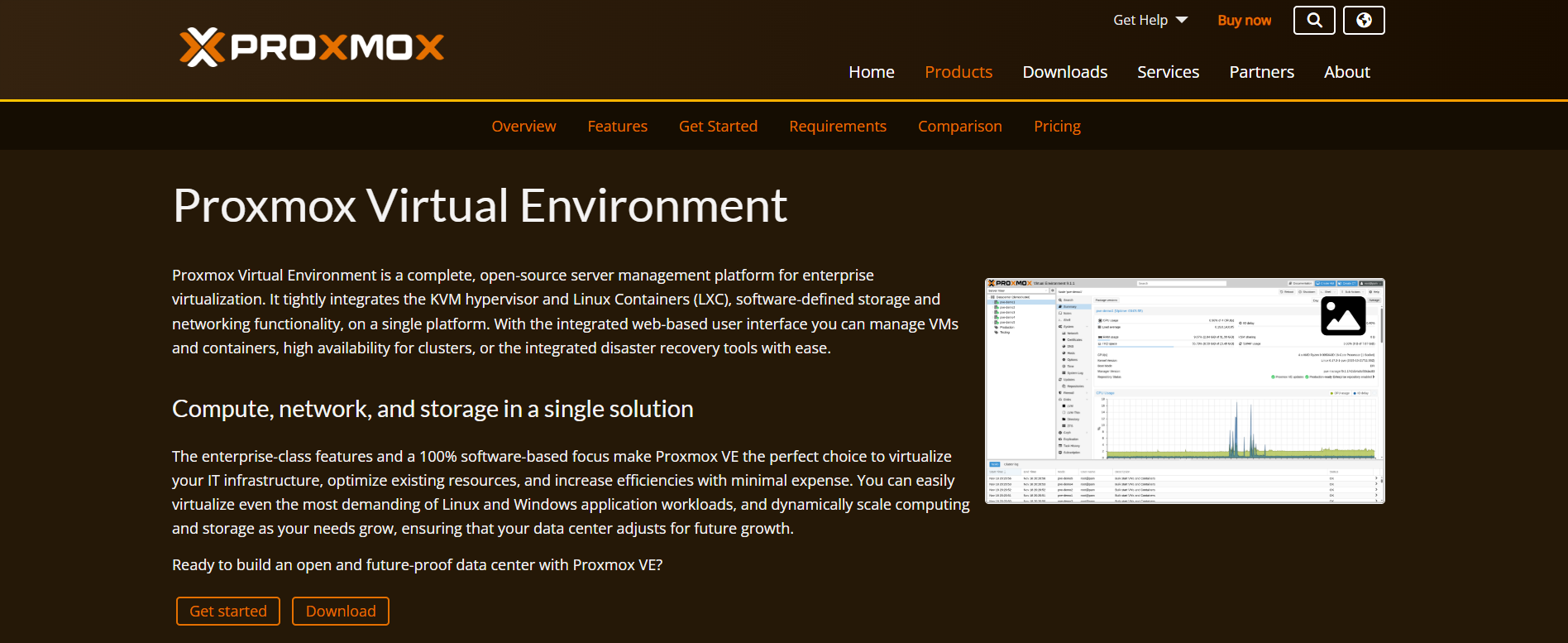
It supports both KVM-based full virtualization and LXC containers, gives you a clean web-based UI, and has a solid community around it. Honestly, for lab environments and smaller production setups, it’s genuinely impressive what you can do with zero licensing spend.
That said, it’s not a plug-and-play enterprise platform. If you’re running mission-critical workloads at scale, you’ll probably feel the gaps, especially in areas like enterprise support, advanced security features, and comprehensive management tooling. It is a solid VMware replacement for some, but not everyone.
5. KVM/QEMU — Maximum Power, Maximum Responsibility
KVM is the backbone of a huge chunk of modern cloud infrastructure. If you’ve ever spun up a VM on AWS, chances are KVM was involved somewhere in that chain. It’s fast, it’s flexible, and it’s deeply integrated into the Linux kernel, which means it’s not going anywhere.
The tradeoff is real, though. KVM/QEMU is not a “install and manage from a nice dashboard” kind of solution. You need a DevOps-literate team, strong Linux expertise, and a willingness to build and maintain tooling around it.
For organizations building private cloud or IaaS environments from scratch, it’s powerful. For a 50-person company trying to move off VMware by Q3, it’s probably not the right first call.

So, Is There a Clear Winner?
For most enterprise teams in 2026, especially those getting blindsided by Broadcom’s licensing shake-up, Sangfor HCI comes closest to a true, comprehensive VMware replacement.
The unified platform approach, the dramatically lower TCO, and the fact that it actually matches VMware vSphere Enterprise Plus features like high VM density and vGPU support? That combination is hard to argue with. Also, Sangfor HCI gains a praiseworthy rating on genuine peer review platforms like Gartner, making its impact on its clients prominent and visible.
Date: 11.05.26
That momentum is also reflected in peer feedback. On independent review platforms, real users rate Sangfor HCI 4.7 out of 5 on G2 for data‑center modernization and 4.8 out of 5 on Gartner for its hyperconverged infrastructure, consistently calling out predictable costs and smooth VMware replacements.
Tecnostamp Triulzi Group Srl, a global manufacturing company, modernized its legacy virtualization environment with Sangfor HCI to simplify infrastructure management and support business growth. The migration reduced operational complexity, improved system availability, and gave IT better control over costs without adding vendor lock‑in.
That said, “best” is always relative. A 10-person MSP has different needs than a 5,000-seat financial institution. Sangfor HCI stands out for SMBs and enterprises alike, while Hyper-V makes perfect sense in others.
Is there a clear best VMware alternative for most organizations?
Sangfor HCI stands out for organizations that need enterprise‑grade scalability, built‑in security, and predictable costs. While other tools may work well in specific scenarios, Sangfor does this without rebuilding their entire operating model or relying heavily on third‑party tools.
The Takeaway
The VMware monopoly is cracking. There are real, production-ready alternatives to VMware out there today that weren’t viable five years ago. And the broader ecosystem of VMware competitors has matured to the point where switching isn’t the terrifying project it used to be.
What you shouldn’t do is wait. The longer you sit on an inflating VMware contract, the harder it gets to justify, internally and financially.
Evaluate your workloads, audit your team’s skills, and start the conversation now. Your future infrastructure budget will thank you.