
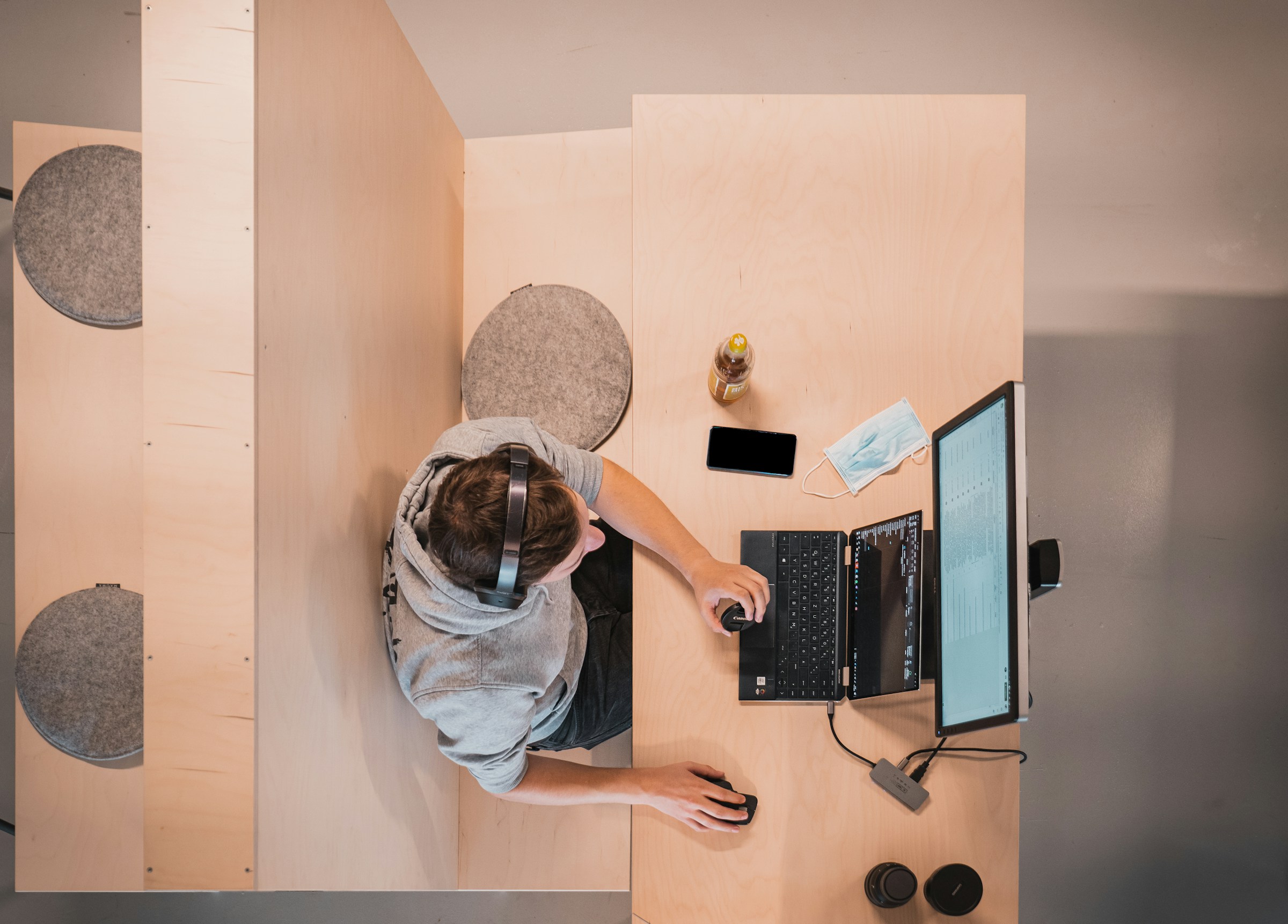
Nobody thinks about the technology until the first evening in a new house, when the router is still in a box, the installation date is three weeks out, and somebody has a meeting at nine in the morning.
That’s avoidable, and the fix costs nothing except deciding a few things in advance. Where the internet comes into the house, which rooms need a cable, how many outlets each wall has, and what happens to the smart devices you leave behind are all easier to sort out before the furniture is in the way.
An hour of planning before the move saves two weeks of working from a cafe with bad coffee.

Book the Internet Before Anything Else
This is the one job with a waiting list attached, and it’s the one people leave until last.
Find out which providers serve that exact address rather than the neighborhood, since availability changes street by street, then book the installation the day you have a date for the keys. Ask whether the line is already active, because a new connection takes longer than reactivating an old one.
Have a backup for the gap as well, meaning a phone plan with enough data to tether or a cheap hotspot, because anybody working from home will need something for the first week whether the appointment holds or not.
Walk the Empty House and Look at the Walls
An empty house is your only chance to see where the power and data lines sit. Note every outlet, where the phone or cable line enters, where the existing wiring runs, and how strong the signal is in the far corners. The room you plan to work in is often the one furthest from where the internet arrives, and that’s worth knowing before the desk is built.
Take photos of all of it, including the breaker panel and anything behind where the furniture will go, because those pictures answer a dozen questions later without anybody moving a bookshelf.
Get the Equipment There Undamaged
Electronics travel worse than almost anything else in a house, and a cracked screen or a dead drive is an expensive way to start in a new place.
Back everything up before the move, not after, with a cloud backup plus a drive you carry yourself, since a hard drive that takes a knock in a truck takes your photos with it. Original boxes are best for anything with a screen, and failing that, firm padding on all six sides with the item upright.
Households hiring professional cross-country movers often arrange separate packing for valuable electronics, including computers, monitors, and audio equipment. A written estimate, confirmed insurance coverage, and a few photos showing everything in working condition can help prevent disputes if anything gets damaged in transit.
Anything small and expensive is better off riding in the car with you, which usually means laptops, drives, cameras, and the router, because that way the first evening doesn’t depend on which box came off the truck.
Label the Cables and Photograph the Back of Everything
Half the pain of setting up again comes from not remembering what was plugged into what.
Photograph the back of the television, the router, the desk setup, and the audio gear before you unplug anything, then tape a label on each cable as it comes out. It takes twenty minutes, and it turns reassembly into a job somebody can do while tired.
Keep all the cables, remotes, power bricks, and screws in one labeled box that rides with you rather than being spread across six boxes in the truck, since a television with no power cable is a particularly annoying problem to have at nine in the evening.

Deal With the Accounts and the Smart Devices
The invisible half of a tech setup is the accounts, and that part gets overlooked completely.
Anything fixed to the old house needs handling before you hand over the keys, so unpair the thermostat, doorbell, cameras, and locks; remove them from your account; and factory-reset whatever is staying behind. Leaving a camera linked to your login in somebody else’s hallway is a real and common mistake.
Then there’s the address on every account that has one, and the two-factor codes tied to a phone number you might be changing, which is worth sorting out while you still have access to both.
Set Up the Essentials First and Leave the Rest
The first evening needs three things working, and everything else can wait until the weekend.
Get the internet up, one workspace functional, and the television or whatever the household unwinds in front of, then stop. Trying to install every smart device on day one is how people end up at midnight troubleshooting a light bulb.
Then add things slowly over the first month, in the order you miss them, because a house tells you what it needs once you’re living in it, and almost nothing you planned on paper survives contact with the actual rooms.