

Creating a standout business card used to mean visiting a print shop or hiring a designer. Not anymore! From drag-and-drop simplicity to high-end design features, there are tons of online tools to create a fab business card in minutes. But how do you pick the best one?
TLDR:
We compared 20 business card design tools based on features, ease of use, and pricing. Some are super simple, others are built for pros. If you’re on a budget, there are great free options. Want premium designs? A few tools offer that too—at a cost.
1. Canva
Features: Drag-and-drop design, templates, icons, logos, and fonts.
Pricing: Free basic plan, or Pro at $12.99/month.
2. Vistaprint
Features: Design and printing all-in-one. Templates included.
Pricing: Starts at $17 for 100 cards. Design is free with purchase.
3. Adobe Express
Features: Easy to use with professional designs. Good for brand kits.
Pricing: Free plan; Premium at $9.99/month.
4. Crello (now VistaCreate)
Features: Canva alternative with solid templates and animations.
Pricing: Free plan, Pro for $13/month.
5. Zazzle
Features: Tons of creative templates, including artsy and elegant looks.
Pricing: From around $20 for 100 cards. Online design is free.
6. Moo
Features: Highly customizable cards with luxe print options.
Pricing: Starting at $19.99 for 50 cards. Design tool included.
7. Looka
Features: Logo and brand identity first. Then you create your card.
Pricing: Logo package from $20. Business card templates included.
8. Designhill Business Card Maker
Features: AI-powered. Upload a logo and get instant designs.
Pricing: Free to design, download for $8.99 and up.
9. Tailor Brands
Features: Full branding suite with business card tools.
Pricing: Plans start at $12.99/month.
10. Fotor
Features: Simple editor with card layout templates.
Pricing: Free basic plan; Pro at $8.99/month.
11. Jukebox
Features: Bold options like recycled paper and 3D texture.
Pricing: Printing from $19 for 100. Online designer free to use.
12. Business Card Maker by Shopify
Features: Very basic but fast. Ideal for quick design tasks.
Pricing: Free.
13. Namecheap Business Card Maker
Features: Clean, minimalist designs. Good for techies.
Pricing: Free.
14. Logaster
Features: Logo creation plus business card layouts.
Pricing: Free to design, download from $9.99.
15. BeFunky
Features: Collage and card creation mixed with photo editing.
Pricing: Free version; Premium plan is $9.99/month.
16. DesignCap
Features: Dozens of business themes and icons, very fast tool.
Pricing: Free with limits, $6.99/month for full access.
17. My Creative Shop
Features: Lots of professional templates. You can print or export.
Pricing: $19.95/download or free with printing order.
18. Lucidpress (now Marq)
Features: For teams and businesses. Control brand elements.
Pricing: Paid plans from $10/month.
19. CorelDRAW
Features: Great for custom, detailed vector designs.
Pricing: $269/year one-time or monthly options.
20. VistaPrint Logo Maker + Cards
Features: Easy-to-use combo. Get branding plus printed cards.
Pricing: Free logo maker; cards printed from $17/100.
How to Choose the Right Tool?
- Just need something fast? Use Shopify’s or Namecheap’s free options.
- Want lots of templates? Go with Canva, Adobe Express, or VistaCreate.
- Looking for print + luxury looks? Moo or Zazzle have stunning formats.
- Already have a logo? Try Designhill or Looka for matching cards.
Things to Consider:
- Budget: Prices vary from free to $30+ depending on features or print.
- Print vs Digital: Some tools offer both; others are digital-only.
- Experience: Beginners may love drag-and-drop tools like Canva.
Pro Tips for a Perfect Business Card
- Keep it simple – don’t overcrowd your card.
- Use a high-resolution logo.
- Pick readable fonts.
- Test print before ordering a large batch!
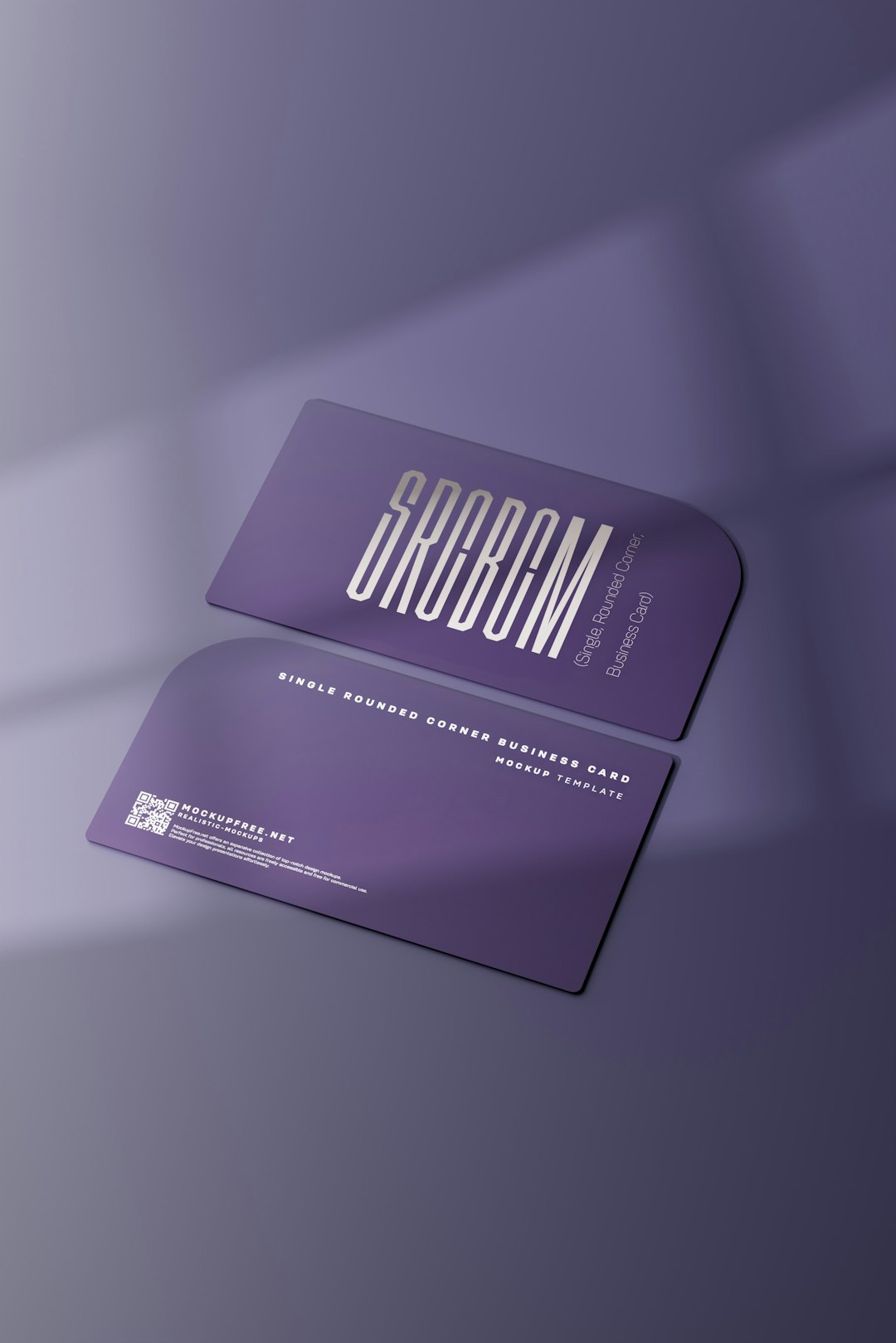
- Don’t forget the back side – add a QR code or tagline.
Final Thoughts
There’s no “one size fits all” tool. But that’s a good thing! Whether you’re making your first card or updating a brand, there’s a perfect design tool out there for you. Try a few and see which one makes your creative side shine.
Bold or classic, funky or formal—your business card should scream you. With these 20 awesome tools, it’s easier than ever to design a card you’re proud to hand out.