
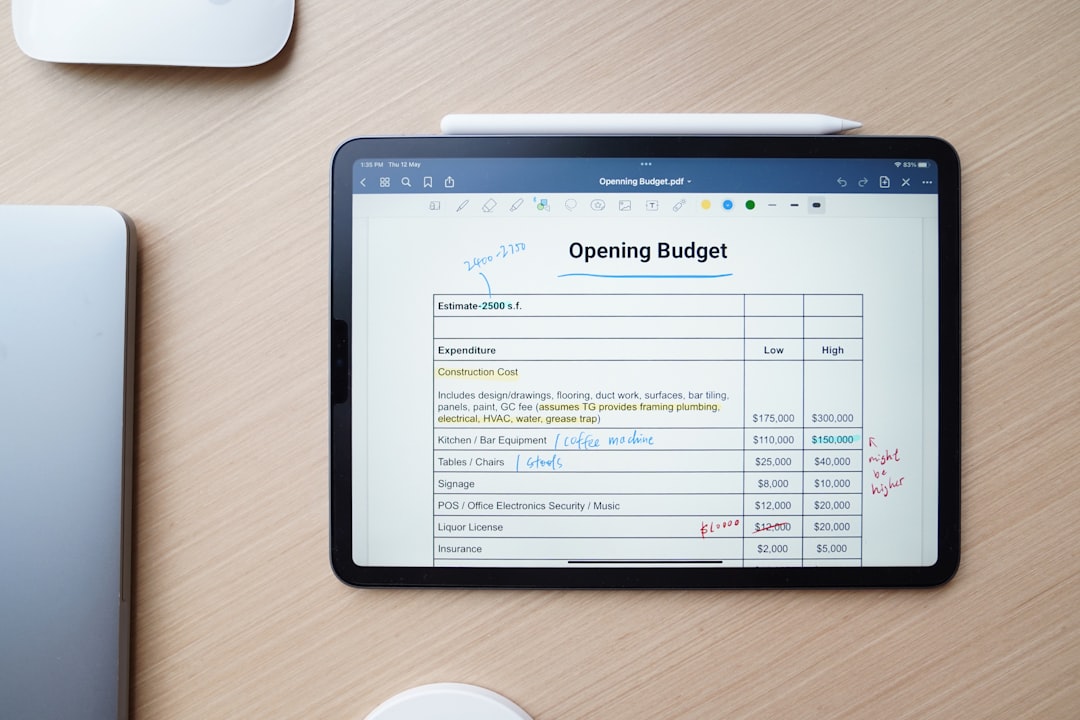
Keeping track of personal or business finances goes far beyond simply recording income and expenses. For many users, the ability to add notes to individual transactions can make all the difference when reviewing budgets, preparing taxes, or understanding spending habits. A short remark explaining why a purchase was made or who it was for can provide valuable context months later.
TLDR: The best finance apps that allow users to add notes to individual transactions combine flexibility, user-friendly design, and powerful budgeting features. Apps like Mint, YNAB, PocketGuard, Quicken Simplifi, and Goodbudget stand out for their ability to attach detailed notes, tags, and categories to each expense. These features help users better understand their spending and prepare for financial reporting. Choosing the right app depends on budgeting style, automation preferences, and device compatibility.
Below are five of the best apps that allow users to attach notes to individual transactions, along with a comparison chart and key features to consider.
1. Mint
Mint has long been a popular free budgeting app known for its automatic transaction syncing and intuitive dashboards. One of its most useful features is the ability to add notes and edit transaction details directly within each entry.
When reviewing transactions, users can:
- Add personalized notes to explain purchases
- Edit merchant names
- Re-categorize expenses
- Add custom tags
This flexibility is especially helpful during tax season or when tracking reimbursable expenses. For example, a user can note “Client dinner – reimbursable” directly within the transaction itself.

Best for: Users who want automatic syncing and a free budgeting experience.
Pros: Free, easy to use, bank syncing.
Cons: Ads and limited deep customization.
2. YNAB (You Need A Budget)
YNAB is known for its proactive budgeting philosophy, encouraging users to assign every dollar a job. While it focuses heavily on planning future spending, it also makes transaction management extremely detailed.
Each transaction in YNAB allows users to:
- Add detailed notes
- Include memos for clarity
- Split transactions into multiple categories
- Edit payees and flags
The memo field is particularly powerful. Users often rely on it to record contract details, warranty reminders, or monthly subscription changes. Since YNAB emphasizes accountability, adding notes becomes part of a disciplined budgeting workflow.
Best for: Hands-on budgeters who want detailed control.
Pros: Robust note system, powerful reporting.
Cons: Subscription fee, learning curve.
3. PocketGuard
PocketGuard stands out for its simplicity and clean interface. Designed to prevent overspending, it clearly shows how much disposable income is available after bills and goals are considered.
Users can tap on any transaction and:
- Add custom notes
- Edit categories
- Tag expenses
- Mark recurring items

Because of its simplicity, PocketGuard is ideal for users who want transaction notes without navigating complex financial forecasting tools. The notes feature works seamlessly alongside spending summaries and bill tracking.
Best for: Beginners who want a simple financial overview.
Pros: Clean design, intuitive editing features.
Cons: Fewer advanced reporting tools.
4. Quicken Simplifi
Quicken Simplifi is a modern take on financial management from the long-established Quicken brand. It offers powerful customization options combined with a streamlined interface.
When it comes to transaction management, Simplifi allows users to:
- Add detailed notes to individual transactions
- Attach tags for deeper filtering
- Create custom categories
- Track refunds and linked transfers
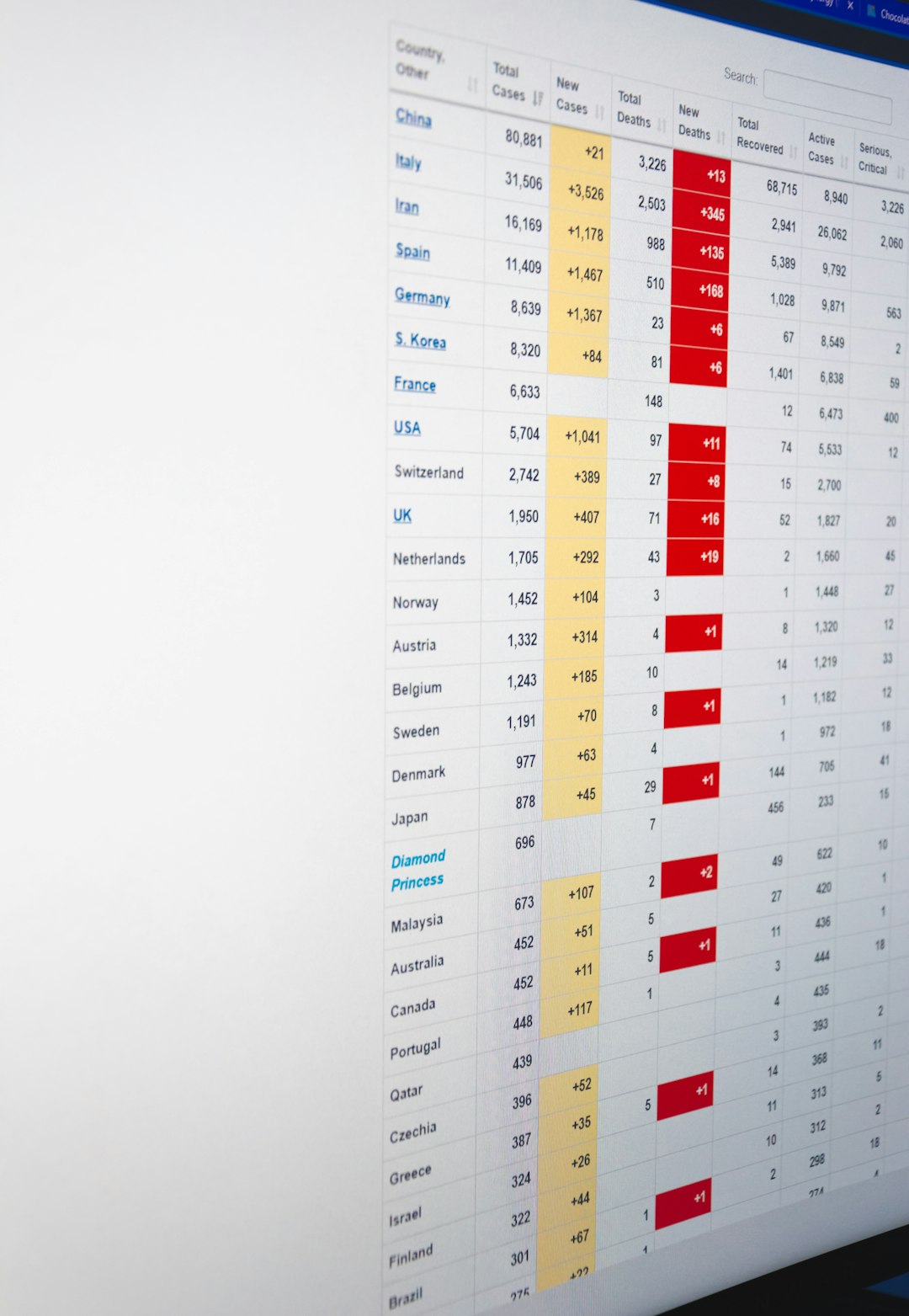
One standout feature is its smart filtering system. Users can search by keywords within transaction notes, making it easy to track specific purchases months later. This is especially beneficial for freelancers or small business owners.
Best for: Users wanting powerful filters and reporting.
Pros: Strong search tools, customizable tracking.
Cons: Monthly subscription required.
5. Goodbudget
Goodbudget takes a different approach with its envelope budgeting system. Rather than relying heavily on automatic bank syncing, it emphasizes manual entry and intentional spending.
Because of its manual input style, adding notes to transactions becomes second nature. Users can:
- Add memos to every transaction
- Track spending by envelope
- Share budgets across household members
- Review detailed spending history
This makes Goodbudget ideal for couples and families who want transparency. A quick note such as “School supplies – fall semester” can give instant clarity to other members reviewing the account.
Best for: Families and envelope-budget users.
Pros: Encourages discipline, collaborative budgeting.
Cons: Limited automation in free version.
Comparison Chart
| App | Transaction Notes | Bank Sync | Best For | Pricing |
|---|---|---|---|---|
| Mint | Notes, tags, category edits | Yes | Free budgeting | Free |
| YNAB | Detailed memos, splits | Yes | Hands-on planners | Subscription |
| PocketGuard | Notes and tags | Yes | Beginners | Free & Paid |
| Quicken Simplifi | Notes, tags, keyword search | Yes | Advanced tracking | Subscription |
| Goodbudget | Memos on each entry | Limited | Envelope budgeting | Free & Paid |
Why Adding Notes to Transactions Matters
Many users underestimate how powerful simple transactional notes can be. While categories offer broad classification, notes provide context. Over time, this context can:
- Simplify tax preparation
- Clarify business deductions
- Help identify unusual spending
- Improve communication between shared account holders
- Reduce confusion during financial reviews
Financial clarity often depends not just on numbers, but on understanding the story behind those numbers. A $250 charge may feel alarming months later—unless a note clearly says “Emergency car repair.”
Key Features to Look For
When choosing a budgeting app with note capabilities, users should prioritize:
- Searchability: Can notes be searched later?
- Tagging: Are tags available in addition to notes?
- Editing flexibility: Can transactions be modified after syncing?
- Cloud sync: Is information backed up across devices?
- Export options: Can data with notes be exported for reporting?
The ideal app will seamlessly integrate note-taking into daily financial management without making it feel like extra work.
FAQ
1. Why is adding notes to transactions important?
Adding notes provides context to financial entries. It helps users remember why purchases were made, track reimbursable expenses, and prepare accurate tax documents.
2. Are transaction notes searchable in most budgeting apps?
Not all apps offer advanced search features. Apps like Quicken Simplifi and YNAB provide strong filtering tools, while some free apps may offer limited search functionality.
3. Can I export transaction notes for tax or accounting purposes?
Many paid apps allow exporting transaction histories, including notes. This is especially helpful for freelancers and small business owners.
4. Are free budgeting apps sufficient for adding notes?
Yes, free apps like Mint and Goodbudget allow users to add notes. However, advanced filtering, customization, and reporting may require a paid subscription.
5. Do these apps support shared access for families or business partners?
Some apps, such as Goodbudget and YNAB, support shared budgeting. This can improve transparency when multiple users need to review transaction notes.
6. What is the best app overall for detailed transaction notes?
The best choice depends on user needs. YNAB offers strong budgeting philosophy and detailed memos, while Quicken Simplifi excels in search and customization. For free options, Mint remains a solid contender.
Ultimately, the ability to add notes to individual transactions turns a basic budgeting app into a powerful financial management tool. Whether managing household expenses or running a small business, contextual details can improve organization, accountability, and long-term financial clarity.