
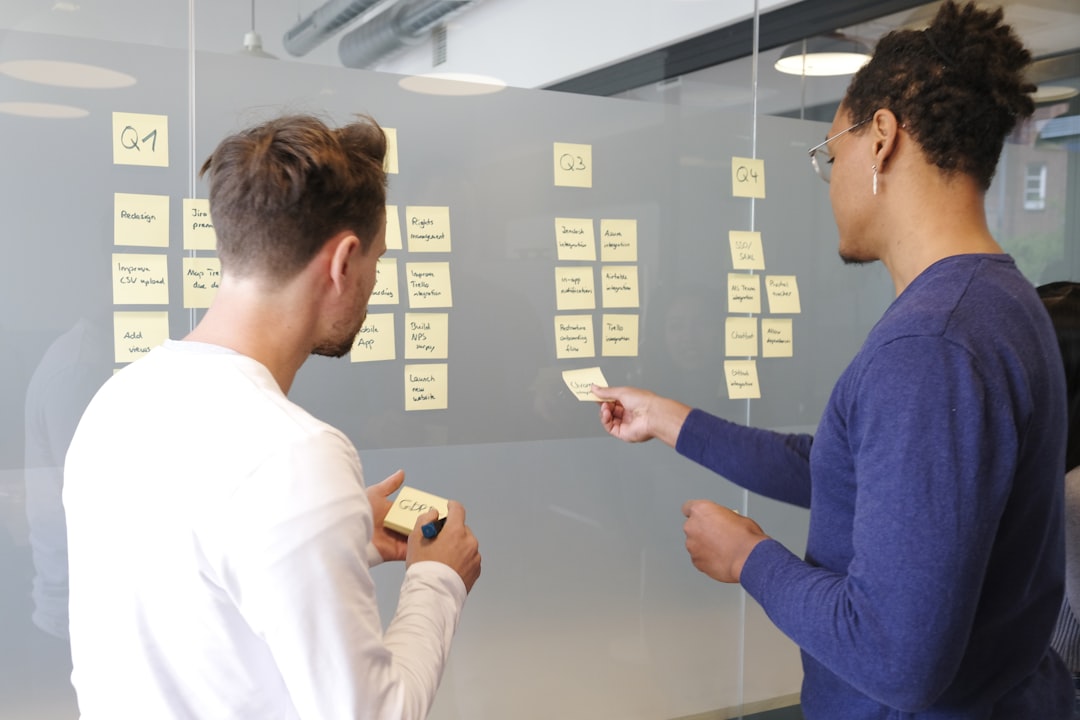
Creative teams often need more than a simple task list. Designers, marketers, video producers, content strategists, and product teams usually depend on shared calendars, asset reviews, approvals, timelines, briefs, and client feedback loops. While Asana is a well-known choice for managing projects and responsibilities, many teams look for platforms with different strengths, more visual planning, deeper customization, or better creative review features.
TLDR: Teams seeking creative workflow platforms like Asana have several strong options, including ClickUp, monday.com, Wrike, Airtable, and Notion. Each platform supports task management, collaboration, and project visibility, but they differ in flexibility, visual structure, automation, and approval workflows. The best choice depends on whether a team values customization, creative proofing, database-style organization, or an all-in-one workspace.
Why Creative Teams Look Beyond Traditional Project Management
Creative work rarely moves in a straight line. A campaign may begin with a brief, shift into brainstorming, pass through design and copywriting, require multiple rounds of feedback, and then move into production, publishing, and performance reporting. Because of this, creative teams need workflow platforms that help them manage both structure and flexibility.
A strong creative workflow platform should make it easy to assign tasks, share feedback, manage deadlines, store project details, and track approvals. It should also support different work styles. Some team members prefer Kanban boards, while others rely on calendars, timelines, tables, or dashboards. The ideal platform gives managers visibility without slowing down creative momentum.
Below are five creative workflow platforms like Asana that can help teams organize projects, reduce confusion, and improve collaboration.
1. ClickUp: A Highly Customizable Hub for Creative Operations
ClickUp is one of the most flexible platforms for creative teams that want to centralize tasks, documents, goals, dashboards, and collaboration. It is often compared to Asana because it supports task assignments, due dates, dependencies, project views, and team communication. However, ClickUp stands out for its depth of customization.
Creative teams can build workflows for content calendars, design requests, video production, website launches, social media campaigns, and client deliverables. A design team, for example, might use a form to collect creative requests, automatically turn those requests into tasks, and route them to the right designer based on workload or project type.
- Best for: Teams that want a customizable workspace with many views and automation options.
- Useful features: List views, Kanban boards, Gantt charts, docs, whiteboards, time tracking, custom fields, and dashboards.
- Creative advantage: Teams can create highly specific workflows for briefs, approvals, revisions, and launches.
ClickUp is especially useful for creative operations teams that manage many different kinds of work at once. It allows projects to be viewed from multiple angles, making it easier for managers, designers, writers, and stakeholders to stay aligned.

2. monday.com: A Visual Platform for Campaigns and Cross Functional Work
monday.com is a colorful and highly visual work management platform that suits teams looking for clarity and ease of use. It works well for campaign planning, marketing workflows, event coordination, and design production. Like Asana, it helps teams assign tasks, track deadlines, and monitor progress. Its visual boards and automation tools make it appealing for creative environments where status updates need to be quick and easy to understand.
One of monday.com’s strengths is its board-based structure. Teams can create boards for campaigns, content pipelines, client projects, or internal requests. Each row can represent a task, asset, deliverable, or project stage, while columns can display owners, statuses, dates, priorities, budgets, and file links.
- Best for: Teams that prefer colorful, visual project tracking and simple status reporting.
- Useful features: Custom boards, automations, dashboards, workload views, forms, timelines, and integrations.
- Creative advantage: Stakeholders can quickly understand project progress without digging through long task lists.
For marketing and creative teams, monday.com can function as a campaign command center. A team can track a product launch from concept to final publication, with clear ownership across copy, design, media buying, legal review, and final approval. Its visual structure helps reduce ambiguity, which is especially valuable when several departments depend on creative output.
3. Wrike: A Strong Choice for Approvals, Proofing, and Enterprise Creative Teams
Wrike is a robust workflow platform often used by marketing departments, agencies, and enterprise creative teams. It offers task management, timelines, dashboards, resource planning, proofing, and approval features. For teams that need structured review cycles, Wrike can be a strong alternative to Asana.
Creative work often depends on feedback. A designer may need comments from a marketing manager, legal reviewer, client stakeholder, and creative director before a file is approved. Wrike’s proofing tools allow teams to comment directly on images, videos, PDFs, and other assets, making feedback more precise and easier to manage.
- Best for: Larger creative teams, agencies, and organizations with formal approval processes.
- Useful features: Proofing, approvals, request forms, resource management, dashboards, dependencies, and reporting.
- Creative advantage: Feedback and approvals can happen directly on creative assets, reducing confusion and revision delays.
Wrike is also useful for teams that need executive reporting. Managers can create dashboards to track project health, overdue tasks, workloads, and campaign progress. This makes it easier for leadership to understand where creative resources are being used and which projects may be at risk.
4. Airtable: A Flexible Database Style Platform for Content and Creative Planning
Airtable combines the familiarity of spreadsheets with the power of a relational database. For creative teams, it is especially useful when work involves structured information, content inventories, production schedules, editorial calendars, asset libraries, or campaign databases.
Unlike traditional task management platforms, Airtable gives teams the ability to design their own systems. A content team might build an editorial calendar that connects writers, topics, keywords, publication dates, image assets, channels, and performance metrics. A brand team might create an asset tracker that links files to campaigns, usage rights, formats, and approval status.
- Best for: Teams that need flexible databases for content, assets, campaigns, or production tracking.
- Useful features: Grid views, Kanban views, calendar views, forms, linked records, automations, interfaces, and templates.
- Creative advantage: Teams can organize complex creative information in a structured but adaptable way.
Airtable is particularly strong when a team needs to manage more than tasks. It can become a central source of truth for creative data. Instead of scattering campaign details across spreadsheets, documents, and project tools, a team can build a connected workspace where information is easy to filter, sort, and reuse.
However, Airtable may require more setup than a standard project management platform. Teams that want an immediate plug-and-play task board may need time to design the right base structure. Once configured well, though, it can be extremely powerful.
5. Notion: A Knowledge Center and Lightweight Workflow Platform
Notion is a flexible workspace that combines documents, databases, wikis, project pages, calendars, and collaborative notes. While it may not offer the same advanced project controls as some dedicated project management tools, it is a strong option for creative teams that want to connect workflow with knowledge management.
Creative teams often need a place to store briefs, brand guidelines, meeting notes, research, campaign plans, inspiration boards, and content calendars. Notion makes it easy to organize these materials in one searchable workspace. It can also support task management through databases, Kanban boards, timelines, and calendar views.
- Best for: Teams that want a flexible space for documentation, planning, and lightweight project tracking.
- Useful features: Pages, databases, templates, wikis, comments, calendars, relations, and collaborative editing.
- Creative advantage: Project tasks can live alongside strategy documents, creative briefs, and reference materials.
Notion works especially well for smaller creative teams, startups, content teams, and brand teams that value clean documentation. A project page can include the campaign brief, target audience, mood board references, timeline, task list, meeting notes, and final asset links. This creates useful context and reduces the need to jump between multiple systems.

How Teams Can Choose the Right Platform
The best Asana alternative depends on how a creative team works. A fast-moving agency may need proofing and approval tools. A content team may need editorial planning and structured data. A startup may prefer a flexible documentation hub. A large marketing department may need automation, reporting, and workload management.
When comparing platforms, teams should consider the following criteria:
- Workflow complexity: Simple task lists may be enough for small teams, while larger teams may need dependencies, approvals, and resource planning.
- Creative review needs: Teams that review files frequently should prioritize proofing and annotation features.
- Customization: Some teams need custom fields, unique statuses, forms, databases, and tailored dashboards.
- Ease of adoption: A powerful platform is only useful if team members actually use it consistently.
- Visibility and reporting: Managers may need dashboards that show progress, bottlenecks, and workload capacity.
- Documentation: Teams that depend on briefs and guidelines may benefit from a platform that handles knowledge management well.
It can also help to test a platform with one real project before rolling it out to an entire organization. A small pilot gives teams a chance to see whether the tool supports their actual creative process, rather than just looking good in a product demo.
Final Thoughts
Asana remains a popular project management tool, but it is not the only option for creative teams. ClickUp offers deep customization, monday.com provides visual clarity, Wrike supports structured approvals, Airtable excels at database-driven planning, and Notion combines workflow with documentation.
Each platform can help teams reduce scattered communication, clarify ownership, and move creative projects forward with less friction. The right choice depends on whether the team values visual project boards, advanced proofing, flexible databases, or an all-in-one knowledge workspace. When the platform matches the way a team creates, reviews, and delivers work, collaboration becomes smoother and creative output becomes easier to manage.
FAQ
What is a creative workflow platform?
A creative workflow platform is a tool that helps teams manage creative projects from request to delivery. It usually includes task tracking, timelines, file sharing, collaboration, approvals, and reporting.
Which Asana alternative is best for creative approvals?
Wrike is one of the strongest options for creative approvals because it includes proofing and review tools that allow feedback directly on visual assets, documents, and videos.
Which platform is best for content calendars?
Airtable, monday.com, and Notion can all work well for content calendars. Airtable is especially useful when the calendar needs structured fields, filters, and connected records.
Which tool is best for small creative teams?
Notion and ClickUp are often good fits for small creative teams. Notion is useful for documentation and planning, while ClickUp provides more advanced task and project management features.
Do creative teams need automation?
Automation is not always required, but it can save time. Teams can use automation to assign tasks, update statuses, send reminders, route requests, and notify reviewers when creative work is ready for approval.
How should a team decide between these platforms?
A team should compare its project types, review process, reporting needs, and preferred working style. Testing one platform with a real campaign or creative project is often the best way to determine whether it fits.