

Georgia State University (GSU) provides a wireless internet service known as GSU WiFi, designed to support students, faculty, and staff in their academic and professional activities. Reliable internet access is essential in today’s digital learning environment, and GSU WiFi aims to offer seamless connectivity across campus for research, online coursework, and administrative tasks.
Overview of GSU WiFi
GSU WiFi is a secure, high-speed wireless internet service available throughout Georgia State University campuses. It allows users to connect their personal devices, such as laptops, smartphones, and tablets, to the university network, providing access to online learning platforms, library resources, and collaboration tools.
The wireless network is divided into multiple segments, each with specific access privileges:
- GSU-Secure: The primary network for students, faculty, and staff, requiring login credentials for authentication.
- GSU-Guest: A network designed for visitors and guests who need temporary access to the internet.
- Eduroam: A global academic network allowing students and faculty from participating institutions to connect seamlessly.

How to Connect to GSU WiFi
Users must follow a simple process to connect to the GSU WiFi network:
- Select the appropriate network: Choose GSU-Secure if you are a student or faculty member, or GSU-Guest if you are a visitor.
- Authenticate using your campus credentials: Enter your GSU username and password to gain access.
- Configure your device: Some devices may require additional configuration or certificate installation for secure connections.
For detailed instructions on configuring specific operating systems, GSU provides a support page with setup guides for Windows, MacOS, Android, and iOS devices.
Benefits of Using GSU WiFi
GSU WiFi offers multiple benefits to its users, ensuring a smooth digital experience on campus:
- High-speed connectivity: Designed to support academic research, online classes, and wireless collaboration tools.
- Secure access: Encrypted network connections to protect users’ data.
- Wide coverage: Available across classrooms, libraries, residence halls, and common areas.
- Multiple device support: Users can connect multiple devices to the network simultaneously.
These advantages make GSU WiFi an essential resource for students and faculty engaging in online learning and research activities.
Common Issues and Troubleshooting
While GSU WiFi is designed to be reliable, users may occasionally encounter connectivity issues. Some common problems and their solutions include:
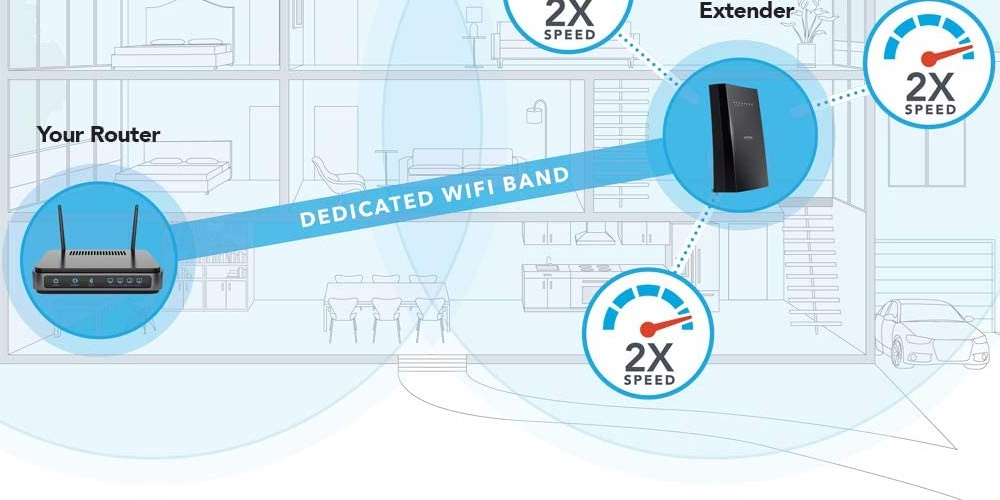
- Weak signal strength: Try moving to a location with better coverage, such as a library or study area.
- Authentication errors: Ensure that your login credentials are correct and reset your password if necessary.
- Device compatibility issues: Some older devices may require manual configuration or software updates to connect successfully.
- Network congestion: Peak usage times may slow down connectivity, so using the network during off-peak hours can improve performance.
Support and Assistance
If users encounter persistent issues with GSU WiFi, they can seek assistance from the university’s IT Help Desk. Support is available via phone, email, and in-person consultations at designated IT support centers on campus.
Conclusion
GSU WiFi is an essential service that enables seamless internet access for students, faculty, and staff across Georgia State University. By offering high-speed, secure, and easily accessible wireless connectivity, it supports academic success and innovation. Understanding how to connect, troubleshoot common issues, and seek support ensures that users can make the most of this valuable resource.