

Reliving GameCube classics is easier than ever in 2025, thanks to an impressive selection of free emulators. Whether you want to play Super Smash Bros. Melee, The Legend of Zelda: The Wind Waker, or Metroid Prime, these emulators let you dive back into Nintendo’s 2000s magic – all without spending a dime. Here are the 8 best free GameCube emulators in 2025 that strike the perfect balance between performance and nostalgia.
1. Dolphin Emulator
This is the undisputed champion of GameCube emulation. Dolphin has been around for over a decade, and it continues to dominate with its user-friendly interface, broad compatibility, and stunning HD visuals. With features like save states, networked multiplayer, cheat codes, and enhancements like texture packs, Dolphin remains the gold standard for emulating both GameCube and Wii games.

- Platform: Windows, macOS, Linux, Android
- Features: 1080p support, controller mapping, netplay, memory card emulation
2. WhineCube
WhineCube is a lightweight emulator aimed at developers and hobbyists. While it’s not the most fully featured, it’s respected for its high-speed processing and accurate interpretation of homebrew software. It’s not ideal for commercial games, but for experimentation and learning, it’s an excellent tool.
- Platform: Windows
- Features: Fast performance, debugging tools, homebrew support
3. GCemu
An older project that still holds relevance today, GCemu focuses on simulating the GameCube with a simplified architecture. While it’s not updated regularly, its compact design and open-source code make it a fun option for DIY programmers wanting to tinker with emulation tech.
- Platform: Windows
- Features: Lightweight, open source, decent compatibility with ROMs
4. CubeSX
CubeSX is a hybrid emulator designed to offer support for both PlayStation and GameCube games. Based on the PCSX2 and Dolphin cores, it’s an intriguing proposition for gamers who want multi-console capabilities in one app. It also supports external controller mapping and custom shaders.
- Platform: Windows
- Features: Cross-platform emulation, GPU plugins, high compatibility rate
5. Nintendont
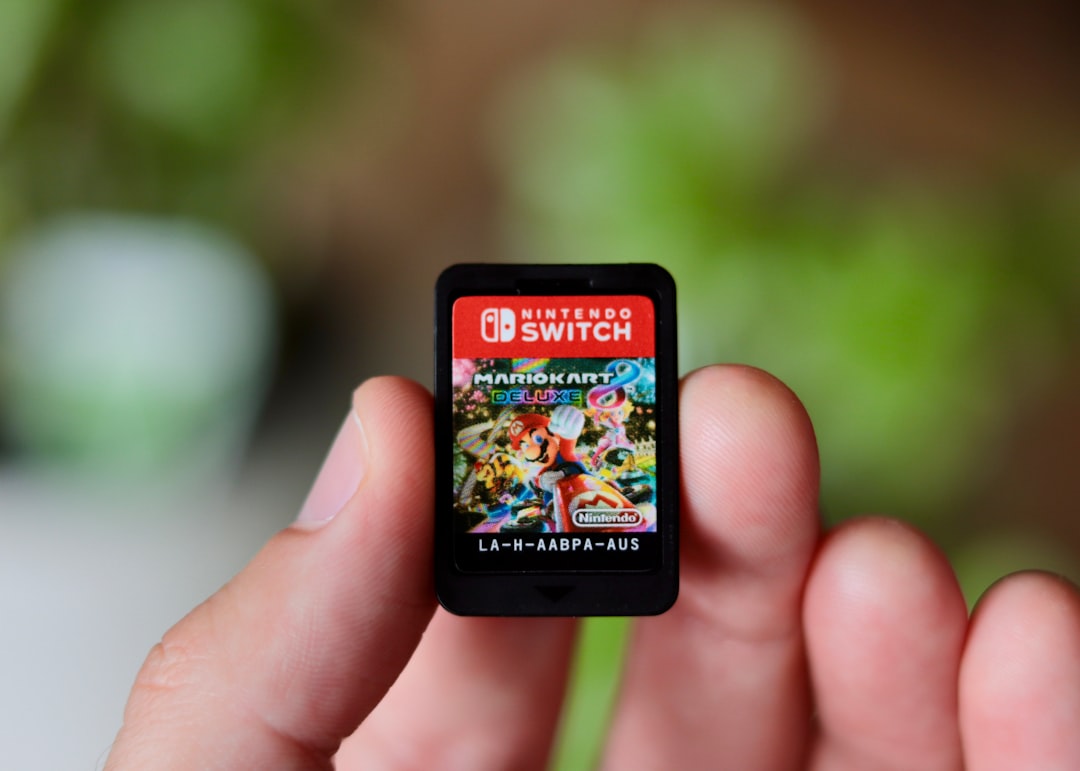
This is not your typical PC emulator — Nintendont is designed to run on actual Nintendo hardware, specifically the Wii and Wii U. It allows you to load GameCube titles directly from an SD card or USB drive, turning your old console into a glorified multi-game machine.
- Platform: Wii, Wii U
- Features: Runs on real hardware, USB and SD loading, memory card emulation
6. Dolwin Emulator
Dolwin is another emulator aimed more at the enthusiast and developer community. It doesn’t support many commercial games, but it’s useful for testing and understanding how the GameCube’s architecture works. With a clean design and easy debugging tools, Dolwin is a solid educational resource.
- Platform: Windows
- Features: Debugging, partial game compatibility, clean GUI
7. Gcube
Gcube is a C++-based emulator that also focuses on running homebrew games and applications. While its performance with commercial titles is limited, its active community and available documentation make it a favorite in niche circles.
- Platform: Windows
- Features: Written in C++, homebrew focused, command-line interface
8. SuperGCube
SuperGCube is the spiritual successor to Gcube and places a stronger emphasis on speed and compatibility with retail GameCube games. While it lacks some of the advanced features offered by Dolphin, it’s gaining attention for its impressively low hardware requirements.
- Platform: Windows
- Features: Speed optimization, decent game support, ETA-based emulation
Choosing the Right Emulator for You
Which emulator you choose comes down to your needs. For high-quality gameplay, Dolphin is unmatched. If you’re a developer or curious tinkerer, give WhineCube or Dolwin a try. Those looking to breathe new life into their Wii console will love Nintendont.
Don’t forget to optimize your performance by adjusting graphics settings and ensuring your PC meets minimum system requirements. Some emulators work better with specific games, so check compatibility lists regularly and explore community forums for tweaks and setup guides.

Conclusion
Thanks to a passionate emulation community, the legacy of the Nintendo GameCube is alive and well in 2025. Whether for gameplay, development, or curiosity, these free GameCube emulators offer a portal back to one of the most beloved generations in console gaming history. So grab your controller, load that ROM, and enjoy the ride through memory lane.