
Ever watched a video where someone just talks to the camera? That’s a talking head video! It’s a simple but powerful way to share your message. Whether it’s for YouTube, a business, or just for fun, anyone can make one. Beginners, don’t panic. This guide will walk you through the whole process. Step by step. And yes, it’ll be fun!
1. What is a Talking Head Video?
Let’s keep it simple. A talking head video is just a video of a person speaking directly to the camera. That’s it. No fancy edits required. You can use it to:
- Introduce a product or service
- Teach something cool
- Share your opinion or story
It’s like having a face-to-face chat with your viewer.
2. What You Need to Get Started
You don’t need a Hollywood studio. Most of this stuff you already have!
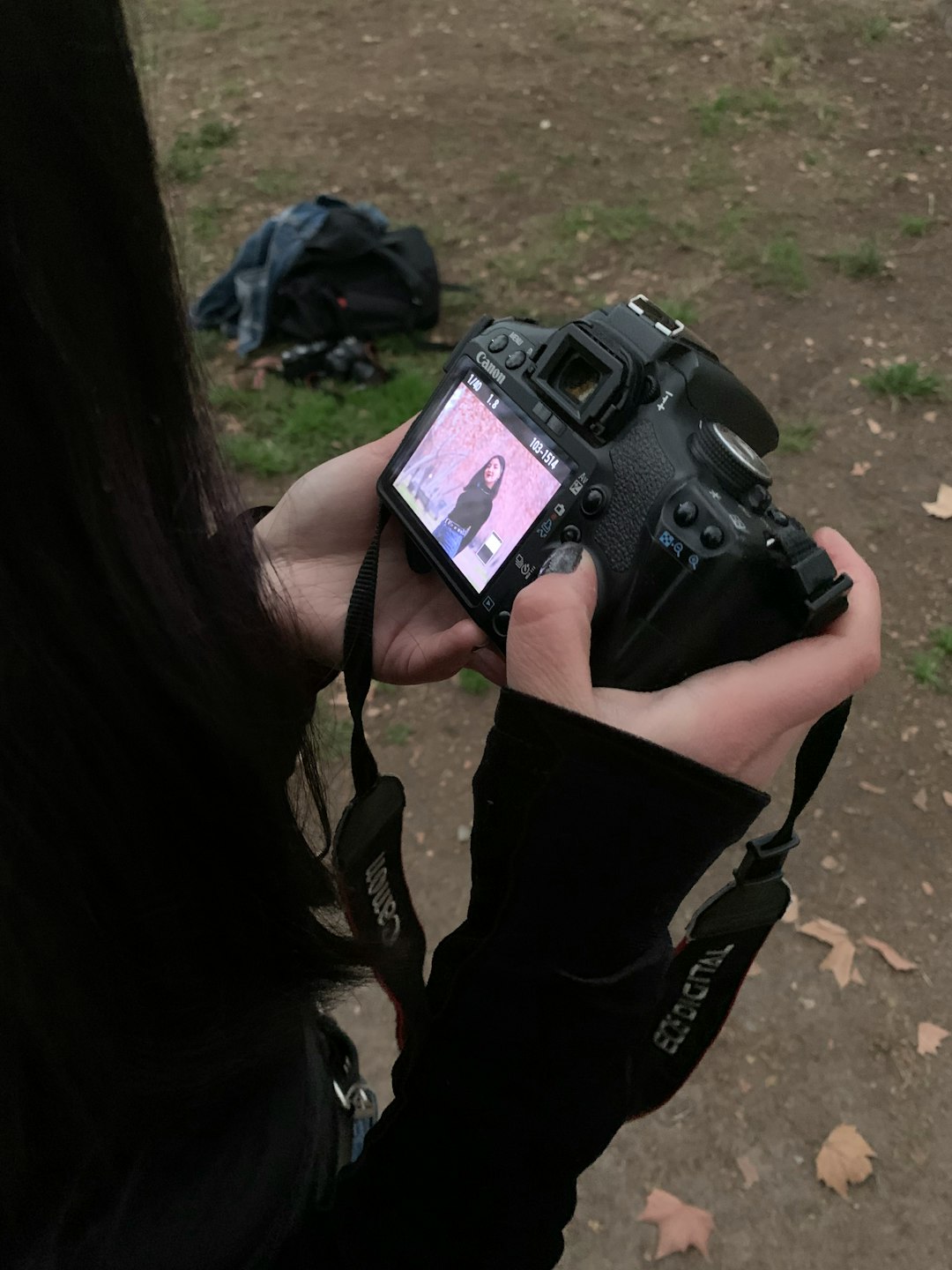
- Camera: A smartphone works just fine! Or use a webcam, DSLR, or mirrorless camera.
- Microphone: Audio matters. Bad sound is a buzzkill. Try a USB mic or lapel mic.
- Lighting: Natural light is gold. Or buy a ring light — they’re cheap and bright!
- Tripod or Stand: Keep your camera still. Nobody likes a shaky video.

3. Set Up Your Shooting Space
You don’t need a fancy studio. Just choose a quiet space and make it look nice.
- Pick a background: A clean wall, bookshelf, or tidy room works great.
- Quiet, please! Turn off noisy fans and mute your phone.
- Check the lighting: Test how the light hits your face. You should be seen clearly, no creepy shadows!
Pro Tip: Sit or stand up straight. Good posture makes you look confident!
4. Write a Simple Script
Don’t try to wing it. A script helps you stay on track and avoid saying “uhh” every two seconds.
- Start with a hook. Something to grab attention fast.
- Then, explain your topic clearly.
- End with a call to action. Ask viewers to like, comment, or subscribe.
Make it sound natural. Like you’re talking to a friend. Practice it a couple of times. You got this!
5. Record Your Video
Time to hit record. But wait — breathe! Relax. Smile, and look right into the lens.

Take a few takes if needed. Don’t be too hard on yourself. You’ll get better every time you do it.
6. Edit Like a Pro (Even If You’re Not One)
This part sounds scary, but it’s not. Use simple tools:
- Free Tools: iMovie (Mac), Clipchamp (Windows), or CapCut (Mobile)
- Trim out mistakes
- Add text if needed, like your name or key points
- Include background music (make sure it’s royalty-free!)
Editing can make your video feel polished — even if you filmed it in your bedroom.
7. Share Your Video
Done editing? Great! It’s time to share it with the world.
- YouTube – Biggest video platform, perfect for talking head content
- Social Media – Facebook, TikTok, or Instagram video
- Email or Website – Embed your video in newsletters or homepages
Remember, don’t just post and ghost. Engage with your audience. Say thanks, reply to comments. Build that connection.
8. Bonus Tips for Better Videos
- Be yourself: Your unique style is what people will love.
- Smile: It makes a HUGE difference.
- Use subtitles: Helps people understand even with the sound off.
- Practice: Your first video may not be perfect. That’s totally okay.
Ready, Set, Action!
Making your first talking head video might feel scary. But with a bit of preparation and some practice, it gets lots easier. Just follow these steps. Smile, hit record, and speak your truth. The world is ready to hear from you!
So what are you waiting for? Go make that awesome video today! 🎬