

Are you trying to jump into some action-packed superhero battles in Marvel Rivals, only to get hit with the infamous Error 10? Don’t panic! This guide will help you fix it with super simplicity. Whether you’re Iron Man or just trying to play as him, you deserve smooth gameplay.
Let’s dive into this friendly guide for fixing Error 10 — without smashing your keyboard like the Hulk!
What is Error 10?
Error 10 in Marvel Rivals usually pops up due to connection issues. This can happen for various reasons like:
- Problems with your internet
- Server downtime
- Firewall or anti-virus interference
It’s basically your game saying, “Nope, can’t connect right now.” But fear not, there are easy ways to fix it!
Step-by-Step Fixes
These steps are beginner-friendly. Try them one by one and you’ll be saving the multiverse in no time.
1. Check Your Internet Connection
This is the easiest first step. Make sure your Wi-Fi or Ethernet is running smoothly. Try:
- Opening a browser and loading a website
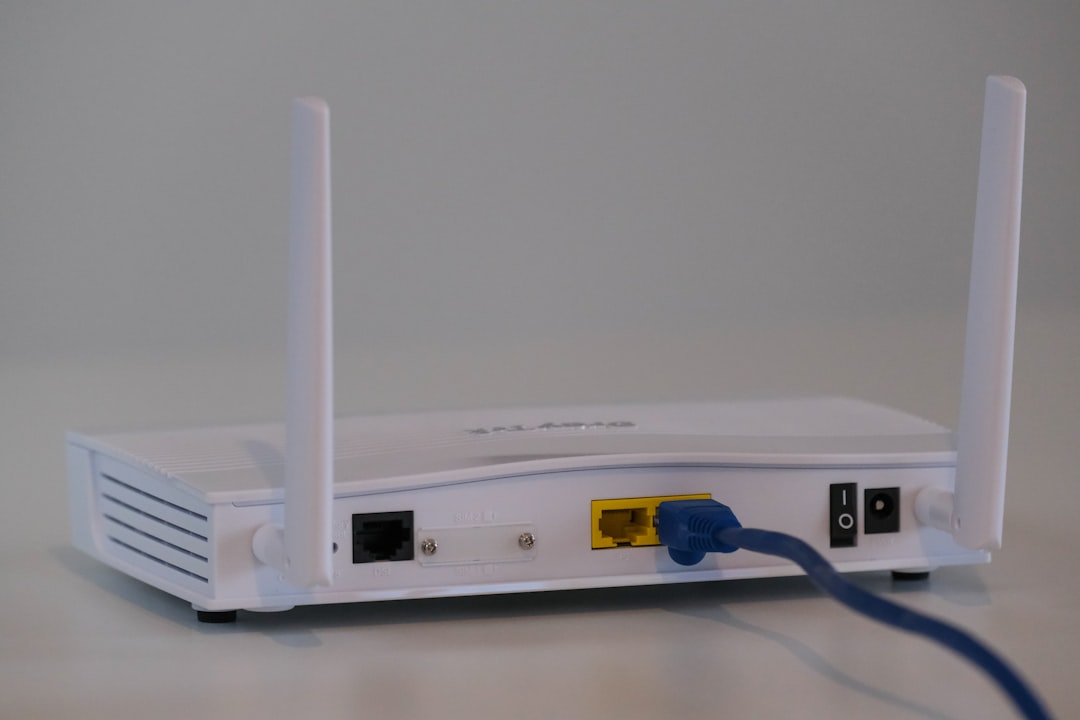
- Restarting your router
- Switching to a wired connection if you’re on Wi-Fi
Still not working? Don’t worry, keep reading.
2. Restart the Game and Your PC
Sometimes, a good ol’ restart can fix the biggest issues. Close Marvel Rivals, then:
- Restart your computer
- Launch the game again after reboot
Think of it as giving your system a power nap.
3. Check Marvel Rivals Server Status
The problem might not even be on your end. Visit the official Marvel Rivals website or their social media to check:
- If the servers are down for maintenance
- Any updates or announcements
If the servers are down, relax with a comic book. You’ll be back in action soon!
4. Disable Your Firewall or Anti-virus (Temporarily!)
Sometimes, your security software gets a little too protective. It might be blocking Marvel Rivals. Try this:
- Go to your anti-virus or firewall settings
- Temporarily disable or allow Marvel Rivals through the firewall
- Re-launch the game
Important: Turn the protection back on if this step doesn’t help!
5. Update the Game and Your System
Outdated files = annoying bugs. Make sure everything’s up to date:
- Check for game updates in your launcher
- Update your operating system
- Update your graphics drivers
Your system and your game will both thank you.
Bonus Tip: Reinstall the Game
If all else fails, this step might be your hero.
- Uninstall Marvel Rivals
- Restart your computer
- Reinstall the game from scratch
Make sure to back up your settings or login info just in case! A fresh install can wipe away corrupted files that may cause Error 10.
Still Seeing Error 10?
If you’ve tried everything and the error won’t vanish, it might be time to contact support. Marvel Rivals has a support section where you can:
- Submit a ticket
- Chat with support agents
- Get help from the community
They’re there to help — no Doctor Strange magic needed!
Wrap-Up
Error 10 can be annoying. But it’s totally fixable. Just take it one step at a time.
Here’s a quick recap:
- Check your internet
- Restart your PC and the game
- Verify server status
- Temporarily disable firewalls
- Update or reinstall the game
With these tips, you’ll be back teaming up with Spider-Man, Captain Marvel, and all your favorites in no time. Now go save the world — virtually, of course!