

Ever look behind the scenes of a phone system or internet setup and see a bunch of wires all connected together? That neat little box where the wires meet might just be a punch block. While they may look confusing at first glance, punch blocks are actually quite clever—and they’re a cool part of everyday tech magic!
TL;DR: A punch block is a device used to connect lots of wires without soldering or twisting them together. It’s mostly used for telephone and networking systems. Each wire gets “punched” into place using a special tool. This helps keep things neat, organized, and easy to fix later.
What Exactly Is a Punch Block?
A punch block is a plastic or metal frame with rows of connector clips. These clips hold wires tightly in place. Think of it like a terminal for phone or internet wires. It’s called a punch block because you punch the wires into the clips with a special tool. No screwing or twisting needed!
Each wire gets its own slot. Once it’s in, the metal blades in the clip slice through the plastic insulation to touch the copper inside. Boom—your wire is now connected.

Why Use a Punch Block?
You might be wondering, “Why not just twist wires together?” Great question! Punch blocks offer a few awesome advantages:
- Safe and secure: They hold wires tightly so they don’t come loose.
- Organized: Everything has a place, making it easy to trace wires.
- Fast repairs: If a wire goes bad, unplug it and plug in a new one. Easy!
- No soldering or tape: You don’t need to be a tech wizard to use one.
They’re especially handy in places where lots of wires come together—like office buildings with dozens or even hundreds of phone lines.
Where Do We Find Punch Blocks?
Punch blocks are most common in:
- Telephone systems: Both landlines in homes and large office systems.
- Networking setups: Like in server rooms or data centers.
- TV stations and broadcasting: For signal routing.
They’re usually hidden behind walls, in utility closets, basements, or special tech rooms. If you’ve ever seen a bunch of wires going into a tidy block on the wall, you’ve likely seen one.
How Does a Punch Block Work?
Great question! Let’s keep it simple. The punch block has metal clips lined up in rows. These clips are called insulation displacement connectors (IDCs).
When you push a wire into one of these connectors, the metal blade inside cuts through the insulation and touches the inner copper. That’s what lets the electricity—or signal—flow.
The punch-down tool (more on this later!) makes the job quick and super accurate.
A Quick Look at the Parts
Here’s what makes up a typical punch block setup:
- Punch block frame: The base where everything is mounted.
- Terminals or jacks: Where the wires go.
- IDC connectors: Tiny metal fins that cut into the wire’s insulation.
- Labels: For telling which wire goes where. A lifesaver when troubleshooting!
What Is a Punch-Down Tool?
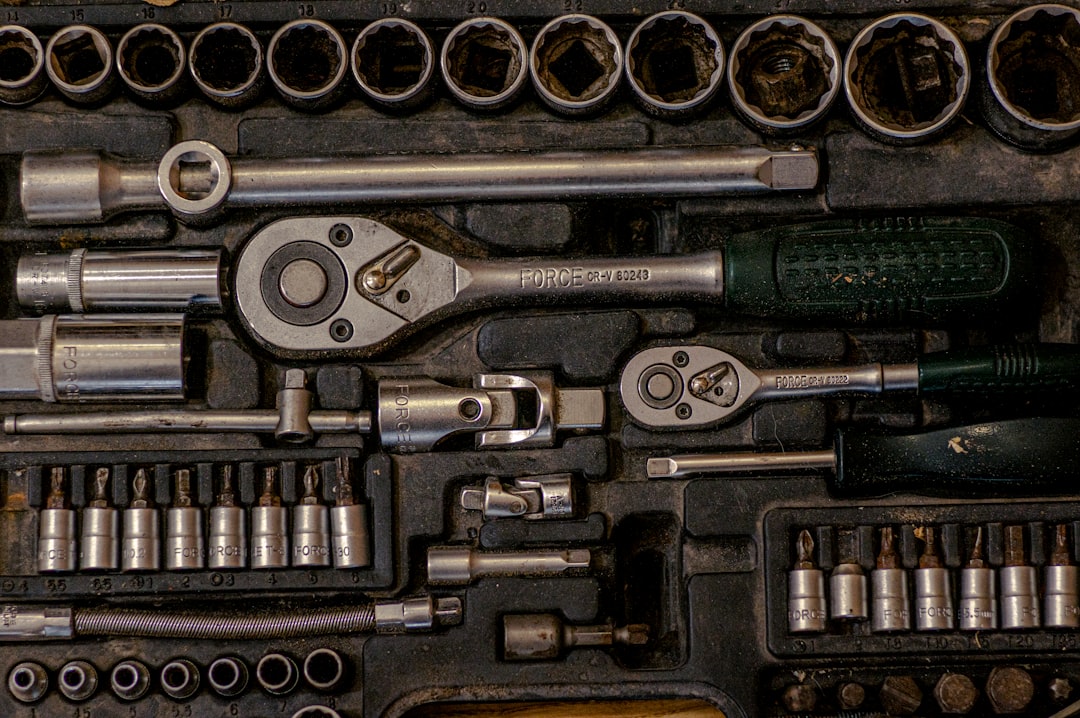
Ah yes—the mighty punch-down tool. It’s what makes a punch block work its magic. This hand-held gadget looks kind of like a fat screwdriver. But it’s smarter!
The punch-down tool pushes wires into the IDC terminals and cuts off the extra wire in one motion. It makes a solid connection every time.
There are even different tips for different types of punch blocks. The tool ensures you’re not damaging the wire or the connector. It’s a precision tool for a precise job.
Types of Punch Blocks
There isn’t just one kind of punch block. Here are a few popular types:
- 66 block: Used mostly for older telephone systems.
- 110 block: A newer version used in Ethernet and networking.
- Krone block: Popular in Europe and other countries outside the U.S.
The main difference between them is the type of connector and layout. They all do the same job—a neat, reliable connection—but they’re used for different wiring standards.
Punch Blocks vs Patch Panels
You might be thinking: Wait, isn’t that what a patch panel does? You’re not wrong—but there’s a small twist.
A patch panel has jacks on the front and wires punched in on the back. You can plug and unplug short cables on the front to reroute signals.
With a punch block, most of the connections are fixed. Changes are made by physically moving the wires. So punch blocks are great for permanent setups, while patch panels are better when things need to move around a lot.
Is It Easy to Use?
Well, yes and no. If you’re just getting started with wiring, it can feel like a lot. But once you learn the basics, it’s actually pretty simple.
Here’s what the process usually looks like:
- Strip the wire to expose a short bit of copper.
- Line it up on the right terminal slot.
- Use the punch-down tool to push the wire into the slot.
- The tool trims the extra wire and secures it in place.
Easy peasy! But remember—always double-check the label to avoid mixing up connections.
Fun Fact!
Back in the day, telephone operators used giant switchboards to connect calls. Punch blocks were part of the tech revolution that made that system automated and faster. So the humble punch block helped kill the “hello, operator?” days!
Are They Still Used Today?
Absolutely. Even with all the new wireless and digital tech we have, punch blocks are still useful. Plenty of offices and networks still rely on wired connections. These setups need stable and consistent links, which punch blocks provide.
They’re also soup-to-nuts reliable. Once a wire is punched in, it’s going to stay put. That’s why many pro-level setups still stick with punch blocks, especially in tight spaces where precision matters.
In Conclusion
Punch blocks may not be flashy, but they’re one of the unsung heroes of electrical and network wiring. They keep everything organized, easy to manage, and secure. Whether you’re setting up a new office phone system or just curious about tech behind the walls, understanding punch blocks is a seriously cool skill to have.
So next time you see a tangle of wires going to a mysterious panel—congrats! You just discovered a punch block in the wild.