
CapCut has become one of the most recognizable video editing apps available today, especially among creators producing short-form content for TikTok, Instagram Reels, and YouTube Shorts. But as its popularity has surged, so have concerns about data privacy, feature limitations, watermarking policies, and platform restrictions. Across Reddit’s most active video editing communities, users frequently recommend alternative tools that offer stronger performance, better customization, or fewer constraints. If you’re looking for something different—whether for creative flexibility, professional polish, or privacy reasons—these seven CapCut alternatives deserve serious consideration.
TLDR: CapCut is popular, but Reddit users frequently recommend several under-the-radar alternatives that offer better customization, privacy control, or advanced editing power. From mobile-first apps like VN Editor to professional-grade tools like DaVinci Resolve, there are strong options for every skill level. This guide compares seven serious alternatives, highlighting strengths, weaknesses, and ideal use cases. A comparison chart at the end helps you decide quickly.
1. DaVinci Resolve
Best for: Professional-level color grading and long-form production
Frequently described on Reddit as “Hollywood-level software for free,” DaVinci Resolve stands out for its unparalleled color grading tools and professional post-production pipeline. While CapCut focuses on quick edits and filters, DaVinci Resolve offers node-based color correction, advanced audio engineering through Fairlight, and Fusion for visual effects.
Why Reddit recommends it:
- No watermarks in the free version
- Industry-grade color correction tools
- Extensive export customization
- Strong community tutorials
Potential drawbacks:
- Steep learning curve
- Requires a capable computer
If you are scaling beyond short-form, quick edits and moving toward cinematic or business-grade video, this is the most substantial upgrade from CapCut.
2. VN Video Editor
Best for: Mobile creators who want simplicity without losing control
Often described on Reddit as “CapCut without the clutter,” VN Video Editor strikes an impressive balance between ease of use and functional depth. It supports multi-layer timelines, keyframe animation, speed ramps, and LUT imports — all without adding watermarks in most cases.
Why Reddit recommends it:
- Clean interface
- Strong timeline flexibility
- Free exports without branding
- Good balance between beginner and intermediate tools
For users wanting a similar mobile workflow but more control over assets and exports, VN is often cited as a natural next step.
3. LumaFusion
Best for: iOS and iPad power users
LumaFusion consistently appears in Reddit discussions about professional-grade mobile editing. While it’s a paid app, many users argue the one-time purchase cost is justified by its stability and feature set.
Strengths:
- Multitrack editing
- Advanced keyframing
- External drive support
- Reliable export performance
Unlike CapCut’s short-form focus, LumaFusion supports documentary-style, YouTube long-form, and even broadcast workflows. It’s particularly valued by journalists and field content creators.
4. Shotcut
Best for: Open-source desktop editing
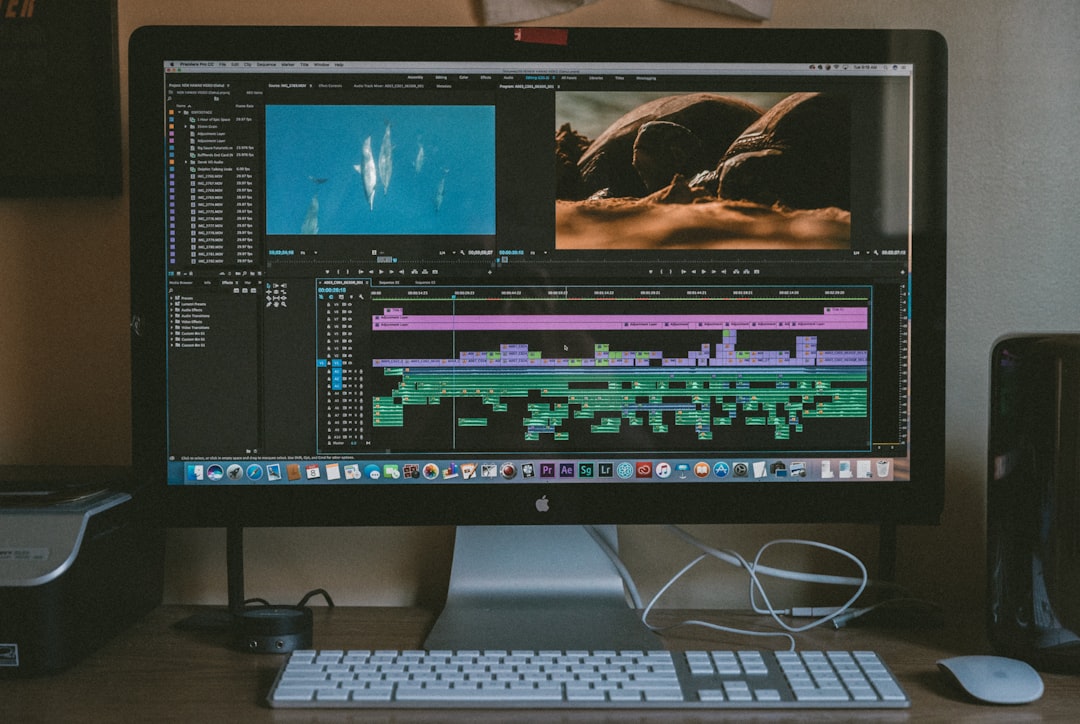
Shotcut might not be flashy, but it is consistently mentioned in Reddit threads as a powerful open-source alternative. It runs on Windows, macOS, and Linux — a significant advantage for users who prefer privacy-conscious software.
Why Reddit appreciates Shotcut:
- Fully open-source
- No hidden paywalls
- Broad format compatibility
- Customizable interface
It lacks some of the automated effects and template libraries that make CapCut beginner-friendly. However, for users who prioritize ownership and openness, Shotcut earns strong credibility.
5. Kdenlive
Best for: Linux users and open-source advocates
Another frequently recommended Reddit alternative is Kdenlive. Similar to Shotcut, it is free and open-source but offers slightly deeper timeline control and compositing tools.
Notable features:
- Proxy editing for smoother performance
- Advanced transitions
- Flexible effect stacking
- Active development community
Reddit discussions often compare Kdenlive favorably against entry-level paid editors, especially for creators who are comfortable investing time in learning.
6. Filmora
Best for: Template-heavy content creators
Filmora sits somewhere between casual and professional editing. While not universally loved on Reddit, it is frequently suggested as a more stable alternative to CapCut for desktop users.
Advantages:
- Large effects library
- Strong motion graphics presets
- AI automation tools
Considerations:
- Subscription model
- Watermarks on unpaid versions
For creators focused on social templates and quick publish workflows, Filmora delivers a similar experience but with richer desktop integration.
7. InShot (Advanced Users Overlook It)
Best for: Lightweight social editing
While typically viewed as a beginner app, InShot continues to receive mentions on Reddit for its surprisingly efficient rendering and stable exports. It does not try to compete at the professional level, but for polished Instagram content, it offers consistency.
Reddit users note that InShot’s predictability and speed make it ideal for quick turnaround projects.
Feature Comparison Chart
| Tool | Platform | Free Version | Best For | Learning Curve |
|---|---|---|---|---|
| DaVinci Resolve | Windows, macOS | Yes | Professional production | High |
| VN Editor | iOS, Android | Yes | Mobile flexibility | Low to Medium |
| LumaFusion | iOS | No (One-time purchase) | Mobile pro editing | Medium |
| Shotcut | Windows, macOS, Linux | Yes | Open-source editing | Medium |
| Kdenlive | Windows, macOS, Linux | Yes | Linux power users | Medium |
| Filmora | Windows, macOS | Limited | Template creators | Low |
| InShot | iOS, Android | Limited | Quick social edits | Low |
Why Reddit Recommendations Hold Weight
Reddit is not influenced by affiliate-heavy review ecosystems in the same way traditional tech blogs often are. Video editing communities on Reddit tend to emphasize workflow, performance, licensing transparency, and export quality over marketing claims.
When users recommend DaVinci Resolve, it is usually because they have experienced its grading precision. When they recommend open-source tools like Shotcut or Kdenlive, it is often tied to privacy, reliability, and cost control. These suggestions come from actual production experience rather than top-search results.
How to Choose the Right Alternative
Before switching away from CapCut, consider the following criteria:
- Primary platform: Mobile or desktop?
- Project complexity: Social clips or long-form?
- Hardware limitations: Can your system handle advanced software?
- Budget: Subscription, one-time purchase, or free?
- Privacy concerns: Cloud-based or local editing?
There is no universal “best” alternative. Instead, the best tool depends on workflow maturity and project goals.
Final Assessment
CapCut remains effective for streamlined, short-form social production. However, as creators grow, they often encounter limitations in customization, advanced editing, export control, and data preferences. Reddit’s most recommended alternatives reflect real-world needs: professional upgrading (DaVinci Resolve), balanced mobile editing (VN Editor), privacy-oriented workflows (Shotcut, Kdenlive), or template-rich content production (Filmora).
The significant insight from community discussions is this: many creators outgrow CapCut faster than they expect. Whether your priority is cinematic color grading, open-source transparency, iOS-based efficiency, or quick social workflows, you likely have an option better aligned with your long-term goals.
Choosing the right editing platform is not about trends. It is about sustainability, control, and output quality. Evaluating alternatives seriously—not just casually trying them—can improve both creative capacity and production reliability.
If you are ready to experiment beyond the most obvious choice, these seven alternatives provide a well-vetted starting point.