

Redesigning your product can feel exciting. Fresh colors. Cleaner layouts. New flows. It feels like progress.
But here is the hard truth. A redesign can quietly destroy your retention.
Users do not always love “new.” They love “familiar.” They love “easy.” They love “it just works.”
If your redesign ignores that, people leave. Fast.
TLDR: Many UX redesigns fail because they remove familiar features, overcomplicate flows, ignore user feedback, disrupt habits, or prioritize looks over usability. Retention drops when users feel confused or forced to relearn your product. To fix this, keep what works, test early, communicate changes clearly, and design around real user behavior. A great redesign feels better, not different.
Let’s break down five common UX redesign mistakes that hurt retention. And how to fix each one.
1. Removing Features People Actually Use
This is the classic mistake.
A team looks at old features and says, “No one needs this anymore.”
But someone does.
Sometimes a small group of highly loyal users depends on that feature every day. Remove it, and you remove their reason to stay.
Even worse? You move important features somewhere hidden because the new layout “looks cleaner.”
Clean does not equal usable.
Why It Hurts Retention
- Users feel ignored.
- Workflows break.
- Trust drops.
- They look for alternatives.
Habits are powerful. If a redesign interrupts habits, frustration rises immediately.

How to Fix It
- Check usage data first. Look at real numbers, not opinions.
- Identify power users. What do they rely on daily?
- Deprecate slowly. Warn users before removing features.
- Offer alternatives. Show clearly where functionality moved.
Pro tip: If you are unsure about removing something, hide it behind a toggle menu first. Watch the data. Then decide.
Redesign rule: Respect what already works.
2. Making Things Look Better but Work Worse
We get it. Dribbble shots are beautiful.
Minimal. Clean. Airy.
But ultra-minimal design often sacrifices clarity.
Light gray text. Hidden buttons. Mystery icons.
Users should not have to guess.
Why It Hurts Retention
- Tasks take longer.
- Cognitive load increases.
- Accessibility suffers.
- Users feel dumb.
When users feel confused, they blame themselves at first. Then they blame your product. Then they leave.
How to Fix It
- Prioritize clarity over style.
- Use strong contrast.
- Label icons clearly.
- Test with real users, not just designers.
Ask one simple question during testing: Can users complete key tasks without explanation?
If not, your redesign needs work.
Remember: A beautiful product that frustrates people is not good design.
3. Changing Core Workflows Too Dramatically
Imagine driving home one day.
The roads are suddenly rearranged.
No warning. No signs.
That is what a dramatic UX workflow change feels like.
Redesigns often try to “optimize” flows. Fewer clicks. New logic. Smarter steps.
But fewer clicks does not always mean better experience.
Why It Hurts Retention
- Muscle memory breaks.
- Users feel slowed down.
- Support tickets increase.
- Product satisfaction drops.
Especially in SaaS tools. Or products people use daily for work.
Speed matters more than novelty.
How to Fix It
- Map existing workflows first.
- Improve gradually.
- Keep core actions in familiar places.
- Offer a guided tour of changes.
If you must change something major, do this:
- Explain why.
- Show benefits clearly.
- Provide tooltips for the first few sessions.
- Allow temporary switching to “classic view” if possible.
Users accept change when they understand it.
They reject change when it feels forced.
4. Ignoring User Feedback During the Redesign
This one hurts.
Some teams redesign in secret for months.
Internal reviews. Leadership approvals. Design critiques.
Then they launch.
Users hate it.
Why? Because no actual users were involved.
Why It Hurts Retention
- Real pain points stay unsolved.
- New problems appear.
- Users feel unheard.
- Churn spikes after launch.
Your team is not your user.
Your CEO is not your user.
Your designer is definitely not your average user.
How to Fix It
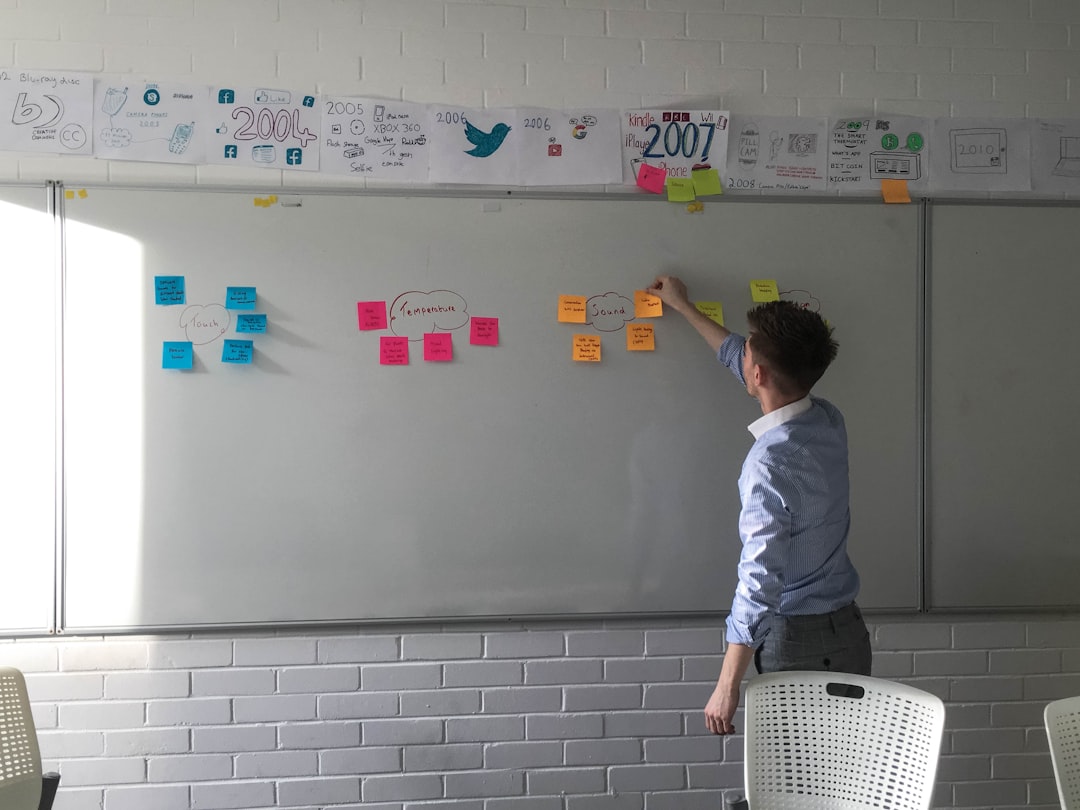
- Run usability tests early.
- Prototype before building everything.
- Collect beta feedback.
- Watch users interact silently.
The magic happens when you observe. Not when you ask leading questions.
Also check retention cohort data after launch. Not just qualitative feedback.
If retention dips, act fast.
A redesign is not done at launch. It is done when metrics stabilize.
5. Failing to Communicate the Change
Imagine opening your favorite app.
Everything is different.
No message. No guide. No explanation.
It feels disorienting.
Redesign shock is real.
Why It Hurts Retention
- Users feel lost.
- Confidence drops.
- Trust weakens.
- Some abandon immediately.
People do not hate change.
They hate unexpected change.
How to Fix It
- Announce the redesign before launch.
- Highlight benefits, not just visuals.
- Provide an interactive walkthrough.
- Create short tutorial videos.
Even a simple welcome modal can reduce anxiety.
Say something like:
“We’ve updated the design to help you complete tasks faster. Here’s what changed.”
Clarity builds trust.
Silence builds confusion.
Bonus: How to Redesign Without Tanking Retention
If you want a safer redesign process, follow this simple framework:
- Measure first. Know your baseline retention.
- Fix real problems. Do not redesign out of boredom.
- Test in small groups. Roll out gradually.
- Compare metrics. Old vs new experience.
- Listen and adjust quickly.
Retention is your truth meter.
If users stay longer and engage more, your redesign worked.
If churn increases, something broke.
Simple Redesign Gut Check
Before launching your redesign, ask:
- Can existing users still complete their top 3 tasks easily?
- Did we remove anything valuable?
- Did we test with real users?
- Did we explain the changes clearly?
- Are we tracking retention post-launch?
If you hesitate on any answer, pause.
Redesigns are easier to delay than to undo.
Final Thoughts
A redesign should feel like an upgrade. Not a replacement.
The best UX redesigns are almost invisible.
Users log in and think:
“Oh, this feels smoother.”
Not:
“What happened to everything?”
Retention is built on trust. And trust is built on consistency.
So redesign carefully.
Improve boldly.
But never forget the people who already love your product.
Because keeping users is always harder than getting new ones.