

Website downtime, hacked files, and accidental data loss can cripple a business in minutes. Whether you run an eCommerce store, membership platform, or corporate site, automated website backups are not optional—they are essential. Jetpack Backup has long been a popular choice for WordPress users due to its real-time protection and off-site storage. However, it is not the only reliable solution available, and depending on your needs, budget, or hosting setup, another tool may serve you better.
TLDR: If you need automated website protection beyond Jetpack Backup, there are several powerful alternatives. Tools like BlogVault, UpdraftPlus, CodeGuard, BackupBuddy, VaultPress (now part of Jetpack), and Acronis offer real-time backups, malware protection, and one-click restores. The right choice depends on your budget, hosting setup, and required features such as incremental backups or staging environments.
Below, we explore six dependable website backup tools that deliver automated protection, followed by a comparison chart to help you make an informed decision.
1. BlogVault
Best for: WordPress users who want reliable off-site backups and staging features.
BlogVault is widely regarded as one of the most robust WordPress backup solutions available. Unlike many plugins that rely heavily on your server resources, BlogVault uses dedicated off-site servers to perform backups. This ensures your website performance remains unaffected during backup processes.
- Incremental backups that reduce server load
- Real-time backups for WooCommerce sites
- Built-in malware scanning
- One-click restore functionality
- Staging environment for safe testing
BlogVault is particularly strong for high-traffic or eCommerce websites. While it may be more expensive than basic solutions, its reliability and performance justify the price for serious businesses.
2. UpdraftPlus Premium
Best for: Budget-conscious users who still want solid automation.
UpdraftPlus is one of the most popular WordPress backup plugins globally. The free version covers basic backup needs, but the Premium version unlocks automatic scheduled backups, incremental backups, and advanced storage integrations.
- Backups directly to Dropbox, Google Drive, Amazon S3, and more
- Scheduled automated backups
- Encrypted database backups
- Easy site migration tools
UpdraftPlus stands out due to its balance between affordability and functionality. While it may lack the fully external infrastructure of BlogVault, it remains a dependable and flexible option for small to medium businesses.
3. CodeGuard
Best for: Website owners seeking daily automated backups with monitoring.
CodeGuard operates slightly differently from traditional plugins. It is a cloud-based backup solution that continuously monitors your website for changes and automatically backs up new versions when updates occur.

- Daily automatic backups
- Automated change detection
- Malware detection
- Version tracking and rollback capability
- Works beyond WordPress (supports multiple platforms)
Because CodeGuard works at the file level and supports various website types, it is a good choice for agencies or developers managing diverse portfolios. Its monitoring features add an additional layer of security.
4. BackupBuddy
Best for: Users who want complete control over WordPress backups.
BackupBuddy has existed in the WordPress ecosystem for many years. It allows users to create full-site backups, schedule automated tasks, and store files remotely.
- Complete website backups (database + files)
- Custom backup scheduling
- Remote storage destinations
- Built-in restore and migration features
One of BackupBuddy’s strengths is its flexibility. It is well-suited for developers who want granular control rather than a hands-off cloud-managed system. However, compared to some newer tools, its interface may feel slightly dated.
5. Acronis Cyber Protect
Best for: Businesses requiring enterprise-level security and backup.
Acronis goes beyond ordinary website backup tools by integrating backup, disaster recovery, anti-malware, and endpoint protection into a single platform. It is particularly suitable for companies running mission-critical operations.
- AI-based ransomware protection
- Full image backups
- Cloud and on-premise storage options
- Fast disaster recovery capabilities
Although Acronis may be overkill for small blogs, medium and large organizations benefit greatly from its comprehensive cybersecurity focus. It is a serious, enterprise-grade alternative to Jetpack Backup.
6. ManageWP (Backup Add-on)
Best for: Agencies managing multiple WordPress sites.
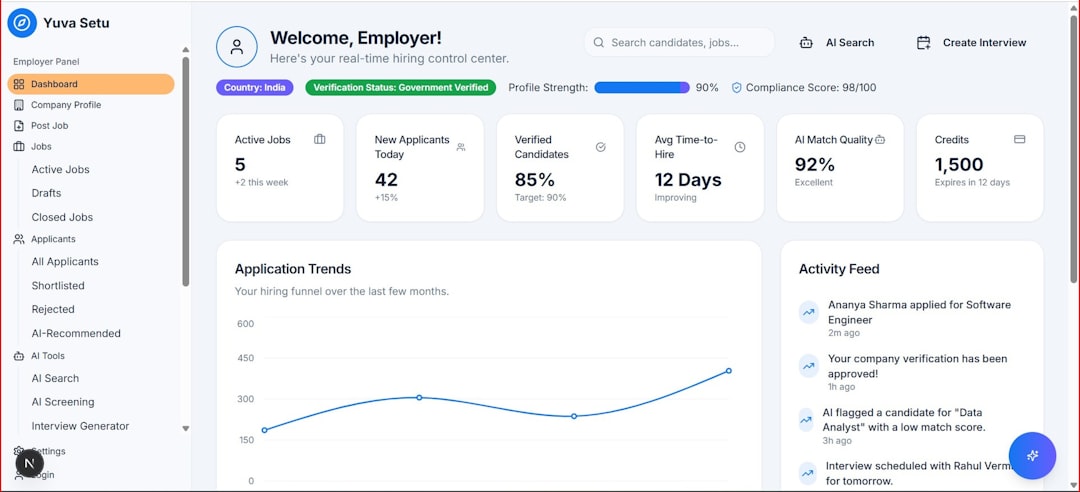
ManageWP is a centralized dashboard that allows you to manage multiple sites efficiently. Its backup add-on provides automated monthly backups for free, with premium options for daily or real-time backups.
- One-click restore functionality
- Performance monitoring tools
- Client reporting features
- Scalable pricing model
For agencies or freelancers overseeing numerous client websites, ManageWP streamlines both management and backup processes within a single interface.
Comparison Chart
| Tool | Automated Backups | Real-Time Backup | Off-Site Storage | Malware Protection | Best For |
|---|---|---|---|---|---|
| BlogVault | Yes | Yes (WooCommerce) | Yes | Yes | eCommerce and high traffic sites |
| UpdraftPlus Premium | Yes | No | Yes (via integrations) | Limited | Budget friendly businesses |
| CodeGuard | Yes (Daily) | Near real-time monitoring | Yes | Yes | Multi-platform websites |
| BackupBuddy | Yes | No | Yes | No | Developers and advanced users |
| Acronis | Yes | Continuous protection | Yes | Advanced AI protection | Enterprise businesses |
| ManageWP | Yes | Available in higher tiers | Yes | Limited | Agencies |
What to Look for in a Website Backup Tool
Choosing an alternative to Jetpack Backup requires evaluating key protection features. Not all backup systems are created equal. Below are the primary criteria that matter:
- Automation: Manual backups are unreliable in the long term.
- Off-site storage: Backups must be stored separately from your hosting server.
- Incremental backups: Reduces server load by saving only changes.
- One-click restore: Quick recovery is essential during emergencies.
- Security scanning: Protection from malware and ransomware.
A robust backup solution should work quietly in the background while giving you confidence that your data is secure and recoverable at any time.
Why Automated Backups Are Non-Negotiable
Cyberattacks, plugin conflicts, failed updates, and human error are unavoidable realities of website management. Automated backups ensure that even in worst-case scenarios, your business can recover quickly.
Downtime costs more than money—it costs trust. Customers expect uninterrupted access and secure transactions. With proper automated backup systems, you can restore operations within minutes instead of days.
While Jetpack Backup remains a respected option, these six alternatives provide reliable automated protection across a range of budgets and technical requirements. Whether you are running a small blog, a growing online store, or a large enterprise website, selecting the right backup solution should be a strategic decision.
Investing in dependable backup technology is not a luxury—it is a fundamental component of responsible digital management.