
Whether you’re setting up a home router, managing a small business network, or stepping into an entry-level IT role, configuring a firewall is one of the most important skills you can develop. A properly configured firewall protects your devices, data, and users from unauthorized access and cyber threats. Yet for many beginners, firewall settings can seem confusing and overwhelming.
TL;DR: Firewalls control incoming and outgoing network traffic based on defined rules. To configure one effectively, you need to understand zones, rules, ports, protocols, NAT, stateful inspection, and logging. Mastering these seven key concepts will help you build a firewall setup that balances security and usability. Even beginners can create strong protection with the right foundation.
A firewall acts as a gatekeeper between trusted and untrusted networks. It filters traffic using rules you define, deciding what to allow and what to block. Let’s break down the seven essential concepts you must understand to configure a firewall confidently.
1. Understanding What a Firewall Actually Does
At its core, a firewall monitors and filters network traffic. It sits between your internal network and an external network (usually the internet), analyzing traffic based on predefined rules.
There are two main types of firewalls beginners encounter:
- Hardware firewalls – Physical devices, often built into routers.
- Software firewalls – Installed on computers or servers to filter traffic on that specific device.
Modern firewalls often combine multiple technologies such as deep packet inspection, intrusion prevention, and traffic shaping.
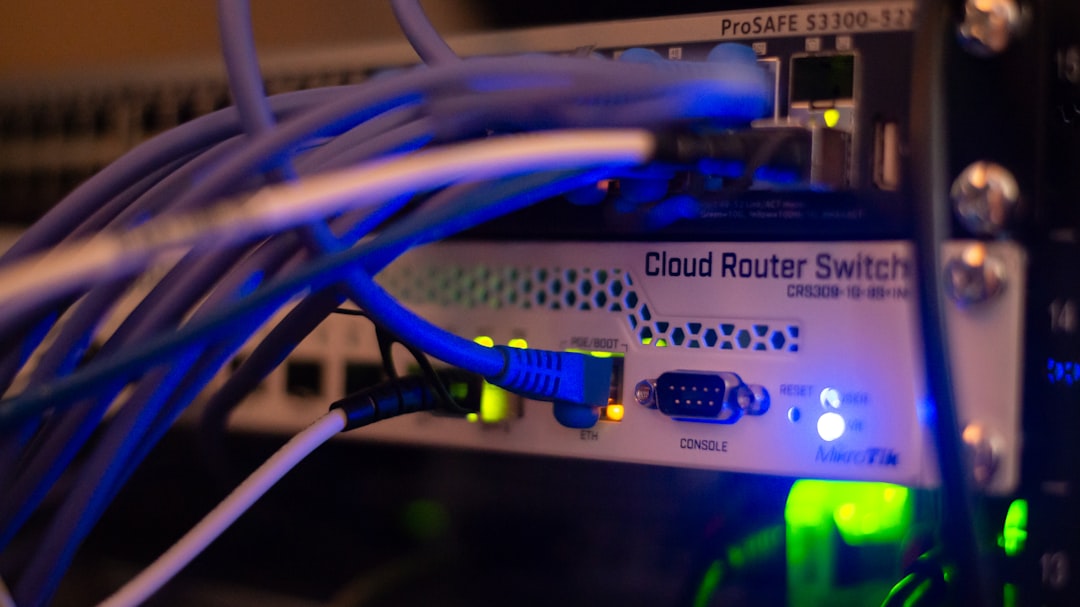
Without a firewall, your system is directly exposed to potentially malicious traffic. With one properly configured, only approved communications are allowed through.
2. Firewall Zones: Organizing Network Trust Levels
Before creating rules, you must understand zones. Zones are logical segments of your network grouped by trust level.
Common zones include:
- LAN (Local Area Network) – Trusted internal network.
- WAN (Wide Area Network) – Untrusted external network (typically the internet).
- DMZ (Demilitarized Zone) – Semi-trusted zone for public-facing servers.
Each zone has different security expectations. For example:
- Traffic from LAN to WAN is generally allowed.
- Traffic from WAN to LAN is usually blocked unless explicitly permitted.
By separating traffic into zones, you apply policies more logically and securely.
3. Firewall Rules: The Heart of Configuration
Firewall rules determine what traffic is allowed or blocked. Each rule typically includes:
- Source IP address
- Destination IP address
- Port number
- Protocol (TCP or UDP)
- Action (Allow or Deny)
A simple rule example:
- Allow traffic from LAN to WAN on port 80 (HTTP).
Firewall rules are processed in order. The first matching rule usually applies. This makes rule order extremely important.
Best Practices for Beginners
- Start with a default deny policy.
- Add rules only for necessary services.
- Place more specific rules above general ones.
- Regularly review and clean up unused rules.
Poorly ordered rules can accidentally create security holes—even if your intentions were good.
4. Ports and Protocols: The Language of Network Traffic
Every service on a network communicates through ports. Understanding ports is crucial for firewall configuration.
Common ports include:
- 80 – HTTP (web traffic)
- 443 – HTTPS (secure web)
- 22 – SSH (secure remote login)
- 25 – SMTP (email sending)
- 3389 – Remote Desktop
Protocols define how data is transmitted. The two most common are:
- TCP – Reliable, connection-based communication.
- UDP – Faster, connectionless communication.
Opening a port allows traffic for that service. However, opening unnecessary ports increases your attack surface. A beginner-friendly rule of thumb: If you don’t need it, don’t open it.
5. Stateful vs Stateless Firewalls
Not all firewalls function the same way. Understanding the difference between stateful and stateless inspection is critical.
Stateless Firewalls
- Examine each packet independently.
- Do not track active connections.
- Simpler but less secure.
Stateful Firewalls
- Track active sessions.
- Understand whether traffic is part of an established connection.
- More secure and more common today.
For example, when you visit a website, your firewall allows the outgoing request. A stateful firewall remembers that request and automatically allows the response back in.
Most modern home and business firewalls are stateful by default, which simplifies configuration for beginners.
6. Network Address Translation (NAT)
NAT is often configured alongside firewall policies. It translates private IP addresses inside your network into a public IP address used on the internet.
Why this matters:
- It hides internal devices from direct exposure.
- It allows multiple devices to share one public IP address.
- It adds a security layer through obscurity.
Common NAT Types
- Static NAT – One-to-one IP mapping.
- Dynamic NAT – IP mapping from a pool.
- Port Forwarding – Redirects traffic from a public port to a private IP.
For example, if you run a web server at home, you might forward port 80 from your public IP to an internal server. However, exposing internal devices with port forwarding should always be done cautiously.
7. Logging and Monitoring: Your Security Safety Net
Configuring rules is only half the job. Monitoring and logging ensure your firewall continues to protect you effectively.
Firewall logs can show:
- Blocked intrusion attempts
- Port scanning activity
- Unusual outbound traffic
- Misconfigured rules
Beginners often ignore logs, but they are extremely valuable. Reviewing logs regularly can help you:
- Detect attacks early
- Troubleshoot connectivity issues
- Refine rule sets
A firewall without monitoring is like a security guard who never reports suspicious activity.
Popular Firewall Tools for Beginners
If you’re just starting, here’s a simplified comparison of common firewall solutions:
| Firewall | Type | Best For | Ease of Use |
|---|---|---|---|
| Windows Defender Firewall | Software | Home users | Very Easy |
| pfSense | Hardware or Virtual | Advanced home and small business | Moderate |
| OPNsense | Hardware or Virtual | Small to medium networks | Moderate |
| Ubiquiti UniFi Firewall | Hardware | Small businesses | Easy to Moderate |
For absolute beginners, starting with your operating system’s built-in firewall is often best. Once comfortable, exploring advanced platforms like pfSense can deepen your understanding.
Final Thoughts: Building Confidence Through Clarity
Firewall configuration might seem technical at first, but it becomes manageable once you understand the core principles:
- Define zones clearly.
- Write logical, limited rules.
- Open only necessary ports.
- Use stateful inspection.
- Understand NAT before enabling port forwarding.
- Monitor logs regularly.
Security is not about allowing everything to work. It’s about allowing only what should work.
By mastering these seven key concepts, you lay the groundwork for strong, reliable network protection. Whether you’re managing a home lab or taking your first steps into IT, understanding firewall configuration gives you control over your digital perimeter—and that’s one of the most powerful skills in today’s connected world.