
Approvals can feel like a tiny office monster. It hides in email threads. It eats feedback. It spits out version names like final final really final v8. Proofing tools like Ziflow help tame that monster. They give teams one clean place to review, comment, compare, and approve creative work.
TLDR: Proofing tools make approvals faster and less messy. They keep feedback in one place, so teams do not chase notes across emails, chats, and mystery spreadsheets. Tools like Ziflow help people review files, leave clear comments, track versions, and approve work with less drama. If your team makes designs, videos, ads, documents, or web pages, a proofing tool can save time and sanity.
What Is a Proofing Tool?
A proofing tool is a digital review space. Think of it as a shared table where everyone can look at the same file. People can point to parts of the work. They can add comments. They can ask for changes. They can approve when it is ready.
It works for many file types. You can review images, PDFs, videos, web pages, banners, emails, packaging, and more. The goal is simple. Everyone sees the same thing. Everyone knows what to do next.
Without a proofing tool, feedback often gets messy. One person comments in email. Another sends a chat message. Someone adds ideas to a doc. Then a manager calls with more notes. Suddenly, the team needs a detective hat.
With a proofing tool, the review happens in one place. Less hunting. Less guessing. Fewer “Wait, which version are we using?” moments.
Why Approvals Get So Messy
Approvals sound easy. Make the thing. Show the thing. Get a yes. Done.
But real life says, “Ha! Cute idea.”
Creative work often has many people involved. Designers. Writers. Marketers. Clients. Legal teams. Product teams. Managers. More managers. Sometimes a person who only appears at the very end with fourteen urgent comments.
That is why approvals can slow down. Here are common problems:
- Feedback is scattered. Notes live in email, chat, meetings, and sticky notes.
- Versions get confusing. Nobody knows if they are reviewing the latest file.
- Comments are unclear. “Make it pop” is not exactly a map.
- Approvers are late. The project waits while someone is “just about to check it.”
- Changes are missed. A small note gets buried and causes a big headache later.
Proofing tools help with these problems. They create order. They turn chaos into a checklist. They make the work feel less like a treasure hunt.
How Tools Like Ziflow Help
Ziflow is a popular online proofing platform. There are other tools in the same category too. But the core idea is the same. They help teams run smoother approval workflows.
Imagine you upload a new ad design. You invite reviewers. Each person opens the file in the proofing tool. They click on the exact spot they want to discuss. They leave a note. The designer can reply. The team can mark comments as done. Then an approver can click approved or changes requested.
Simple. Clean. Much better than digging through a mile-long email chain.
Proofing tools often include features such as:
- Markup tools for drawing arrows, boxes, and shapes.
- Comments that attach to specific places in a file.
- Version comparison to spot what changed.
- Approval buttons for clear decisions.
- Automated reminders for sleepy reviewers.
- Workflow steps for routing work to the right people.
- Audit trails that show who approved what and when.
That last one is very helpful. Especially when someone says, “I never approved that.” The tool quietly says, “Actually, yes you did. Tuesday at 3:42.” Tiny digital mic drop.
The Big Benefit: One Source of Truth
One of the best things about proofing tools is the single source of truth. That means there is one main place for the file, the feedback, the status, and the final decision.
This matters a lot. Creative projects move fast. Files change. People join late. Deadlines jump out from behind corners. A single source of truth keeps everyone on the same page.
It also helps reduce repeat work. If feedback is clear, the team can make changes once. Not three times. Not nine times. Not until everyone forgets what the project was about.
For example, a client might say, “Move the logo up.” In a proofing tool, they click the logo and write the note. The designer sees the exact logo. The designer moves it. The client approves. Easy.
In an email, that same note might cause confusion. Which logo? Which page? How far up? Up like a little? Up like it is trying to escape?
Clear feedback saves time. It also saves moods.
Who Uses Proofing Tools?
Proofing tools are useful for many teams. They are not only for giant companies with fancy coffee machines. Small teams can use them too.
They are great for:
- Marketing teams reviewing ads, emails, social posts, and campaign assets.
- Design teams sharing layouts, logos, images, and brand materials.
- Video teams collecting time-stamped notes on edits.
- Agencies getting client feedback without the email circus.
- Packaging teams checking labels, claims, and layouts.
- Legal and compliance teams reviewing content before it goes live.
- Web teams proofing landing pages and digital experiences.
If your team creates things that need review, a proofing tool can help. If more than one person says yes before launch, it can really help.

What Makes a Good Proofing Tool?
Not all proofing tools feel the same. Some are smooth and friendly. Some feel like they were built by a robot who has never met a deadline. When looking at tools like Ziflow, focus on simple, useful features.
1. Easy Comments
Comments should be simple. Reviewers should be able to click, type, and send. No training marathon needed.
Good comments are tied to the file. A note on a video should connect to a time stamp. A note on a PDF should connect to a page and location. That way, feedback is not floating in space.
2. Clear Approval Status
You should know where the project stands. Is it approved? Waiting for review? Needing changes? Stuck with Bob again?
A good tool shows status at a glance. This helps project managers breathe normally.
3. Version Control
Version control is a lifesaver. It shows which file is newest. It may also let you compare old and new versions side by side.
This is great when someone asks, “Did we make that headline smaller?” You can check. No guessing.
4. Automated Workflows
Workflows decide who reviews and when. For example, the design team reviews first. Then the marketing manager. Then legal. Then the client.
Automation moves the proof along. It can send reminders. It can notify the next person. It can stop the project from sitting in a digital waiting room.
5. Support for Many File Types
Teams make all kinds of stuff. Your proofing tool should handle those formats. Images, videos, PDFs, web pages, and documents are common needs.
The fewer tools you need, the better. Nobody wants a tool collection that looks like a junk drawer.
Benefits for Creative Teams
Creative teams love ideas. They do not love chasing approvals. Proofing tools give them more time to create and less time to play feedback ping pong.
Here are the big wins:
- Fewer meetings. People can review when they are ready.
- Less confusion. Comments are tied to the work.
- Faster revisions. Designers know what to change.
- Better records. Decisions are saved.
- Happier clients. The process feels professional.
- Cleaner launches. Final files are easier to confirm.
There is also an emotional benefit. The team feels calmer. And calm teams do better work. A proofing tool will not make coffee or pet the office dog. But it can remove a lot of stress.
Benefits for Clients and Stakeholders
Clients and stakeholders are busy. They may not want to learn a complex system. A good proofing tool makes their job easy.
They open a link. They look at the work. They click where they have feedback. They approve or request changes. Done.
This is better than sending comments like, “On the third image, near the thing, can we change the other thing?” Those comments make everyone squint.
Proofing tools also make clients feel included. They can see progress. They can see replies. They can see when changes are finished. That builds trust.
What About Video Proofing?
Video proofing is one of the coolest uses. Videos are hard to review in email. People write notes like, “At around the part where the music gets loud.” That is not helpful. That is a treasure map drawn by a raccoon.
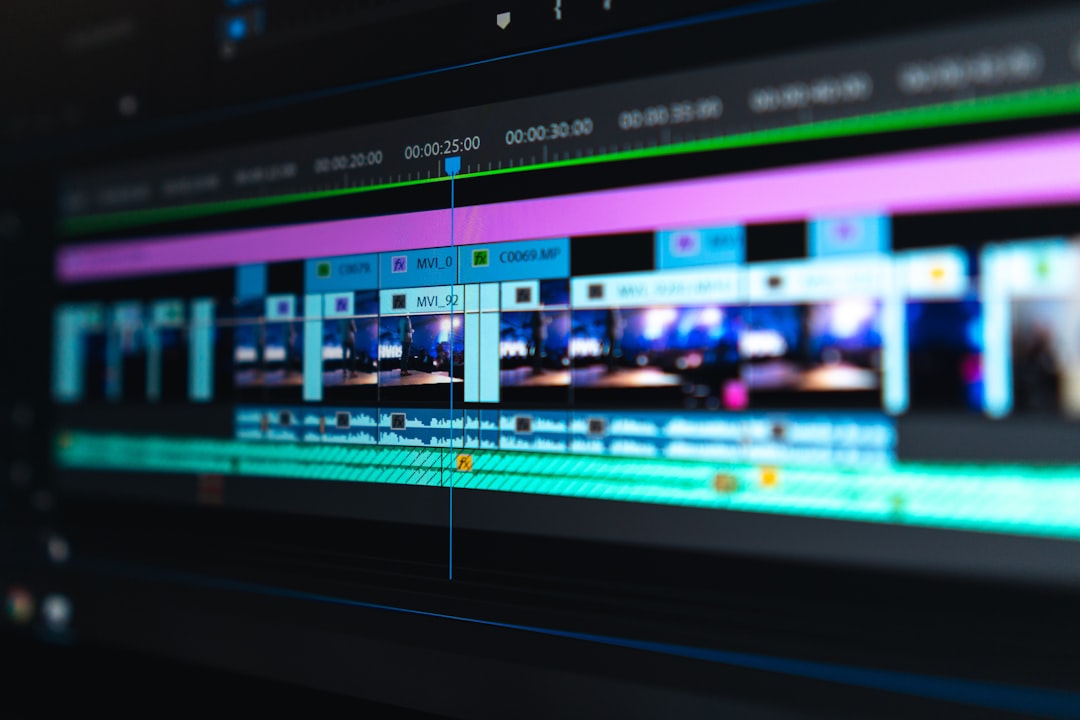
With video proofing, comments can attach to exact time codes. A reviewer can pause at 00:18 and say, “Cut this shot sooner.” Another can comment at 01:05 and say, “The logo animation feels too slow.”
The editor sees exactly where the notes belong. This saves loads of time. It also keeps feedback from becoming a vague cloud of opinions.
How to Set Up a Simple Approval Workflow
You do not need to make the workflow fancy. Start small. Fancy can come later, wearing a little hat.
Try this simple process:
- Upload the proof. Add the file to your proofing tool.
- Add reviewers. Invite the people who need to comment.
- Set a deadline. Make it clear and reasonable.
- Collect feedback. Keep all notes inside the tool.
- Make revisions. Update the file based on approved comments.
- Upload a new version. Keep the history in one place.
- Request final approval. Ask decision makers to approve.
- Lock or archive the final. Save the approved version.
This simple flow works for many teams. Later, you can add steps for legal review, brand review, or client review. But do not overbuild at first. A workflow should help, not become a maze.
Tips for Better Feedback
A proofing tool is powerful. But people still need to give good feedback. The tool is the stage. The comments are the show.
Use these tips:
- Be specific. Say what needs to change and where.
- Explain why. A short reason helps the creator make smart choices.
- Group related notes. Do not leave twenty tiny comments if one clear comment works.
- Avoid vague phrases. Words like “better” and “cooler” need support.
- Respect the deadline. Late feedback is a chaos goblin.
- Approve when ready. Do not leave the team guessing.
Here is a weak comment: “Make this nicer.”
Here is a better comment: “Please increase the headline size so it stands out more on mobile.”
See? Same topic. Much less mind reading.
Common Mistakes to Avoid
Proofing tools help a lot, but they are not magic wands. You still need good habits.
Avoid these common mistakes:
- Inviting too many reviewers. More people can mean more noise.
- Skipping deadlines. Reviews need time limits.
- Allowing side feedback. Keep notes in the tool, not in random chats.
- Ignoring old comments. Close or resolve feedback when it is done.
- Changing the brief late. That can restart the whole process.
A good rule is this: if feedback matters, it belongs in the proofing tool. Not in someone’s memory. Not in a hallway chat. Not whispered to a pigeon.
Are Proofing Tools Worth It?
For many teams, yes. Very yes.
If approvals are slow, proofing tools can speed them up. If feedback is unclear, they can make it sharper. If versions are messy, they can bring order. If your team spends hours asking, “Who approved this?” then a proofing tool may pay for itself quickly.
The value is not only in time saved. It is also in fewer mistakes. Better launches. Happier teams. Smoother client relationships. And fewer files named final final final please use this one.
Final Thoughts
Proofing tools like Ziflow make approvals less scary. They turn a messy process into a clear one. They help teams share work, collect feedback, track versions, and get the golden “approved” without so much stress.
The best part is that the idea is simple. Put the work in one place. Invite the right people. Ask for clear comments. Track the changes. Get approval. Launch with confidence.
So if your approval process feels like a circus, it might be time for a better ringmaster. A proofing tool can help your team move faster, stay organized, and maybe even smile during review rounds. Imagine that. Approvals with fewer headaches. What a beautiful little miracle.