
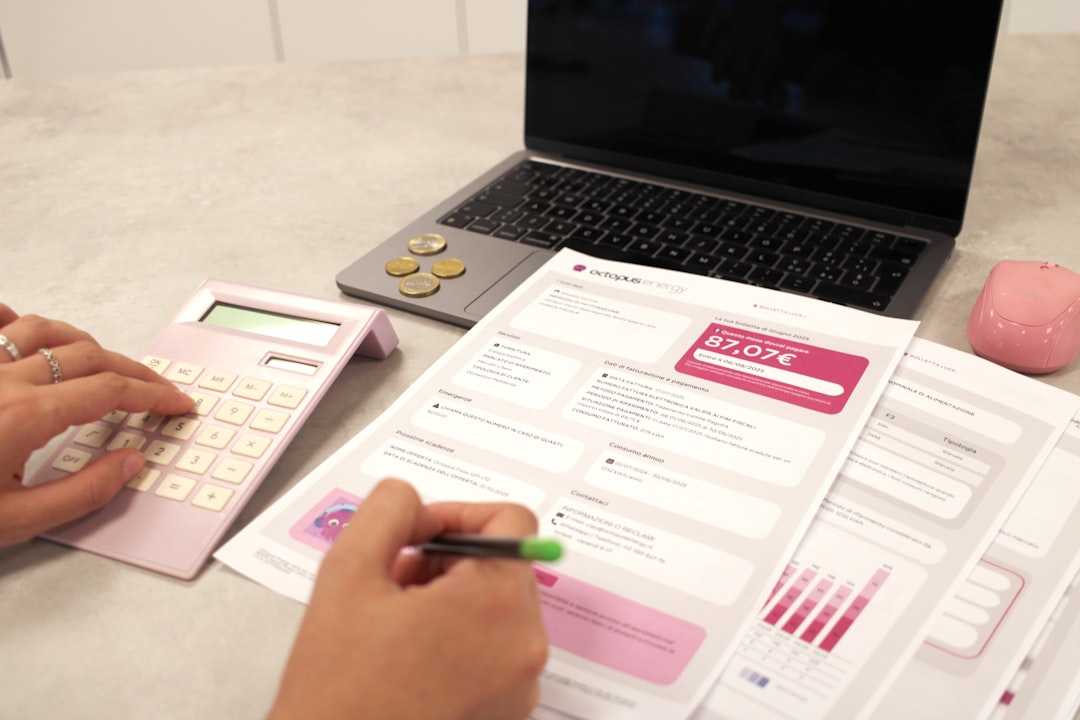
Every project begins with optimism: a budget is approved, a timeline is agreed upon, and the team gets to work. But as tasks multiply, invoices arrive, and priorities shift, even a well-planned budget can become difficult to control. A cost tracker template helps project managers, business owners, freelancers, and finance teams see exactly where money is going, what has already been spent, and what future costs are likely to look like.
TLDR: A cost tracker template is a practical tool for monitoring project budgets, expenses, and forecasts in one organized place. It helps teams compare planned costs with actual spending, spot overruns early, and make better financial decisions. The best templates are simple to update, easy to understand, and detailed enough to support accurate forecasting.
Why Cost Tracking Matters in Project Management
Budget control is one of the most important parts of successful project management. A project may be delivered on time, but if it exceeds its budget by 30%, stakeholders may still consider it a failure. Cost tracking gives teams visibility into the financial health of a project before problems become expensive surprises.
A good cost tracker does more than record numbers. It tells a story about the project: which activities are consuming the most resources, whether spending is aligned with progress, and how today’s decisions may affect tomorrow’s budget. This makes it useful for both day-to-day management and strategic planning.
For example, if labor expenses are rising faster than expected, a manager can investigate whether the scope has expanded, productivity has dropped, or additional approvals are needed. Without a central tracker, that insight might arrive too late.
What Is a Cost Tracker Template?
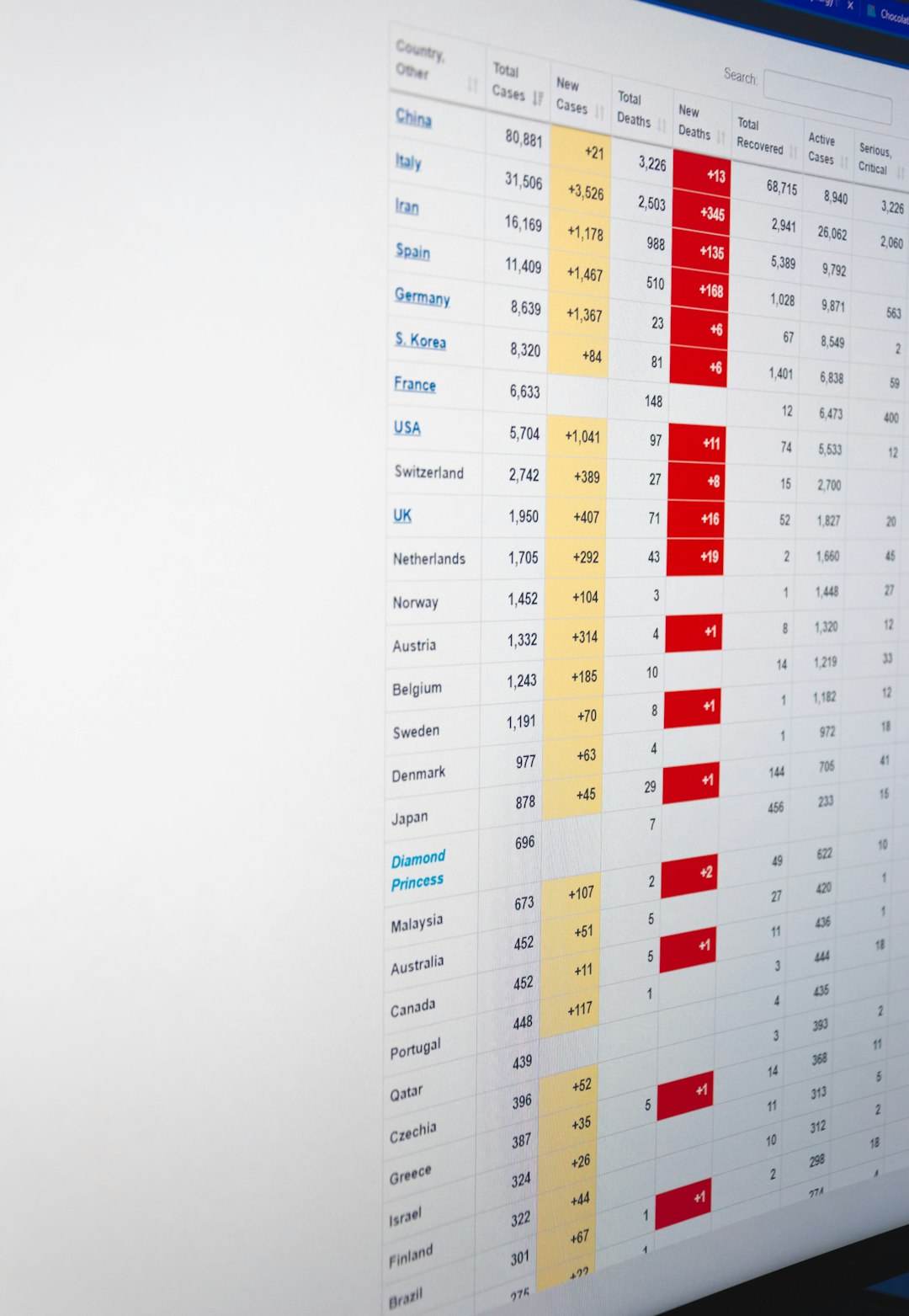
A cost tracker template is a structured document, spreadsheet, or digital table used to record and monitor project-related costs. It typically includes the original budget, actual expenses, remaining budget, committed costs, and forecasts. The template acts as a financial control center for the project.
It can be used for many types of projects, including:
- Marketing campaigns with media spend, creative fees, and production costs
- Construction projects with materials, labor, permits, and subcontractors
- Software development with developer hours, tools, testing, and infrastructure
- Events with venue costs, catering, equipment, staffing, and logistics
- Internal business initiatives such as office moves, training programs, or product launches
The format may vary, but the purpose is the same: create a clear, reliable picture of financial performance.
Key Sections to Include in a Cost Tracker Template
An effective template should be detailed enough to support decisions, but not so complicated that people avoid using it. The following sections are especially useful.
1. Project Overview
This section provides basic context. Include the project name, project manager, start date, expected end date, client or department, and approved budget. This is especially helpful when teams manage multiple projects at once.
2. Budget Categories
Costs should be organized into categories so spending patterns are easy to understand. Common categories include labor, materials, software, travel, equipment, contractors, marketing, legal fees, and contingency. Categorization makes it easier to identify where overruns are happening.
3. Planned Budget
The planned budget is the amount expected to be spent in each category. It serves as the baseline for comparison. Without a baseline, it is difficult to know whether a project is financially healthy or drifting off course.
4. Actual Expenses
This is where real costs are entered as they occur. Each expense should include the date, vendor, description, category, amount, payment status, and any relevant notes. Keeping this section updated is the heart of cost tracking.
5. Committed Costs
Committed costs are expenses that have been approved or contracted but not yet paid. For example, if a vendor has been hired for $5,000 but has not issued the final invoice, that amount should still be captured. This prevents the team from assuming more budget is available than actually is.
6. Variance
Variance shows the difference between planned and actual spending. A positive variance may mean the project is under budget, while a negative variance may indicate overspending. This metric is particularly useful for fast status checks.
7. Forecasted Cost
Forecasting estimates the total cost by the end of the project. A simple forecast may combine actual expenses, committed costs, and expected remaining expenses. More advanced forecasts may use trends, project progress, or historical data.
How to Use a Cost Tracker Template Effectively
Having a template is only the beginning. The real value comes from using it consistently and thoughtfully.
- Set the baseline early. Enter the approved budget before major spending begins. This gives the team a reference point for later comparisons.
- Update expenses regularly. Weekly updates are ideal for active projects. For high-value or fast-moving projects, updates may be needed more often.
- Review variances, not just totals. A project can appear healthy overall while one category is seriously over budget. Category-level analysis gives better insight.
- Track approvals. Record who approved expenses and when. This improves accountability and helps during audits or stakeholder reviews.
- Use notes for context. Numbers are useful, but explanations are often essential. A short note can explain why a cost increased or why a forecast changed.
Benefits of Using a Cost Tracker Template
A well-designed cost tracker provides several practical advantages. First, it improves financial visibility. Instead of searching through emails, invoices, and separate spreadsheets, teams can view the project’s financial position in one place.
Second, it supports early problem detection. Budget issues rarely appear all at once. They usually develop gradually through small overruns, missed estimates, or unplanned additions. A tracker highlights these changes before they become major problems.
Third, it improves communication with stakeholders. Clear financial reports build trust. When managers can show actual costs, remaining budget, and forecasted totals, stakeholders are more likely to understand decisions and approve necessary changes.
Finally, it creates a useful record for future projects. After the project ends, the tracker becomes a source of historical data. Teams can review what was underestimated, where contingency funds were used, and which vendors or activities had the biggest impact on costs.
Common Mistakes to Avoid
Even a strong template can fail if it is used poorly. One common mistake is waiting too long to update it. If expenses are added only at the end of the month, the team may miss opportunities to correct overspending earlier.
Another mistake is ignoring small expenses. Minor costs can accumulate quickly, especially in long projects. Software subscriptions, delivery fees, extra materials, and small contractor charges may seem insignificant individually but become meaningful together.
It is also risky to track only paid invoices. If committed costs are not included, the available budget may look larger than it really is. This can lead to accidental overspending.

Features of a Strong Cost Tracker Template
The best templates are clear, flexible, and easy to maintain. They should include formulas or automated calculations where possible, such as total actual costs, remaining budget, and variance percentage. Color coding can also help users quickly identify budget risks.
Useful features may include:
- Summary dashboard for quick financial status updates
- Expense log for detailed transaction tracking
- Category breakdown to compare spending by cost type
- Forecast column to estimate final project cost
- Status indicators such as on budget, at risk, or over budget
- Approval tracking for better governance and accountability
Forecasting: Turning Cost Data Into Better Decisions
Forecasting is where cost tracking becomes especially powerful. Instead of simply asking, “How much have we spent?” teams can ask, “How much are we likely to spend by the end?” This shift helps managers act proactively.
For example, if the tracker shows that 70% of the labor budget has been used while only 45% of the work is complete, the forecast may show a likely overrun. The team can then adjust staffing, reduce scope, request additional funding, or improve productivity before the budget is exhausted.
Forecasts do not need to be perfect to be valuable. They simply need to be updated as new information becomes available. A forecast that changes over time is not a weakness; it is a sign that the project team is paying attention.
Final Thoughts
A cost tracker template is more than an administrative document. It is a decision-making tool that helps teams manage uncertainty, control spending, and protect project profitability. By combining budgets, actual expenses, committed costs, and forecasts, it gives project leaders the information they need to stay ahead of financial risks.
Whether you are managing a small internal project or a complex client engagement, consistent cost tracking can make the difference between guessing and knowing. With the right template in place, every expense becomes easier to understand, every forecast becomes more useful, and every budget conversation becomes more productive.