
Choose Leadpages if you want affordable landing pages fast. Choose Instapage if paid ads are your daily job and every click costs real money. Leadpages is simpler. Instapage is deeper. That is the main split.
TLDR: Leadpages is best for small teams, creators, coaches, and startups that need pages, popups, and lead capture without a huge bill. Instapage is better for ad teams that need testing, heatmaps, team comments, and post-click personalization. For example, if you spend $500 a month on ads, Leadpages may be enough. If you spend $20,000 a month, a 12% lift from better testing could matter a lot.
Quick Winner by Use Case
- Best for speed: Leadpages
- Best for ad campaigns: Instapage
- Best for low budgets: Leadpages
- Best design control: Instapage
- Best testing tools: Instapage
- Best for solo marketers: Leadpages
- Best for agencies: Instapage
Both tools help you build landing pages without coding. Both have templates. Both connect with email tools and CRMs. Both can publish pages quickly. But they feel very different once you use them for more than five minutes.
Leadpages feels like a friendly toolkit. Instapage feels like a campaign control room. One is built for getting things live. The other is built for squeezing more value from traffic.

Ease of Use
Leadpages is easier for beginners. The editor is clean. You drag items into place. You pick a section. You edit the text. You publish. Done.
It also has a helpful feature called Leadmeter. It scores your page as you build it. It checks things like layout, readability, and call-to-action placement. Is it perfect? No. But it is handy when you stare at a blank page and wonder if your button should say “Start Now” or “Yes, Please.”
Instapage gives you more freedom. You can place items with pixel-level control. Designers will like that. Beginners may not. It can feel like opening a fancy camera when you only wanted to take a quick selfie.
Honestly, it feels like Instapage asks you to care about more details. That is great if those details make you money. It is annoying if you just need a webinar signup page by lunch.
Templates and Design
Leadpages has a large template library. The templates are built for common goals. Think ebooks, webinars, coupons, product launches, consultations, newsletters, and simple sales pages.
Its designs are solid. Not always jaw-dropping. But they are clear and practical. That matters. A pretty page that confuses people is just expensive wallpaper.
Instapage templates look more polished. They often feel closer to agency work. You get better spacing, sharper layouts, and more control over mobile views. The design tools are also stronger for teams that need brand consistency.
One nice Instapage feature is Instablocks. You can save page sections and reuse them. For example, a testimonial block, pricing block, or FAQ block. Larger teams can use Global Blocks to update sections across many pages. Change one footer. Push it everywhere. Lovely.
Conversion Tools
Leadpages gives you more than landing pages. You also get popups, alert bars, and simple checkout options. This makes it useful for small businesses that want one tool for basic lead capture.
You can add forms, connect email platforms, and deliver lead magnets. You can also sell digital products, services, or event tickets. It is not a full ecommerce system. But for simple offers, it works.
Instapage is more focused on the post-click experience. That means what happens after someone clicks your ad. It offers tools for matching pages to ad groups, creating personalized page experiences, and studying visitor behavior.
The big extras are heatmaps and AdMap. Heatmaps show where people click, scroll, and stop caring. AdMap helps connect ads to landing pages visually. This is great when you have lots of campaigns. It saves you from the classic “Wait, which page does this ad go to?” mess.
A/B Testing Capabilities
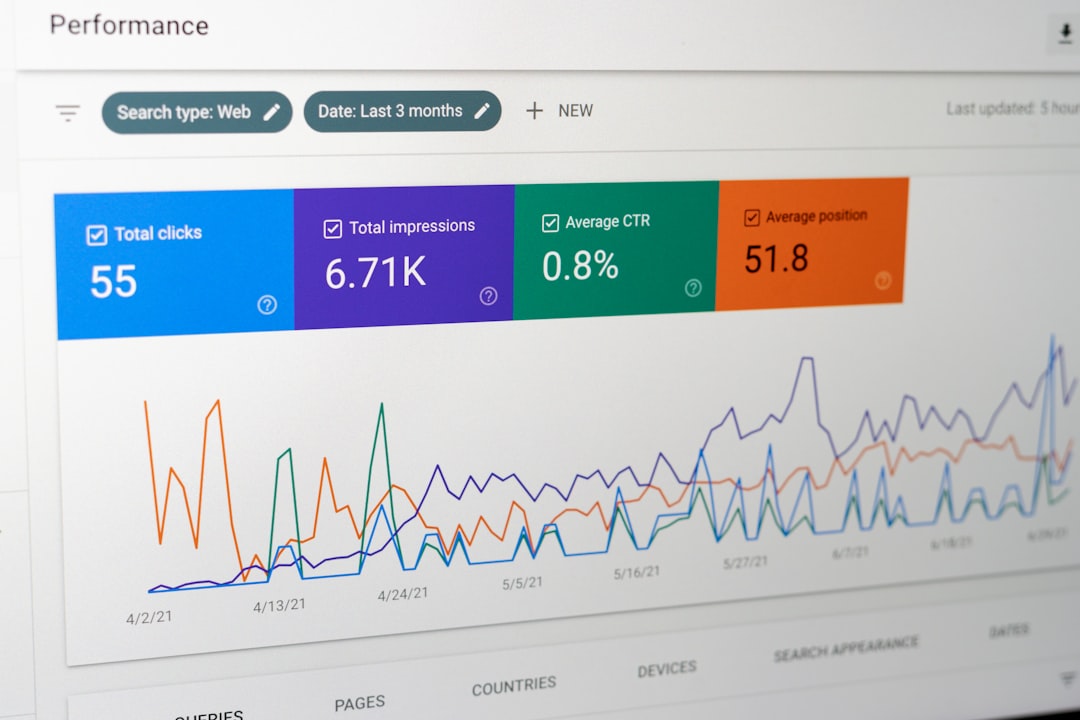
Instapage wins on testing. No surprise there. It was built for serious optimization. You can run A/B tests, study heatmaps, compare page versions, and tie results back to campaigns.
For example, you might test two hero headlines:
- Version A: “Get More Qualified Leads”
- Version B: “Book 30% More Sales Calls”
If Version B gets a 9.8% conversion rate and Version A gets 7.1%, you have a clear winner. If you pay for traffic, that gap can be huge.
Leadpages also supports A/B testing, but it depends on your plan. The setup is simpler. That is good for casual testing. It is less suited for large ad teams that run constant experiments.
The catch is that Leadpages testing can feel basic if you want deep analysis. You can test pages. You can pick winners. But you will not get the same full campaign view that Instapage offers.
Marketing Workflows
Leadpages fits simple workflows very well. Here is a common one:
- Create a landing page for a free guide.
- Add a form.
- Connect your email service.
- Send new leads into a welcome sequence.
- Add a popup to your site.
That is clean. It is also enough for many users.
Instapage fits more complex workflows. Here is a typical agency or ad team flow:
- Create one campaign for each audience segment.
- Build matching pages for each ad group.
- Use team comments to review designs.
- Run A/B tests.
- Study heatmaps.
- Send results to clients or managers.
Instapage also has stronger collaboration tools. Team members can comment on page sections. Designers, copywriters, and ad managers can work together with fewer messy email threads. Fewer “final final v3 approved new” files. Thank goodness.
Integrations
Both platforms connect with popular marketing tools. You can connect email services, CRMs, webinar tools, analytics platforms, and payment tools.
Leadpages works well with tools like Mailchimp, HubSpot, ActiveCampaign, ConvertKit, Google Analytics, Facebook Pixel, and Zapier. It also has WordPress support, which is useful if your main site runs there.
Instapage also connects with major marketing and analytics tools. It works well with Google Ads, Salesforce, HubSpot, Marketo, Google Analytics, Tag Manager, and Zapier. Its integrations are more appealing for teams with paid media stacks.
If your workflow is simple, Leadpages covers the basics. If your workflow has sales teams, ad platforms, analytics tags, and client approvals, Instapage feels more natural.

Pricing and Value
Leadpages is much cheaper. That is one of its biggest strengths. It gives small teams a real landing page system without scary pricing.
For creators, local businesses, consultants, and early startups, this matters. You may not need enterprise-grade testing. You may just need a clean page that turns visitors into leads.
Instapage costs more. A lot more. But the price can make sense if your traffic is expensive. If better page matching and testing reduce wasted ad spend, the tool can pay for itself.
Let’s say you spend $15,000 per month on ads. Your landing page converts at 4%. If Instapage helps push that to 5%, you get 25% more conversions from the same traffic. That can be worth the higher fee.
What Will Annoy You?
Leadpages can feel limited when you want fine design control. Some templates also look a bit familiar. You may need extra tweaking to avoid the “I have seen this page before” feeling.
Instapage can feel like too much tool. Simple edits may take longer because there are more options on screen. Expect to waste time on tiny alignment choices if you are picky. A button that is 3 pixels off should not ruin your morning, but somehow it does.
Final Verdict
Pick Leadpages if you want fast pages, simple lead capture, popups, alert bars, and fair pricing. It is the better choice for most small businesses and solo users.
Pick Instapage if landing pages are tied to serious ad spend. It is stronger for testing, heatmaps, collaboration, personalization, and campaign structure.
The simple rule is this: if you need a page, choose Leadpages. If you need a testing machine for paid traffic, choose Instapage.