

Twitch tags should be treated as the primary discoverability tool, while StreamElements should support retention, branding, and viewer actions after someone lands on the channel. A streamer trying to reach new viewers should fix tags first, then use StreamElements to make the channel feel active, clear, and worth following.
TLDR: Twitch tags help viewers find a stream through browsing, search filters, and category pages. StreamElements does not replace tags, but it can improve follow rate through overlays, alerts, chat commands, and clearer calls to action. For example, a small streamer who changes from vague tags like Fun and Chill to focused tags like English, Beginner Friendly, Ranked, and No Backseating may see a 10% to 25% lift in relevant first-time clicks over several weeks. If 80 people visit a channel in a week, even a 15% better match can mean 12 more viewers who actually care about the stream.
Best Twitch Tags for Better Discoverability
The best Twitch tags describe who the stream is for, what is happening, and how the chat is expected to behave. Broad tags may attract random clicks, but focused tags attract better matches. That matters more for small channels than raw impressions.
A streamer with 3 average viewers does not need everyone. They need the right five people to stop scrolling. Tags help with that first filter.
Strong Twitch tags usually fall into a few useful groups:
- Language tags: English, Spanish, French, German, Portuguese, Japanese.
- Gameplay tags: Ranked, Casual Playthrough, Speedrun, First Playthrough, Challenge Run.
- Community tags: Beginner Friendly, Safe Space, Cozy, No Backseating, Backseating Allowed.
- Skill tags: High Skill, Competitive, Educational, Coaching, Practice.
- Identity and accessibility tags: LGBTQIAPlus, Disabled, Neurodivergent, Closed Captions, when accurate and relevant.
- Content format tags: AMA, Charity, Drops Enabled, Viewer Games, Podcast.
Honestly, it feels like many streamers waste their best tag slots on mood words that say almost nothing. Chill can work, but it should not be the whole plan. A horror streamer using First Playthrough, No Spoilers, English, and Scary Games gives viewers a much clearer reason to click.

Twitch Tags vs StreamElements: What Each One Actually Does
Twitch tags are discovery signals inside Twitch. They help categorize the stream. They also help viewers sort and identify content before opening a channel. Tags sit close to the point where discovery happens.
StreamElements is a production and engagement tool. It handles overlays, alerts, loyalty points, timers, chat commands, tip pages, sponsorship tools, and stream stats. It can make a channel feel more professional. It can also reduce confusion for new viewers.
The catch is that StreamElements does not make a bad tag setup magically searchable. A creator can build a beautiful alert package and still be buried if the title, category, thumbnail moment, and tags are weak.
| Tool | Main Use | Best For | Weakness |
|---|---|---|---|
| Twitch Tags | Discovery and filtering | Getting found by relevant viewers | Limited space and easy to misuse |
| StreamElements | Engagement and stream presentation | Keeping viewers, adding commands, tracking activity | Does not directly replace native Twitch discovery |
How Tags Improve Twitch Discoverability
Twitch viewers often browse by game or category first. After that, they scan titles, thumbnails, viewer counts, and tags. Tags can make a small channel feel specific instead of invisible.
For example, two streamers may both play Fortnite. One uses Chill, Fun, and Gaming. The other uses Zero Build, Ranked, English, and Viewer Games. The second channel gives a clearer promise. A viewer who wants ranked Zero Build content has a reason to stop.
Good tags also set expectations. No Backseating prevents friction during story games. Beginner Friendly invites newer players. Educational tells viewers that questions are welcome. These small labels can reduce bounce rate because the first click is better matched.
Where StreamElements Helps Discoverability Indirectly
StreamElements helps after the click. That still matters. If tags bring in 20 new viewers and none stay longer than 30 seconds, the channel has a retention problem.
Useful StreamElements features include:
- Chat commands: Commands like !rank, !build, !schedule, and !rules answer repeat questions fast.
- Timers: Timed messages can promote Discord, upcoming streams, or community events without constant self-promotion.
- Alerts: Follows, raids, subs, and tips can make the stream feel active.
- Overlays: Clean overlays can show goals, chat, recent followers, or event lists.
- Analytics: Streamers can compare peak viewer moments, chat activity, and repeat engagement.
It drives creators a little crazy that changing a simple overlay or alert can take 15 extra seconds per scene when layouts are messy. Still, once StreamElements is set up cleanly, it saves time during live sessions.
The Best Strategy: Use Twitch Tags First, Then StreamElements
The strongest setup starts with native Twitch basics. A streamer should pick the correct category, write a clear title, choose specific tags, and make the first 30 seconds of the stream match the promise.
Then StreamElements should reinforce that promise. If the stream tag says Beginner Friendly, a timer can say, “New players are welcome. Ask questions anytime.” If the tag says No Backseating, a command can explain the rule without drama. If the tag says Viewer Games, a command can explain how to join.
This creates a cleaner path:
- Viewer sees the stream through category browsing, title, and tags.
- Viewer clicks because the stream looks relevant.
- StreamElements answers questions through commands and timers.
- Viewer stays longer because expectations are clear.
- Follow rate improves because the channel feels organized.
Tag Examples by Stream Type
Competitive FPS stream: Ranked, High Skill, English, Coaching, Competitive, Mouse and Keyboard.
Cozy variety stream: Cozy, Casual Playthrough, First Playthrough, No Backseating, Safe Space, English.
Educational game stream: Educational, Beginner Friendly, Coaching, Strategy, AMA, English.
Community night stream: Viewer Games, Playing With Viewers, Discord, Casual, Chatty, English.
Story game stream: First Playthrough, No Spoilers, No Backseating, Lore, Casual Playthrough, English.
The best tag set should change by stream. A creator playing ranked matches on Monday and cozy story games on Thursday should not use the same tags both days. Static tags create lazy results.
Common Tag Mistakes
- Using tags that are too vague: Tags like Fun or Gaming rarely separate one channel from thousands.
- Copying large streamers: Big creators already have audience pull. Small streamers need clearer positioning.
- Using inaccurate identity tags: Tags should reflect the streamer or community honestly.
- Ignoring language: Language tags help viewers avoid awkward mismatches.
- Never testing: Tags should be reviewed every few streams.
Simple Testing Plan for Twitch Tags
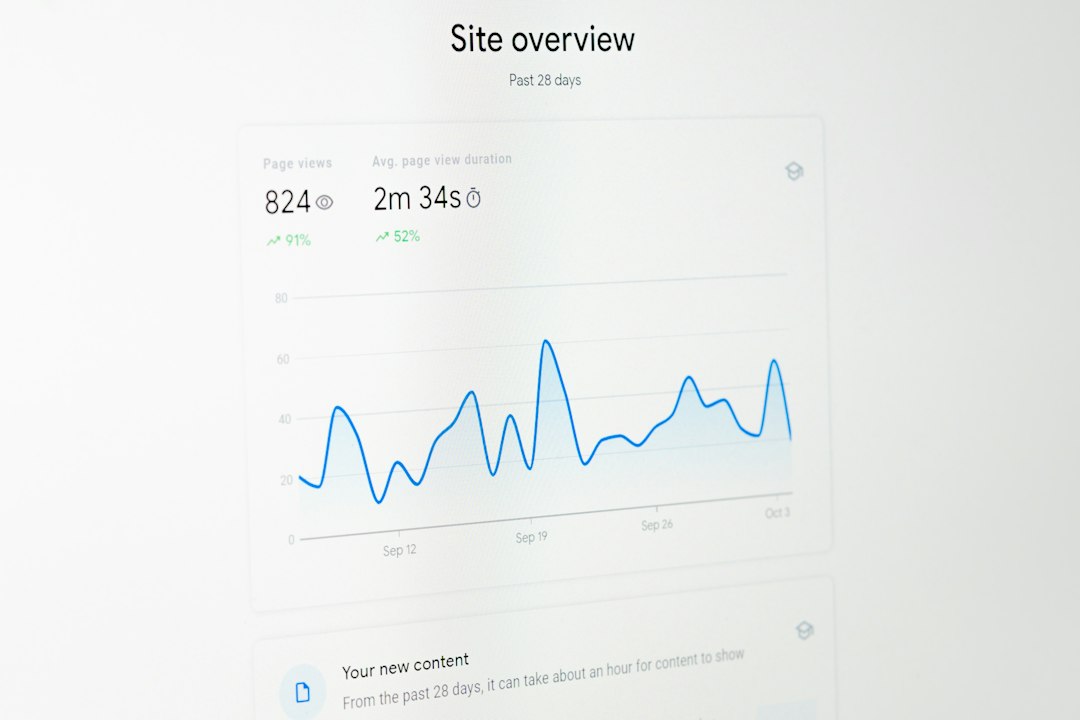
A practical test should run for two to four weeks. A streamer can track average viewers, unique chatters, follows per stream, and average watch time. The goal is not instant fame. The goal is better viewer fit.
For week one, the streamer can use broad tags. For week two, they can switch to specific intent tags. If impressions stay similar but follows rise from 3 to 5 per week, the second setup is probably better. If chat messages rise by 20%, that also suggests stronger audience match.
StreamElements can support this test by tracking chat activity and follower events. Twitch analytics should still be checked for discovery data. Together, they give a more complete picture.
FAQ
Are Twitch tags more important than StreamElements?
For discoverability, yes. Twitch tags affect how a stream is categorized and understood inside Twitch. StreamElements helps more with retention, presentation, and chat engagement.
Can StreamElements improve Twitch discoverability?
StreamElements can improve discoverability indirectly. Better alerts, commands, timers, and overlays can turn more first-time viewers into followers. It does not replace native Twitch tags.
What are the best Twitch tags for small streamers?
The best tags are specific and accurate. Strong options often include language, content type, skill level, chat rules, and community style, such as English, Beginner Friendly, Ranked, No Backseating, or Viewer Games.
Should a streamer use the same tags every stream?
No. Tags should match the exact stream. Ranked gameplay, cozy story games, tutorials, and viewer games all need different tags.
How often should Twitch tags be tested?
A streamer should review tags every two to four weeks. Changes should be judged against follows, chat activity, average viewers, and watch time, not only clicks.
What matters most: title, tags, or StreamElements setup?
The best result comes from all three. The title creates the pitch, tags help viewers filter the stream, and StreamElements helps keep people engaged after they click.