
Choose WordPress.org hosting if you want full control, serious growth options, and ownership of your website. Choose WordPress.com if you want a simpler, more managed experience and do not mind platform limits. The names sound almost identical, which is annoying, but they lead to very different website setups.
TLDR: WordPress.org is the free WordPress software you install on your own hosting account, while WordPress.com is a hosted service that runs WordPress for you. For example, a small business paying $10 to $25 per month for WordPress.org hosting can usually install custom themes, plugins, analytics, booking tools, and SEO plugins without platform restrictions. WordPress.com is easier at first, but advanced features often require higher paid plans. If you expect your site to grow past 5,000 monthly visitors or need custom tools, WordPress.org hosting is usually the better long-term pick.
What “WordPress.org hosting” really means
WordPress.org does not host your website. That surprises many beginners. WordPress.org provides the open-source WordPress software. You download it, or more commonly, install it through a web host with one click.
So when people say WordPress.org hosting, they usually mean this:
- You buy hosting from a company such as a shared host, managed WordPress host, VPS provider, or cloud host.
- You install WordPress from WordPress.org on that hosting account.
- You own the files, database, plugins, themes, and site structure.
- You control monetization, code access, backups, speed tools, and integrations.
That level of control is the big reason developers, agencies, bloggers, stores, and SaaS companies often prefer WordPress.org. You are not boxed into one company’s feature set.
What WordPress.com provides
WordPress.com is a hosted platform. You create an account, choose a plan, and build your site inside its system. Hosting, basic security, backups, and updates are handled for you.
This can be useful. If you want a personal blog, simple portfolio, or low-maintenance site, WordPress.com can get you online quickly. You do not need to think much about server settings, caching, database access, or file permissions.
The catch is that the easy start can turn into a wall later. Want a specific plugin? You may need a higher plan. Want deep code changes? More limits. Want full control over ads, tracking scripts, or advanced SEO settings? Check the plan details first, because assumptions here can cost you time.
WordPress.org vs WordPress.com: the core differences
The two options are not “good” and “bad.” They serve different users. The real question is how much control you need.
| Feature | WordPress.org Hosting | WordPress.com |
|---|---|---|
| Hosting | You choose your own host | Included by WordPress.com |
| Plugins | Install almost any plugin | Depends on plan |
| Themes | Use free, paid, or custom themes | Plan-based limits may apply |
| Technical work | You or your host handle more settings | Much is handled for you |
| Ownership | More control over files and database | Site lives inside the WordPress.com service |
| Best for | Businesses, stores, content sites, custom projects | Simple blogs, portfolios, beginner sites |
Cost: cheaper is not always cheaper
WordPress.org software is free, but hosting is not. A basic hosting plan may cost around $3 to $15 per month. Managed WordPress hosting may cost $20 to $60 per month or more. You may also pay for a domain, premium theme, backup service, security tool, or paid plugins.
WordPress.com has plans with set pricing. That feels cleaner. But if your site needs plugin support, advanced design options, ecommerce tools, or stronger monetization features, you may move into a higher tier faster than expected.
Honestly, it feels like the pricing confusion exists because both platforms use the same WordPress name. A beginner can spend 20 minutes comparing plans and still not know why one version allows a plugin and the other does not.
Control and customization
This is where WordPress.org hosting wins hard.
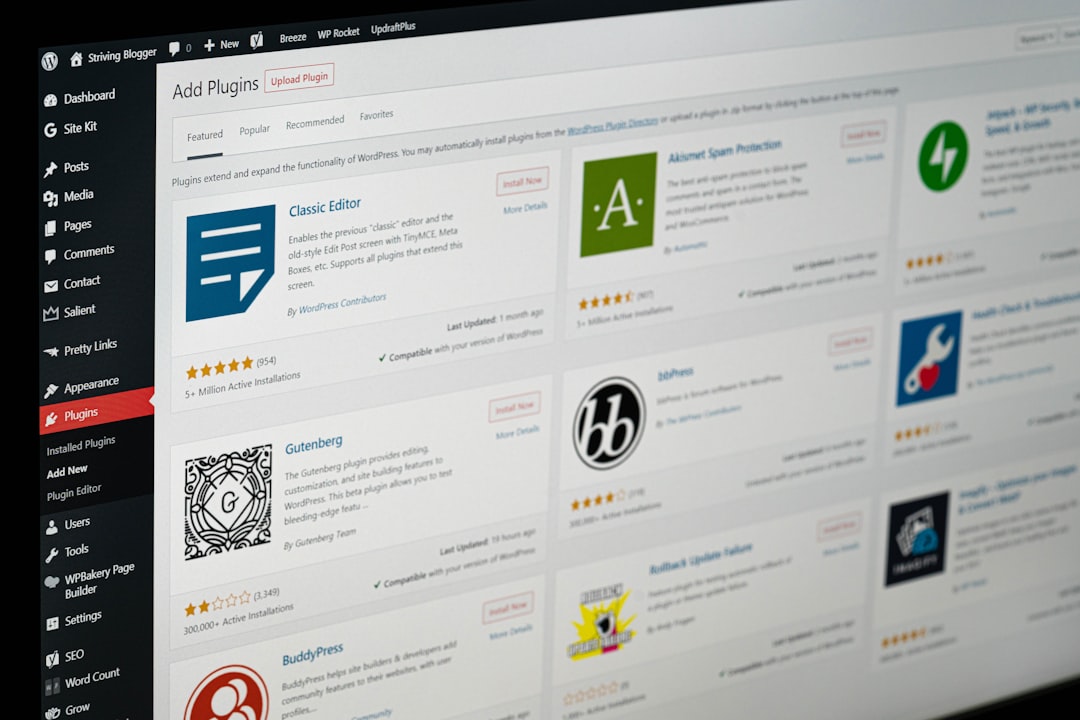
With WordPress.org, you can install SEO tools, caching plugins, form builders, membership plugins, learning management systems, analytics scripts, affiliate tools, and ecommerce platforms. You can edit theme files. You can connect external services. You can move hosts if performance drops or support gets slow.
For a business site, that freedom matters. You may start with five pages and a contact form. Six months later, you may need appointment booking, email automation, landing pages, review widgets, and conversion tracking. With self-hosted WordPress, you can build that stack your way.
WordPress.com can still be customized, especially on paid plans, but it is more controlled. That is not always bad. Fewer choices can mean fewer mistakes. Still, if you want a site that works exactly the way you want, WordPress.org is the safer bet.
Maintenance and security
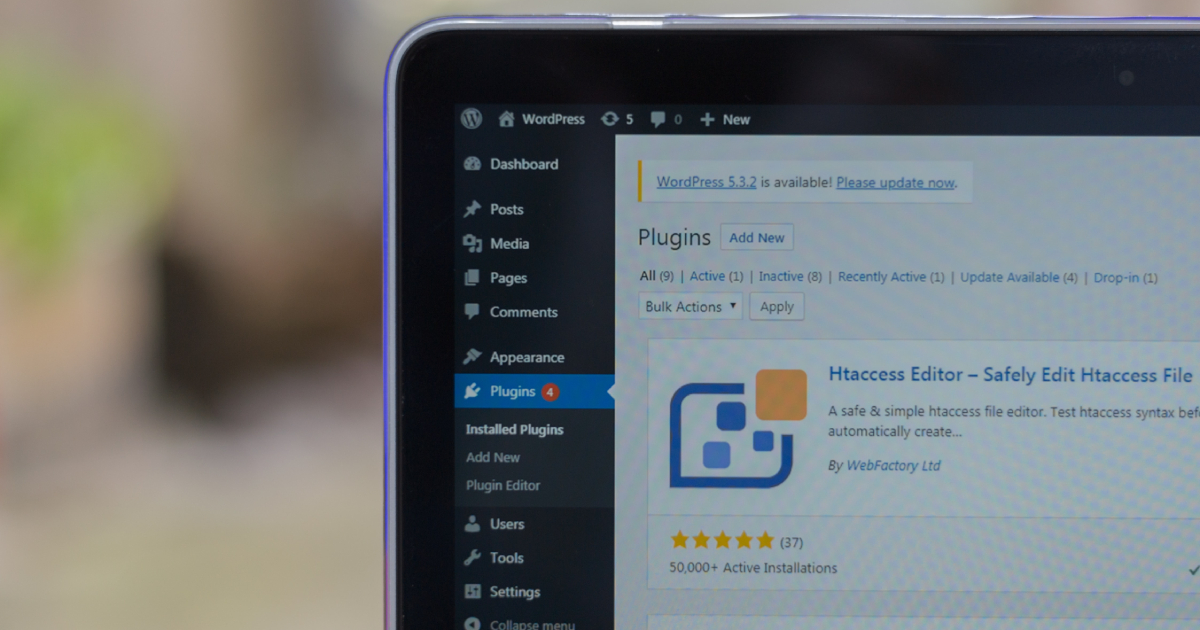
WordPress.org gives you control, but also responsibility. You must care about:
- Updates for WordPress core, themes, and plugins.
- Backups stored away from your hosting account.
- Security such as strong passwords, firewall tools, and login protection.
- Performance including caching, image compression, and quality hosting.
- Uptime and support quality from your hosting company.
Good managed WordPress hosting reduces much of this work. Many hosts include automatic backups, malware scanning, staging sites, and server-level caching. That costs more, but it can save hours every month.
WordPress.com handles more maintenance for you. That is one of its strongest benefits. If you hate technical chores and do not need advanced features, this managed setup may be worth the tradeoff.
Performance and speed
Speed depends on the setup. A well-built WordPress.org site on strong hosting can be very fast. A cheap overloaded server can be painfully slow. Expect to waste time on performance fixes if you pick the lowest-cost host and install 35 plugins without checking quality.
WordPress.com handles the hosting environment, so beginners avoid many server problems. Still, you have less direct control over advanced performance tuning. For a simple blog, that may not matter. For a revenue-focused site, speed control matters a lot.
A one-second delay can reduce conversions. Several public ecommerce studies have shown that small speed losses can hurt sales. If your site earns money, faster hosting and cleaner code are not luxuries. They are part of the business.
SEO, analytics, and monetization
For SEO, WordPress.org is usually stronger because you can install full-featured SEO plugins, schema tools, redirect managers, analytics scripts, and optimization plugins. You can also add custom tracking pixels and run technical SEO tests with fewer platform restrictions.
WordPress.com includes SEO-friendly basics, but deeper control depends on your plan. The same goes for monetization. If you want affiliate links, ad networks, sponsored content, product sales, online courses, or memberships, read the rules and plan limits carefully.
With WordPress.org hosting, you decide how your site earns money. That freedom is a major reason publishers and business owners choose it.
Which option should you choose?
Pick WordPress.org hosting if you:
- Want full ownership and control.
- Need custom plugins or themes.
- Plan to build an online store, membership site, directory, or course site.
- Care about advanced SEO and analytics.
- May switch hosting providers later.
- Want fewer platform limits as the site grows.
Pick WordPress.com if you:
- Want the simplest setup.
- Do not want to manage hosting tasks.
- Need a basic blog, portfolio, or personal site.
- Prefer bundled hosting, updates, and maintenance.
- Are comfortable with plan-based feature limits.
Final recommendation
If your website is tied to a business, brand, store, or long-term content plan, WordPress.org hosting is usually the smarter choice. It gives you room to grow, change tools, improve speed, and control how the site works.
If you just want to publish with minimal setup, WordPress.com is more convenient. It removes many technical tasks and lets you focus on writing or basic site building.
The practical answer is simple: use WordPress.com for ease, and use WordPress.org hosting for control. If you are unsure, ask yourself one question: Will I be frustrated if I cannot install a plugin, edit code, or move my site freely? If the answer is yes, go with WordPress.org hosting from the start.