
Proxy Y helps your device talk to the web through another server. That means websites see the proxy’s IP address first, not yours. A proxy server works as a middle point between a user and the internet [source: Cloudflare]. Simple idea. Big uses.
TLDR: Proxy Y is a proxy service that can hide your IP address, help you access region-based content, test websites, and collect public web data. For example, a small online store might use proxies to check 500 product pages across 5 cities without being blocked after 20 searches. It is useful, but it is not magic. Bad proxies can be slow, blocked, or just plain annoying.
What Is Proxy Y?
Proxy Y is best understood as a proxy service. Think of it like a friendly internet middleman.
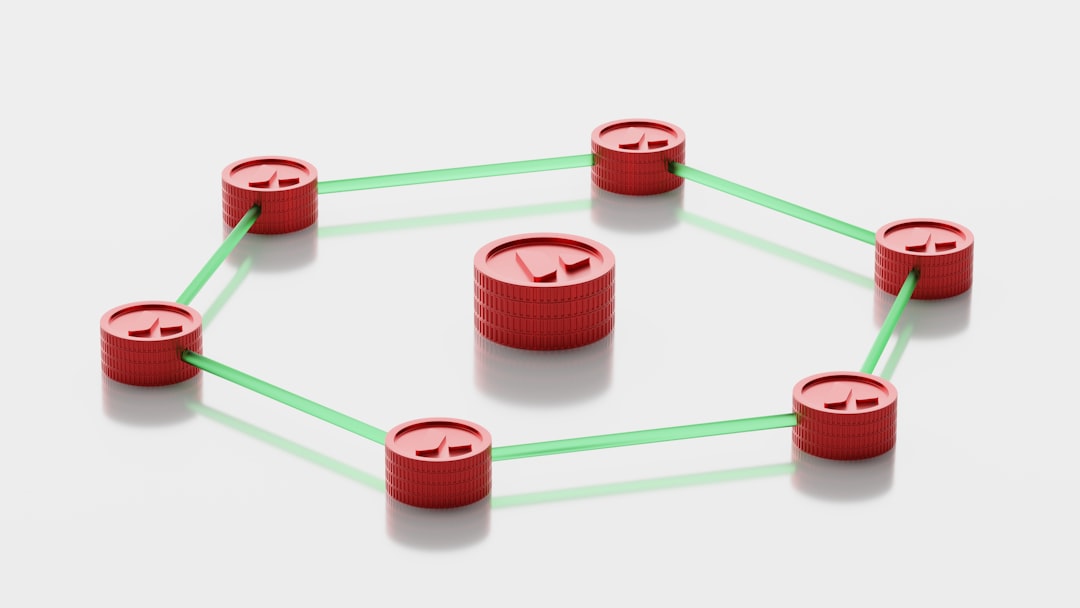
You ask for a website. Proxy Y sends the request for you. The website replies to Proxy Y. Then Proxy Y sends the page back to you.
So the website sees Proxy Y first. Not your home IP. Not your office IP. Not your cafe Wi-Fi IP.
That sounds fancy. It is not. It is like asking a friend to pick up a package with their address instead of yours.
Why Do People Use Proxy Services?
People use proxy services for many normal reasons. Some are personal. Some are business related. Some are technical.
Here are the common ones:
- Privacy: A proxy can hide your real IP address from websites.
- Location testing: You can see how a site looks from another city or country.
- Price checks: Shops can compare public prices across regions.
- Ad testing: Marketers can check if ads show correctly in different places.
- Web scraping: Teams can collect public data without sending all requests from one IP.
- Access control: Companies can filter traffic and block unsafe sites.
It drives me crazy when tools make this sound mysterious. A proxy is just a relay. The smart part is how that relay is managed.
How Proxy Y Works in Real Life
Let’s say Mia runs a sneaker shop. She wants to compare prices from 10 competitor sites. She checks them every morning.
If Mia sends all requests from her office Wi-Fi, some sites may flag the traffic. That can happen fast. Maybe after 50 page loads. Maybe after 200. It depends on the site.
With Proxy Y, Mia can spread requests across many proxy IPs. One request may look like it comes from Chicago. Another from Dallas. Another from Berlin.
This helps her see public pages in a cleaner way. It also helps her avoid false blocks caused by repeat visits from the same IP.
Still, she should keep it polite. Slow requests are better. Respect robots.txt where needed. Avoid private data. Skip accounts and logins unless she owns them.
Main Types of Proxies
Not all proxies are the same. Some are cheap and rough. Some are fast and clean. Some are built for special jobs.
1. Residential Proxies
Residential proxies use IP addresses tied to real homes or consumer internet providers. They often look more natural to websites.
They are popular for price tracking, market research, and ad checks.
The downside? They can cost more. They may also be slower than data center proxies.
2. Data Center Proxies
Data center proxies come from servers in hosting centers. They are usually fast. They are often cheaper too.
But websites can spot them more easily. Many data center IP ranges are known. So blocks may happen faster.
3. Mobile Proxies
Mobile proxies use IPs from mobile networks. They can be useful for app testing, mobile ads, and social media checks.
They are often pricey. Setup can also feel clunky. Honestly, it feels like some dashboards were built by people who never had to finish a task before lunch.
4. Rotating Proxies
Rotating proxies change the IP address after a set time or after each request.
This helps with larger tasks. For example, checking 10,000 public search results over several hours.
But rotation must be controlled. Too much switching can look odd. Too little switching can cause blocks.

Forward Proxy vs Reverse Proxy
A forward proxy helps users reach websites. This is what most people mean when they say “proxy.”
A reverse proxy helps websites handle users. It sits in front of web servers. It can improve security and speed. NGINX explains reverse proxies as servers that receive client requests and pass them to other servers [source: NGINX].
So the direction matters.
- Forward proxy: Protects or changes the user side.
- Reverse proxy: Protects or manages the website side.
What Proxy Y Can Help With
Proxy Y can be useful when you need flexible access to public web pages. It can also help teams test how the web behaves in different places.
Common use cases include:
- SEO tracking: Check search rankings from different regions.
- Brand monitoring: See where your brand appears online.
- Travel price checks: Compare fares and hotel prices by location.
- Quality assurance: Test if a website loads correctly in other countries.
- Cybersecurity checks: Inspect public attack surfaces from outside a network.
Here is a simple case.
A marketing team launches ads in Canada, Spain, and Japan. They use Proxy Y to view ad pages from each country. They test 30 landing pages. They find that 4 pages load in the wrong language. That is a real fix. Not a theory.
What Proxy Y Cannot Do
Proxy services have limits. Big ones.
A proxy does not make you invisible. Websites can still use cookies, browser fingerprints, login data, and behavior patterns.
A proxy does not make unsafe actions safe. It also does not give permission to break website rules.
A proxy is not always encrypted. Some proxy types pass traffic without full protection. A VPN usually encrypts all traffic between your device and the VPN server. A proxy may only handle traffic from one app or browser.
Expect to waste time on setup if the service has poor docs. One bad port number can cost 15 minutes. One wrong username format can break everything. Fun? No.
Proxy Y vs VPN
People mix these up all the time.
A VPN usually covers your whole device. It routes most or all traffic through one secure tunnel.
A proxy often works per app, per browser, or per task. It is more flexible for automation and testing.
| Feature | Proxy Y | VPN |
|---|---|---|
| Best for | Web tasks, testing, data collection | General privacy, secure browsing |
| IP control | Often very flexible | Usually less flexible |
| Encryption | Depends on setup | Usually included |
| Speed | Can be very fast | Can be slower due to encryption |
How to Pick a Good Proxy Service
Do not buy the first cheap plan you see. Cheap proxies can be crowded. Slow. Already blocked. Sometimes all three.
Check these items first:
- IP type: Residential, data center, mobile, or mixed.
- Locations: Make sure the service has the cities or countries you need.
- Speed: Test real page load times, not just marketing claims.
- Uptime: Look for clear uptime stats.
- Rotation rules: Check if IPs rotate per request, per minute, or by session.
- Support: Bad support turns small bugs into lost afternoons.
- Ethics: Make sure the provider explains how it sources IPs.

Safe and Smart Proxy Use
Use Proxy Y with care. Keep requests reasonable. Do not hammer sites. Avoid collecting personal data. Read terms when needed.
For business use, write clear rules. Who can use proxies? For what tasks? At what request rate? With what data limits?
A simple rule works well: if you would feel weird explaining the task to a customer, do not automate it.
Final Takeaway
Proxy Y is a practical tool for privacy, testing, research, and public web data tasks. It works by sending your web requests through another server. That can hide your IP, change location signals, and reduce blocks during repeat tasks.
But pick carefully. A good proxy service saves time. A bad one adds errors, delays, and support tickets. Start small. Test speed. Check locations. Then scale only when the setup behaves.