
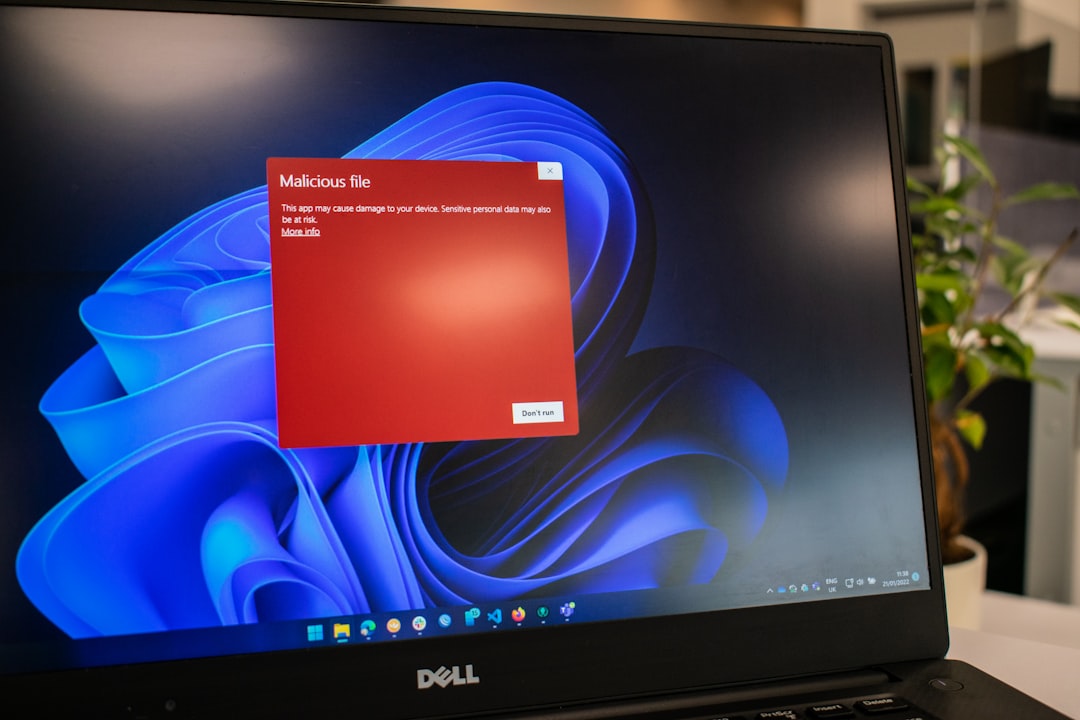
Use Emsisoft Emergency Kit for deep cleanup, ESET Online Scanner for a second opinion, and SuperAntiSpyware for stubborn adware and tracking junk. Microsoft Defender is a solid first layer because it is built into Windows and includes real-time protection [source: Microsoft]. Still, one scanner rarely catches every messy browser hijacker, leftover threat, or odd suspicious file.
TLDR: If you only pick one, choose Emsisoft Emergency Kit for serious malware cleanup because it is portable and built for rescue work. Pick ESET Online Scanner when you want a careful cloud-supported scan without installing a full antivirus suite. Use SuperAntiSpyware when a PC is drowning in pop-ups, toolbars, tracking cookies, or weird browser behavior. For example, if you clean 10 Windows PCs in a small office, a smart pattern is Defender daily, ESET monthly, and Emsisoft whenever users report slowdowns or infection signs.
Microsoft security tools cover the basics well. The problem starts when a machine already feels “off.” Maybe the browser opens strange tabs. Maybe search results get redirected. Maybe Windows Security says everything is fine, but the laptop still runs like it is dragging a chair across gravel.
That is where these three tools earn a spot. They are not identical. They solve different problems. Choosing the right one saves time, and frankly, it saves a lot of irritation.
Quick Comparison
- SuperAntiSpyware: Best for adware, spyware, browser annoyances, and tracking cookies.
- Emsisoft Emergency Kit: Best for portable emergency cleanup and infected systems.
- ESET Online Scanner: Best for a clean second opinion from a respected antivirus vendor.
SuperAntiSpyware: Best for Annoying Junk
SuperAntiSpyware has been around for years, and its main strength is right in the name. It targets spyware, adware, unwanted programs, tracking cookies, and other small pests that can make a PC feel dirty without always triggering a full antivirus alert.
This tool is useful when a browser has been taken over by strange extensions or when users complain about pop-ups that “came from nowhere.” It can also find items that traditional antivirus tools may treat as low risk.
Best use: cleaning up a home PC after someone installed free software from a shady download page.
What I like:
- Simple interface.
- Good at spotting adware and spyware traces.
- Helpful for non-technical users.
What gets annoying: scans can feel slow on older drives, especially when the system has years of browser junk. It drives me a little mad when a “quick cleanup” turns into a coffee-break job, but that is often the price of checking deep clutter.
Emsisoft Emergency Kit: Best for Rescue Work
Emsisoft Emergency Kit is the tool I would keep on a USB stick. It is portable, which means you can run it without a normal full installation. That matters when a compromised PC is already unstable or when you do not want to add more software than needed.
It focuses on malware detection and removal. It is not trying to be a full everyday security suite. That is a good thing. It keeps the job clear: scan, detect, clean.
Best use: a Windows computer that may already be infected and needs inspection before you trust it again.
What I like:
- Portable design.
- Strong cleanup focus.
- Good fit for technicians and repair shops.
- Useful when regular antivirus tools are blocked or broken.
The catch is that beginners may find it less friendly than SuperAntiSpyware. It feels more like a repair tool than a comfort-first app. That is not bad. It just means you should read each detection before removing items in bulk.

ESET Online Scanner: Best Second Opinion
ESET Online Scanner is ideal when you want another trusted engine to check a PC. It is not meant to replace a full-time antivirus setup. Think of it as a strong inspection tool. You run it when Defender says “clean,” but your gut says, “Not so fast.”
ESET says its online scanner can detect and remove malware from Windows PCs without requiring a full ESET product install [source: ESET]. That makes it useful for one-off checks, family tech support, and small business spot checks.
Best use: monthly or quarterly scans on machines that already use Microsoft Defender.
What I like:
- Clean interface.
- Good detection reputation.
- No need to commit to a full suite.
- Useful for peace of mind after suspicious downloads.
Where it can bug you: the first scan may take a while, especially if it checks archives and large drives. Expect to waste time on big photo folders, game libraries, and old downloads if the PC has never been cleaned.
Which One Should You Use?
For most people, the best answer is not one tool. It is a small stack.
- Daily protection: Microsoft Defender.
- Second opinion: ESET Online Scanner.
- Emergency cleanup: Emsisoft Emergency Kit.
- Adware cleanup: SuperAntiSpyware.
If a computer is only mildly annoying, start with SuperAntiSpyware. If the system may be infected, go straight to Emsisoft Emergency Kit. If everything seems fine but you want proof, run ESET Online Scanner.

Final Verdict
Emsisoft Emergency Kit is the strongest emergency choice. ESET Online Scanner is the best second-opinion scanner. SuperAntiSpyware is the most practical pick for adware and browser junk.
None of them fully replaces smart habits. Do not run random installers. Keep Windows updated. Remove unused extensions. Back up files before a cleanup. Security tools help, but they work best when the user is not inviting trouble every Friday night.