
Figma is the best free app design tool for most UI and UX teams, while Penpot is the better pick for open source work and Lunacy is ideal for offline design. Figma’s free Starter plan includes 3 collaborative design files and unlimited personal drafts, which is enough for small trials, student projects, and early product work [source: Figma]. The right choice depends on one simple question: does the team need smooth collaboration, full control, or a fast desktop app?
TLDR: Figma wins for most UI and UX design because it feels polished, works in the browser, and has a huge plugin base. Penpot is best when a team wants an open source tool that works well with developers and SVG based workflows. Lunacy is a strong free option for solo designers who need offline access, especially on Windows. For example, a 3 person team building a 12 screen mobile app prototype will likely move fastest in Figma, while a developer led team may prefer Penpot for cleaner handoff.
Quick comparison: Penpot vs Figma vs Lunacy
All three tools can handle wireframes, app screens, prototypes, reusable components, and design handoff. The difference is not whether they can make a button. They all can. The real difference is how much friction appears after the first few screens.
- Figma: Best for real time teamwork, plugins, prototyping, and hiring compatibility.
- Penpot: Best for open source teams, developer friendly workflows, and self hosted setups.
- Lunacy: Best for offline design, Windows users, and quick solo UI work.
Figma: the strongest all round free choice
Figma has become the default tool for many UI and UX teams. Recruiters ask for it. Product teams expect it. Developers often know how to inspect files in it. That matters because design tools are not used alone. They sit between designers, founders, engineers, product managers, and clients.
Its biggest strength is collaboration. Multiple people can edit a file, leave comments, test flows, and review prototypes without installing anything. That sounds basic now, but it still saves hours. A junior designer can share a checkout flow with a founder in seconds. A developer can inspect spacing without asking for another export. A UX lead can comment on a modal while the design is still open.
The catch is that Figma’s free plan has limits. For larger teams, file structure can get cramped. Expect some cleanup work when old experiments, draft screens, and half finished flows pile up. It also depends heavily on internet access. If the connection is rough, the magic fades fast.
Best for: startups, students, agencies, product teams, and anyone who wants the safest industry choice.
Penpot: the open source option with real UI power
Penpot is the most interesting Figma alternative because it is not trying to be a cheap clone. It is open source, browser based, and built with designers and developers in mind. Its use of web friendly concepts makes handoff feel more natural for engineering teams.
Honestly, it feels like Penpot respects developers more than many design tools do. Layouts and design specs are easier to talk about because the tool’s thinking is closer to how interfaces are built. That can reduce confusion when a design moves into code.
Penpot also works well for teams that care about ownership. Since it is open source, organizations can review the project, contribute to it, or self host if needed. That is a big deal for schools, public institutions, and privacy focused teams. Its code is available on GitHub [source: GitHub].
Still, Penpot is not as polished as Figma in every corner. Some interactions can feel less refined. Its plugin and community asset pool is smaller. Designers coming from Figma may need a short adjustment period, especially around components and project structure.
Best for: open source projects, developer heavy teams, education, and organizations that want control over their design stack.
Lunacy: the underrated offline app
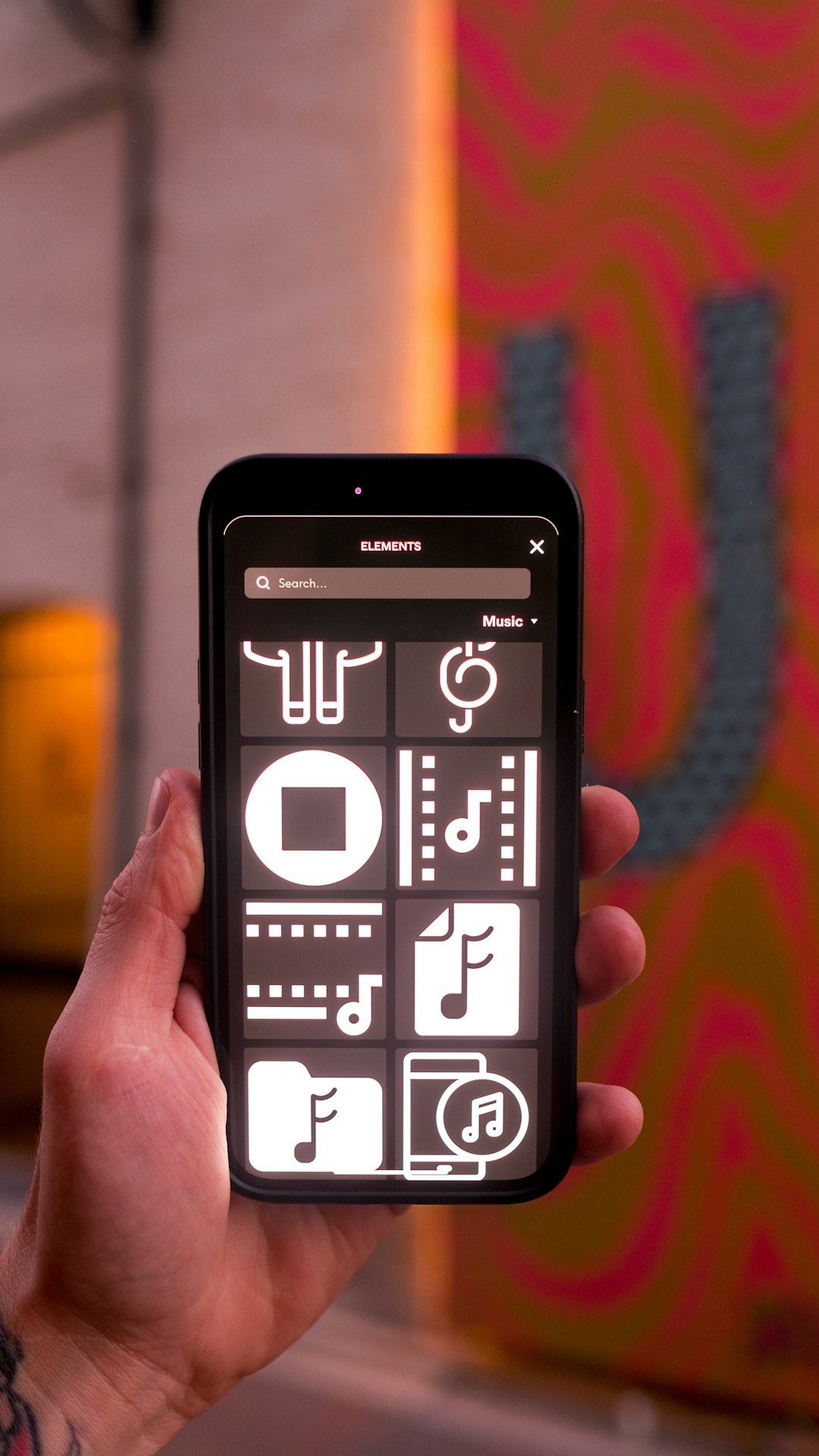
Lunacy, made by Icons8, is different from the other two because it works as a native desktop app. That makes it useful for designers who do not want every wireframe tied to a browser tab. It runs on Windows, macOS, and Linux, and it can open Sketch files, which is helpful when older assets show up from a client.
Lunacy’s biggest win is speed for solo work. A freelancer can open the app, mock up a login screen, use built in icons or photos, and export assets without setting up a team space. It also works offline, which is not glamorous, but it saves the day on trains, flights, and weak hotel Wi Fi.
It drives some designers mad that collaboration is not as smooth as Figma. Team review, comments, and shared file habits can feel less natural. Lunacy is good, but it is not the same kind of social workspace. It feels more like a strong personal design tool with team features added around it.
Best for: solo designers, Windows users, offline workflows, and quick mockups with built in visual assets.
Which free tool is best for UI design?
Figma is the best free UI design tool overall. It has the smoothest combination of components, auto layout, prototyping, sharing, and third party resources. A designer can create a design system, test a mobile flow, and hand it to a developer without switching tools.
Penpot comes close for teams that care about open standards and technical handoff. Lunacy is better when the designer values offline access over shared editing.
Which free tool is best for UX design?
For UX work, Figma also leads. Its commenting, prototyping, FigJam support, and sharing options make research reviews and flow testing easier. Stakeholders can open a link and leave notes. That removes many annoying feedback loops.
Penpot is a strong UX choice for product teams that want transparency and control. Lunacy works for wireframes and early flows, but it is less ideal when many people need to review and comment at the same time.
Final recommendation
Choose Figma if the team wants the easiest free start and the best job market fit. Choose Penpot if open source, privacy, and developer alignment matter most. Choose Lunacy if a designer needs a free desktop app that works offline and handles quick interface work without fuss.
For most app design projects, Figma is the safe pick. For teams tired of locked systems, Penpot deserves serious attention. For solo designers who hate waiting on browser tabs, Lunacy is a pleasant surprise.
FAQ
Is Penpot better than Figma?
Penpot is better for open source teams, self hosting, and developer friendly workflows. Figma is better for collaboration, plugins, hiring, and broad team use.
Is Lunacy really free for UI design?
Yes, Lunacy offers a free design tool for UI work. It is especially useful for solo designers who need offline access and built in assets.
Which tool is best for beginners?
Figma is usually best for beginners because tutorials, templates, and community files are easy to find. Penpot is also friendly, but its ecosystem is smaller.
Can these tools be used for UX wireframes?
Yes. Figma, Penpot, and Lunacy can all create wireframes, user flows, and clickable prototypes. Figma has the smoothest review process for teams.
Which free app design tool should startups choose?
Most startups should choose Figma first. Penpot is a smart pick when the product team wants open source control. Lunacy suits solo founders who need fast offline mockups.