

PPSSPP Gold is the best PSP emulator choice for most players because it keeps the speed, compatibility, and clean controls of standard PPSSPP while supporting the project with a paid version. The official Gold version is described as the same emulator as free PPSSPP, with the purchase helping development [source: PPSSPP].
TLDR: Pick PPSSPP Gold if you want the strongest all-around PSP emulator and also want to support the developers. Pick regular PPSSPP if you want the same core features for free. For example, a mid-range Android phone can often run many PSP games at 2x or 3x resolution, while weaker emulator apps may struggle with audio stutter or broken saves. If your use case is “play 20 PSP games with minimal setup,” PPSSPP Gold is the safest bet.
What PPSSPP Gold Actually Is
PPSSPP Gold is not a secret premium build with extra speed hacks. That surprises some users. The “Gold” part is mainly about support. You pay once, get the polished PPSSPP experience, and help fund future work.
That may sound boring, but it matters. PSP emulation has hundreds of edge cases. Some games need special fixes. Some need better texture handling. Some crash in weird spots. A healthy main emulator gets those problems fixed faster.
The catch is… if you already use the free PPSSPP app, Gold will feel very familiar. Same style. Same menus. Same game support in most cases. You are not buying magic. You are buying the best version of the same trusted tool, plus peace of mind.

Features: PPSSPP Gold vs Other PSP Emulators
PPSSPP Gold wins because it focuses on one job: running PSP games well. Other apps often wrap around existing emulator cores or offer a simpler interface with fewer controls.
- PPSSPP Gold: Great settings menu, save states, controller support, texture scaling, cheats, frame skip, Vulkan and OpenGL support, and strong game fixes.
- Regular PPSSPP: Nearly the same feature set as Gold, but free. Best for users who do not want to pay.
- RetroArch with PPSSPP core: Good for people who want one app for many systems. Less friendly for beginners.
- JPCSP: A Java-based PSP emulator for desktop use. Interesting for testing, but less practical for casual play.
- Lemuroid: Simple and clean on Android. Great for casual users, but advanced PSP settings are limited.
PPSSPP Gold also has strong control options. Touch controls can be moved and resized. Bluetooth controllers usually work well. Keyboard mapping on PC is simple. This matters more than people think. Bad controls can ruin a great game in five minutes.
Compatibility: Which Emulator Runs More Games?
PPSSPP Gold and free PPSSPP lead the pack for PSP compatibility. They handle a huge range of popular games, from racing and fighting titles to RPGs and action games. Games like Tekken 6, Final Fantasy VII: Crisis Core, Persona 3 Portable, and Monster Hunter Freedom Unite are common reasons people install it.
RetroArch can also run many PSP games because it uses a PPSSPP-based core. Still, the setup can be annoying. Menu paths change by platform. Core options sit in odd places. It drives me crazy that changing one graphics option can take several extra taps compared with standalone PPSSPP.
JPCSP is more of a niche tool now. It can run some games, and it has historical value, but it is not the easiest recommendation. It asks more from the user. It also lacks the smooth mobile focus that PPSSPP has had for years.
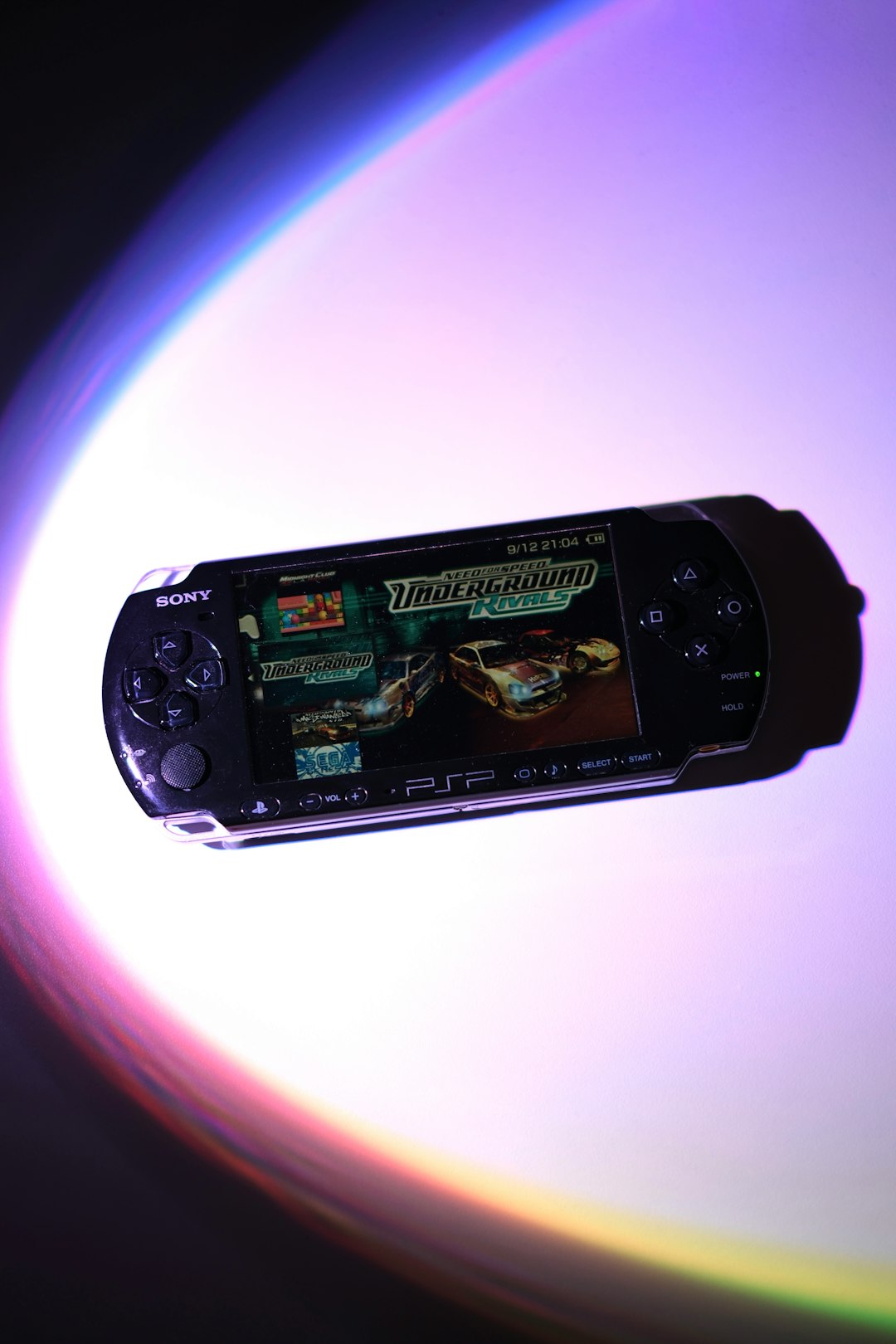
Performance: Speed, Graphics, and Smoothness
Performance is where PPSSPP Gold feels strongest. On Android, Windows, macOS, Linux, and iOS builds where available, it gives users clear tools to tune speed. You can lower resolution, switch rendering backends, enable frame skipping, or reduce effects.
For most users, the biggest win is resolution scaling. PSP games were made for a 480 x 272 screen. PPSSPP can push many games far above that. At 2x or 3x resolution, old games look cleaner on modern phones and monitors. Text is sharper. Character models look less jagged. It can feel like an unofficial remaster.
Of course, not every game behaves. Some titles have heavy effects. God of War: Chains of Olympus and God of War: Ghost of Sparta are famous stress tests. On weaker phones, expect to waste time on settings before they feel smooth. Lowering the render resolution often helps more than random speed hacks.
Ease of Use: Gold Feels Less Fussy
PPSSPP Gold is easy to understand. Add your legally dumped PSP game files. Open the app. Tap the game. Adjust settings if needed. That is the flow.
RetroArch is powerful, but it has more friction. You may need to download a core, scan folders, set directories, map controls, and tune per-core options. Some users love that. Others just want to play Burnout Legends during lunch.
Lemuroid is the opposite. It is simple and clean, which is great. But its simplicity can limit fixes. If one PSP game needs a specific tweak, PPSSPP Gold usually gives you the switch you need.
Which One Should You Choose?
- Choose PPSSPP Gold if you want the best PSP-focused emulator and want to support development.
- Choose free PPSSPP if you want the same core experience without paying.
- Choose RetroArch if you emulate many systems and like one unified app.
- Choose Lemuroid if you want a simple Android setup with minimal options.
- Skip random PSP emulator clones unless you know exactly what they are based on.
Bottom line: PPSSPP Gold is the easiest premium recommendation, but not because it hides special features behind a paywall. It wins because PPSSPP itself is mature, fast, and widely trusted. Gold simply turns that into a paid thank-you. For most PSP fans, that is enough.