

Keep the raw snapshot, then turn the scraped data into clean tables. That is the safest way to work with web evidence, price data, page content, or market signals. The public Common Crawl corpus has collected more than 250 billion web pages, which shows how large web archives can become when pages are saved over time [source: Common Crawl]. A snapshot preserves what was seen. Scraped data helps you measure it.

1. Save snapshots before you extract anything
A web snapshot is your record of the page as it appeared at a given time. It may include HTML, screenshots, headers, scripts, and page metadata. This matters because websites change without warning. A price can move. A product can disappear. A job post can be edited.
Do not start with only the extracted rows. If something looks wrong later, you need the original page to check it. Honestly, it feels like a small step until a client asks, “Where did this number come from?” Then the snapshot becomes the difference between confidence and guesswork.
2. Separate evidence from analysis
Keep two layers. The first layer is the snapshot archive. The second layer is the structured scraped data. Mixing them creates a mess.
- Snapshot layer: raw HTML, screenshots, response codes, access date, URL, page title.
- Data layer: prices, names, dates, ratings, categories, links, text fields.
- Audit layer: scraper version, extraction rule, run ID, error log.
This simple split makes reviews faster. It also helps when a website changes its layout and your scraper starts pulling the wrong field.
3. Use snapshots to confirm change over time
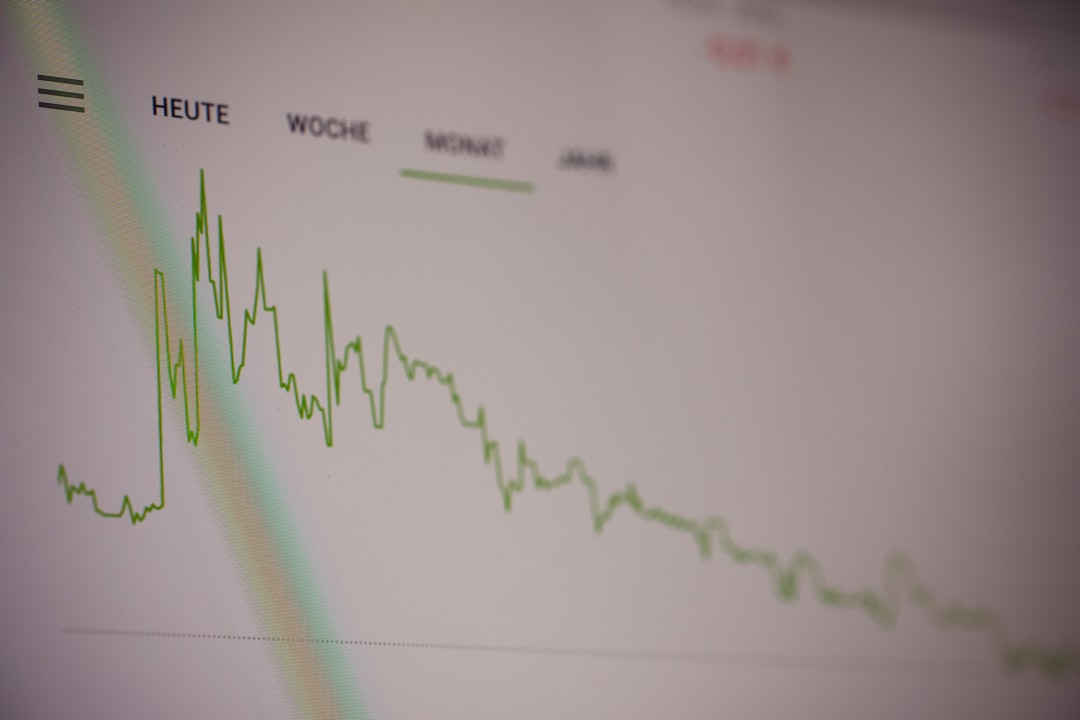
Scraped data is useful for trend analysis, but snapshots make the trend believable. If a hotel rate jumps from $129 to $189, a saved page can show that the increase was real. If a competitor removes a product feature, the old snapshot can prove when it happened.
This is especially useful for legal, research, finance, and compliance work. The Internet Archive’s Wayback Machine is one well-known example of public page history [source: Internet Archive]. Private snapshots can fill the gaps when public archives do not capture the exact page you need.
4. Clean scraped data before you trust it
Scraped data is rarely clean on the first pass. Expect odd spaces, missing values, broken characters, duplicate rows, and dates in five different formats. It drives me crazy that a single hidden character can break a report, but it happens all the time.
Build a cleanup checklist:
- Remove duplicates using URL, ID, and timestamp rules.
- Normalize dates into one format.
- Standardize units, such as pounds, kilograms, inches, or centimeters.
- Flag missing fields instead of hiding them.
- Check outliers, such as a $9,999 item in a $20 category.
Do this before charts, dashboards, or machine learning. Bad input gives bad output. No tool fixes that for free.
5. Track consent, rules, and limits
Scraping is not just a technical task. It also has legal, ethical, and business risk. Read the site’s terms. Check robots.txt. Avoid personal data unless you have a clear lawful reason to collect it. Store only what you need.
Rate limits matter too. A scraper that sends too many requests can strain a site. It can also get blocked. A slower crawl with clear logs is usually better than a fast crawl that fails halfway through and leaves you unsure what was captured.
Good practice is boring, but it protects the work. Use user agents. Space out requests. Log failures. Respect takedown requests when they are valid.
6. Turn snapshots and scraped data into decisions
The goal is not to hoard pages. The goal is to answer questions. Which products changed price? Which pages lost content? Which reviews mention delivery delays? Which job titles are rising in a market?
Useful outputs include:
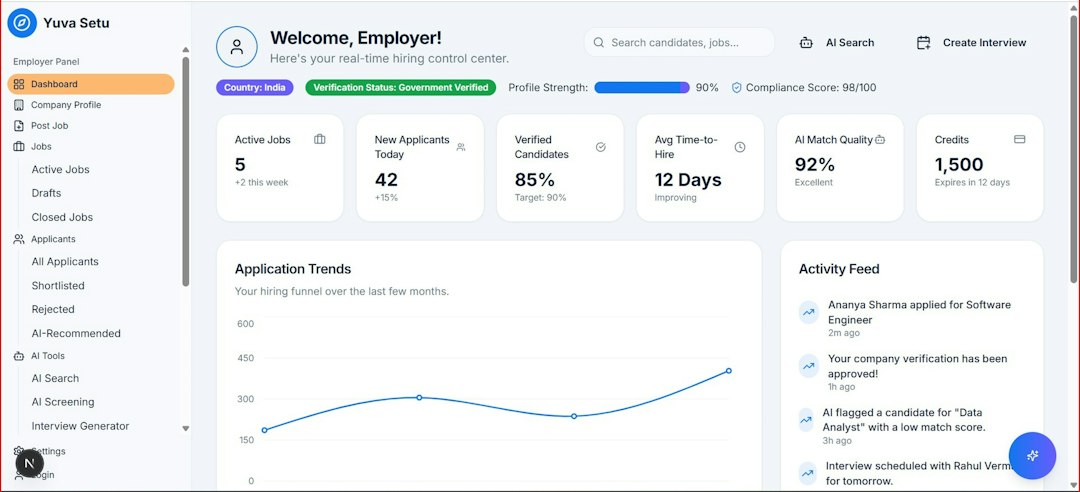
- Change reports showing what changed since the last snapshot.
- Price alerts for key competitors or vendors.
- Content audits for broken pages, missing claims, or outdated terms.
- Research datasets for market, policy, or media analysis.
Practical workflow
A reliable workflow can be simple. First, collect the page snapshot. Second, extract the target fields. Third, validate the extracted values. Fourth, store both the raw and clean versions. Fifth, compare the new result with older runs.
Give every run a clear ID. Save the scraper code version. Keep logs for blocked pages, timeouts, and parsing errors. If a field is critical, such as price or legal wording, sample a few snapshots by hand. Ten minutes of review can prevent a week of bad reporting.
The best teams treat web snapshots as records, not clutter. They treat scraped data as a working copy, not the whole truth. That habit keeps analysis grounded, repeatable, and easier to defend when someone asks hard questions.