
Upgrading your computer can feel like giving it a shot of espresso. Everything runs faster. Apps open quicker. Games feel smoother. But what if you have extra desktop RAM lying around and a slow laptop on your desk? Can you just pop the desktop RAM into the laptop and call it a day? It sounds simple. But computers love rules. And RAM has plenty of them.
TLDR: No, you usually cannot use desktop RAM in a laptop. Desktop and laptop RAM sticks are different sizes and shapes. They also use different slots and power levels. Even if the generation matches, the physical design prevents them from being swapped. If you want to upgrade your laptop, you need laptop-specific RAM.
Understanding RAM in Simple Terms
RAM stands for Random Access Memory. It is your computer’s short-term memory. It stores information your system needs right now. Not tomorrow. Not next week. Right now.
Think of RAM as your desk space. The bigger your desk, the more papers you can spread out. If your desk is tiny, you stack things up. It becomes messy. Slow. Frustrating.
When you add more RAM:
- Programs open faster.
- Multitasking feels smoother.
- Games stutter less.
- Your system freezes less often.
So upgrading RAM is one of the easiest performance boosts. But only if the RAM actually fits.
Desktop RAM vs Laptop RAM: The Big Difference
Here is the short answer. They are not the same size.
Desktop computers use something called DIMM (Dual In-line Memory Module). Laptops use SO-DIMM (Small Outline DIMM). The word “Small” is very important here.

Desktop RAM is longer. Laptop RAM is shorter. Much shorter. A desktop RAM stick simply will not fit into a laptop slot. It is like trying to park a truck in a motorcycle space.
Quick Comparison Chart
| Feature | Desktop RAM (DIMM) | Laptop RAM (SO-DIMM) |
|---|---|---|
| Size | Larger | Smaller |
| Typical Length | About 5.25 inches | About 2.6 inches |
| Power Usage | Higher | Lower |
| Fits in Laptop? | No | Yes |
| Fits in Desktop? | Yes | No (usually) |
As you can see, the differences are not small details. They are major physical differences.
Why Size Really Matters
Laptops are built for portability. Everything inside them is compact. Tight. Carefully arranged.
A desktop computer has space. Lots of it. It has room for:
- Large motherboards
- Big graphics cards
- Multiple drives
- Full-sized RAM sticks
A laptop, on the other hand, is like a suitcase. Every millimeter counts. So manufacturers use smaller RAM modules to save space.
If you try inserting desktop RAM into a laptop slot, it simply will not line up. The notch will be in the wrong place. The connectors won’t match. You cannot force it. And you should never try.
What About Using an Adapter?
This is a common question. Can you buy an adapter?
In theory, adapters exist for many things. But in practice, using a desktop RAM stick in a laptop with an adapter is not realistic.
Why?
- The laptop chassis is too thin.
- There is no room for a full-sized DIMM.
- Power delivery may differ.
- Cooling would become a problem.
Even if some experimental adapter existed, your laptop probably could not close properly. That alone ends the experiment.
It’s Not Just About Size
Let’s say, magically, the size problem did not exist. Would it work then?
Not necessarily.
RAM also differs in:
- Voltage requirements
- Speed ratings
- Chip configuration
- BIOS compatibility
Laptop RAM is designed to use less power. This helps preserve battery life. Desktop RAM does not need to worry about batteries. It can use more power freely.
Mismatched voltage can cause instability. Or prevent booting entirely. In the worst case, it can damage components.
Different RAM Generations Matter Too
Even within laptops, not all RAM works everywhere.
There are different generations:
- DDR3
- DDR4
- DDR5
Each generation has a different notch position. That means you cannot insert DDR4 into a DDR5 slot. It will not fit.

So even if you buy laptop RAM, you must match the generation your motherboard supports.
Check your laptop’s:
- User manual
- Manufacturer website
- System specifications page
Never guess. RAM is not something you want to gamble with.
Can You Use Laptop RAM in a Desktop?
Now let’s flip the question.
Can you put laptop RAM into a desktop?
Usually, no.
Desktop motherboards are built for DIMM slots. SO-DIMM sticks are too small. They will not fit unless you use a special adapter. Some niche adapters exist for testing environments, but they are not common for everyday users.
For normal home use, the rule is simple:
Desktop uses DIMM. Laptop uses SO-DIMM.
How to Identify What RAM You Need
If you want to upgrade your laptop, here is what to do.
Step 1: Check If RAM Is Upgradeable
Some modern laptops have soldered RAM. This means the memory is permanently attached to the motherboard. No upgrades possible.
If that is the case, desktop RAM will not help you. Neither will laptop RAM.
Step 2: Check the Type
Find out:
- Is it DDR4 or DDR5?
- What speed does it support?
- What is the maximum capacity?
This information is usually available on the manufacturer’s website.
Step 3: Match the Specs
Buy SO-DIMM RAM that matches your required generation and speed. You can often install faster RAM, but it will run at the motherboard’s maximum supported speed.
What Happens If You Try Anyway?
Let’s say someone ignores all advice and tries inserting desktop RAM into a laptop.
Here is what will happen:
- It will not fit in the slot.
- The notch will not align.
- The laptop will not close.
- Forcing it may damage the motherboard.
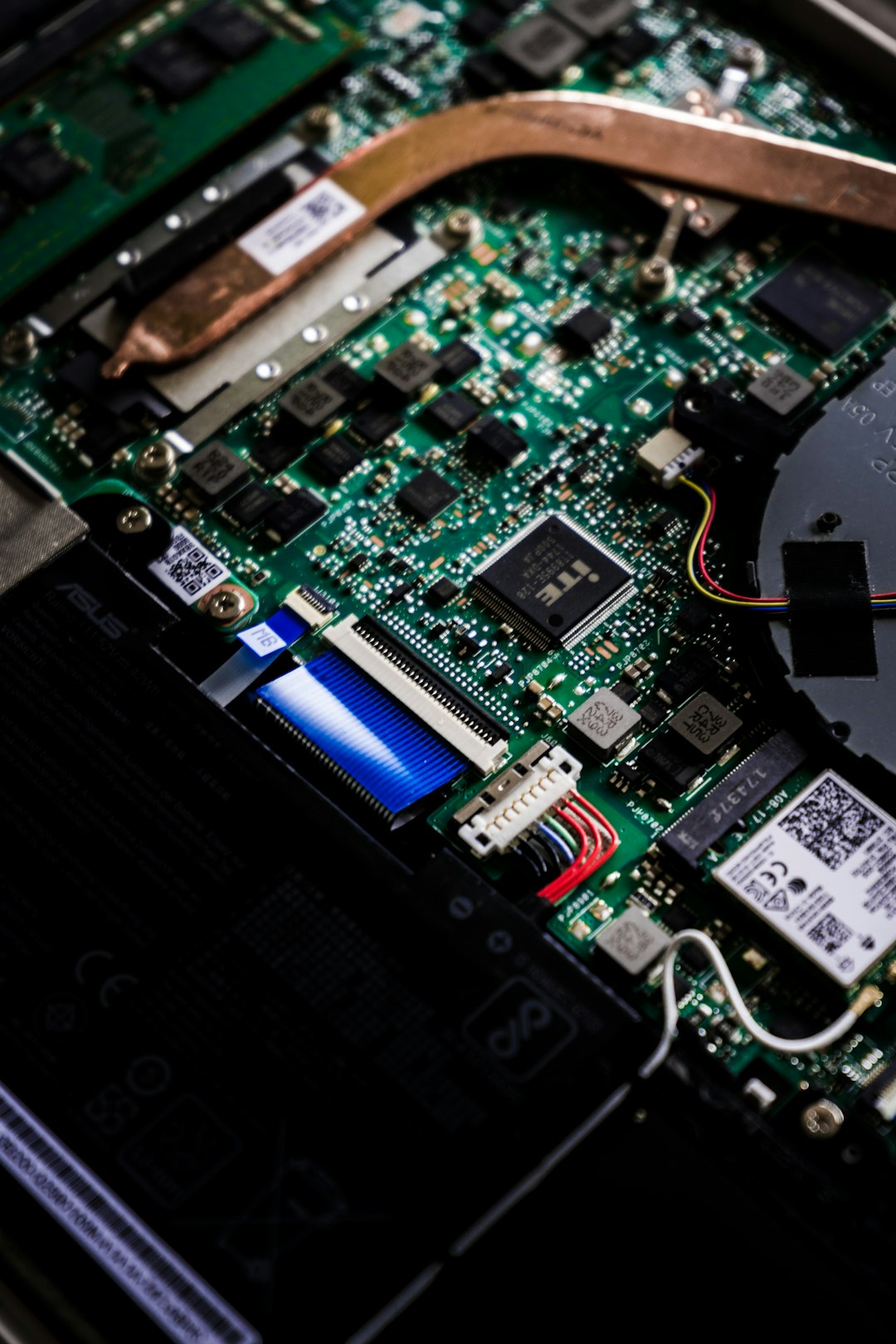
And motherboard damage is expensive. Very expensive.
Why Do People Confuse Them?
RAM sticks look similar at first glance. They both have memory chips. Gold connectors. A small notch.
If you are new to hardware, they seem almost identical. But the size difference is obvious once you place them side by side.
Another reason is leftover parts. Many people upgrade their desktop and have spare RAM. Then they look at their slow laptop and think, “Why not?”
It is a fair question. It just does not have a happy answer.
Are There Any Exceptions?
In normal consumer laptops? No.
In industrial or custom-built systems? Possibly. Some specialized embedded systems may blur the lines. But these are rare cases. Not typical home or office laptops.
For 99% of users, the answer remains the same.
The Smart Upgrade Strategy
If your laptop feels slow, consider these steps:
- Upgrade to an SSD if you still use an HDD.
- Add more SO-DIMM RAM if supported.
- Clean up startup programs.
- Update your operating system.
Often, combining an SSD upgrade with more RAM makes an old laptop feel new again.
Final Verdict
So, can you use desktop RAM in a laptop?
No.
The size is wrong. The slot is different. The power requirements may not match. The design goals are completely different.
Desktop RAM is built for large systems with space and power. Laptop RAM is built for compact systems that need efficiency and portability.
If you want a smooth upgrade experience, always buy RAM designed specifically for your device. It saves time. It saves money. And it prevents painful mistakes.
In the world of computers, parts are picky. They demand the right partner. And when it comes to RAM, desktops and laptops are simply not compatible roommates.
Keep them in their own homes, and everything will run just fine.