
Choose Figma if your team needs production-grade UI design, collaboration, prototyping, and handoff; choose Uizard if you need fast AI-generated mockups from rough ideas, sketches, or text prompts. Figma is the safer long-term design system tool. Uizard is better when speed matters more than precision.
TLDR: Figma is best for teams building serious products that need reusable components, shared libraries, developer inspection, and polished prototypes. Uizard is best for founders, product managers, and early-stage teams that want to turn a prompt like “mobile banking app onboarding screen” into a usable wireframe in minutes. For example, a small SaaS team planning 12 dashboard screens may use Uizard to create first drafts in one afternoon, then move the strongest 4 or 5 concepts into Figma for refinement. In practical terms, Uizard can cut early ideation time by 30% to 50%, while Figma protects quality once the concept becomes real product work.
Where each tool fits best
Figma is a professional interface design platform with AI features layered into a deep design workflow. It supports component systems, variables, responsive layouts, prototyping, comments, branching, and developer handoff. Designers use it to shape real interfaces that must survive feedback, revisions, QA, and engineering constraints.
Uizard is an AI-first UI design tool built around speed. It can generate mockups from text prompts, convert hand-drawn sketches into screens, and create quick UI concepts with less manual setup. It is friendly to non-designers. Product managers, founders, marketers, and startup teams can use it without knowing every rule of interface design.
The difference is simple. Uizard helps you get something on the screen fast. Figma helps you make that thing correct, scalable, and ready for a team.

AI-assisted design: speed versus control
AI design tools are useful, but they are not magic. They reduce blank-page anxiety. They suggest layouts. They can help teams compare ideas earlier. Still, someone must judge hierarchy, accessibility, copy, spacing, and product logic.
Uizard is stronger at AI-assisted starting points. Type a short prompt and it can create a screen structure quickly. Upload a sketch and it can turn it into a digital wireframe. This is helpful when a team has the idea but not the time to build a clean wireframe from scratch.
Figma is stronger at AI-assisted refinement inside a serious design file. Its ecosystem, plugins, and AI capabilities support naming layers, generating content, creating interface ideas, and speeding up repetitive tasks. But the real value is control. You can tune every detail, reuse approved components, and keep the product consistent.
The catch is that AI output often looks convincing before it is actually usable. A generated checkout screen may look neat, yet miss error states, payment edge cases, mobile spacing, and accessibility contrast. That is where Figma usually wins.
Figma strengths
- Professional collaboration: Multiple designers, product managers, and engineers can work in the same file, comment, review, and track decisions.
- Design systems: Components, styles, variables, and libraries make Figma ideal for products with many screens and repeated patterns.
- Developer handoff: Engineers can inspect spacing, assets, colors, and CSS-like values.
- Prototyping: Figma supports clickable flows, overlays, transitions, and interaction testing.
- Large ecosystem: Templates, UI kits, plugins, and community files make it flexible for web, mobile, SaaS, ecommerce, and internal tools.
Figma can feel heavier at the start. A blank file, frames, auto layout, components, styles, and permissions can slow a beginner down. Honestly, it feels like overkill when all you need is a rough idea for a login screen. But once the project grows, that structure saves hours.
Uizard strengths
- Fast concept generation: Text prompts can produce quick UI mockups without a full design setup.
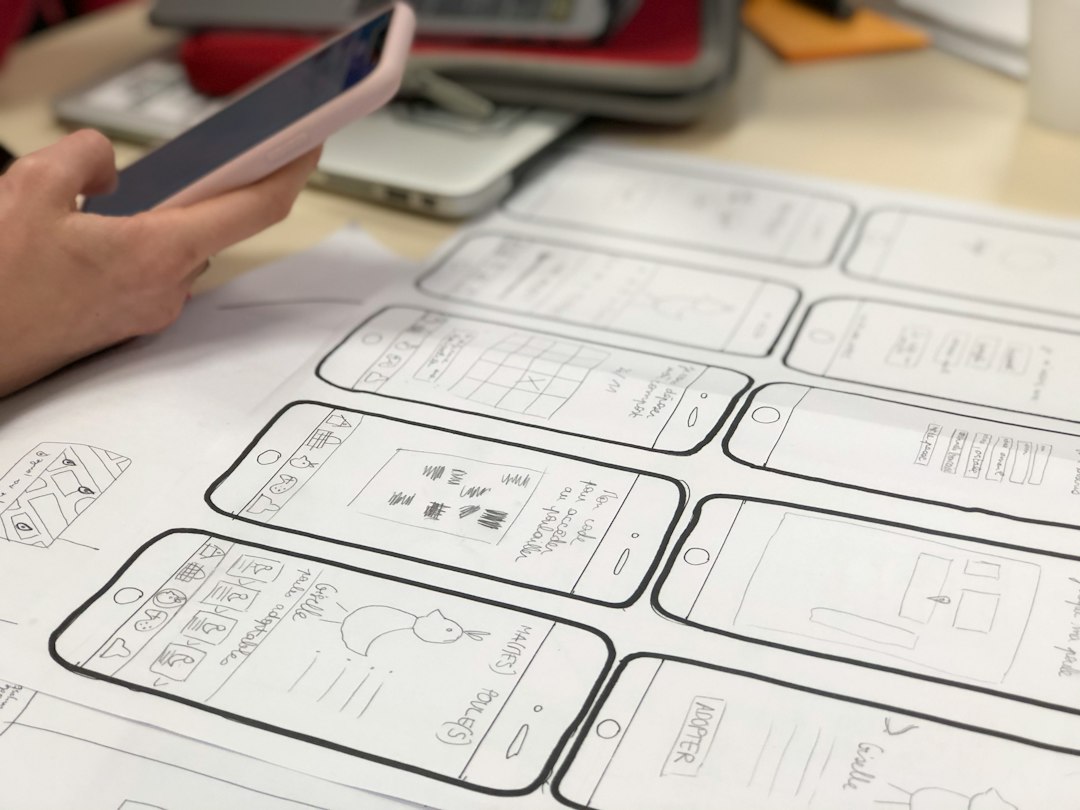
- Sketch to wireframe: Paper sketches or rough screenshots can become editable digital screens.
- Beginner-friendly workflow: Non-designers can create decent drafts with limited training.
- Useful for meetings: A team can turn an idea into something visual during product planning.
- Good for early testing: Teams can test user flow ideas before investing in polished design.
Uizard’s weakness is precision. Generated screens may need cleanup. Alignment can feel slightly off. Components may not match your brand rules. Expect to waste time on small fixes if you try to push a Uizard mockup too far. It is a drafting tool first, not a full replacement for a mature design workflow.
Comparison by practical criteria
| Criteria | Figma | Uizard |
|---|---|---|
| Best user | Designers, product teams, engineers | Founders, PMs, non-designers, early teams |
| Best stage | Detailed design, prototyping, handoff | Ideation, wireframing, fast mockups |
| AI value | Assists with design tasks and workflow speed | Generates screens from prompts and sketches |
| Control | High | Moderate |
| Learning curve | Medium to high | Low |
| Production readiness | Strong | Limited without cleanup |
Use case scenario: startup dashboard redesign
Imagine a five-person B2B startup redesigning its analytics dashboard. The team has one designer, two engineers, a product manager, and a founder. They need to test several layout ideas before the next investor demo.
Using Uizard, the product manager writes prompts for three dashboard versions: one focused on revenue, one on customer activity, and one on alerts. Within two hours, the team has rough screens to discuss. They reject one option, combine ideas from the other two, and agree on the main user flow.
Then the designer rebuilds the chosen direction in Figma. They apply the company’s component library, adjust spacing, set accessible contrast levels, and prepare a clickable prototype. By the end of the week, engineers can inspect the design and estimate the work. In this scenario, Uizard speeds up decision-making, while Figma turns the decision into a usable product specification.
Which is better for teams?
For teams with designers and engineers, Figma is usually the better central tool. It becomes the source of truth for product design. Comments, design libraries, shared components, and handoff features help reduce confusion. This matters when a product has 50 screens instead of 5.
Uizard can still play a useful role. It works well before the formal design process begins. A product manager can use it to prepare options before asking for design time. A founder can use it to explain a concept to a designer. A sales team can mock up a customer portal idea before checking whether it is worth building.
Which is better for solo founders?
Solo founders may get more immediate value from Uizard. It lowers the barrier to creating visual concepts. If you are pitching an MVP, testing a product idea, or preparing a clickable concept, Uizard can help you move quickly.
Still, if the product is moving into development, Figma becomes harder to avoid. Engineers need clarity. Investors may expect polished screens. Users notice poor spacing and inconsistent patterns. A rough AI mockup can sell the idea, but a strong Figma file can guide the build.

Final recommendation
Use both if your workflow allows it. Start with Uizard when the idea is unclear and speed matters. Move to Figma when design quality, consistency, and engineering handoff matter.
If you must pick one, choose based on your main pain point. Pick Uizard if your problem is getting ideas out of your head. Pick Figma if your problem is turning ideas into reliable product screens. For serious UI design, Figma remains the stronger long-term choice. For AI-assisted early ideation, Uizard is faster and easier to use.
The smartest workflow is not about replacing designers with AI. It is about using AI to remove slow first steps, then using human judgment to make the interface clear, usable, and ready to ship.