
As online education continues to rise, so too do concerns around academic integrity. One of the most discussed tools in the realm of online assessments is the LockDown Browser by Respondus. This tool is increasingly used by colleges and universities to prevent cheating during remote exams. But a common question asked by students and educators alike is: Does LockDown Browser really record students during exams?
The short answer is: it can, but not always. Recording functionality depends on how the tool is configured by an institution and whether the companion product, Respondus Monitor, is used in conjunction with LockDown Browser.
What is LockDown Browser?
LockDown Browser is a specialized web browser designed to secure the online testing environment within learning management systems (LMS) like Canvas, Blackboard, Moodle, and others. Unlike standard browsers, LockDown Browser prevents users from copying, printing, taking screenshots, or navigating to other websites or applications during an exam session.
It effectively forces the test-taker to focus solely on the test window, which is helpful to minimize opportunities for dishonest behaviors during assessments.
Understanding Respondus Monitor
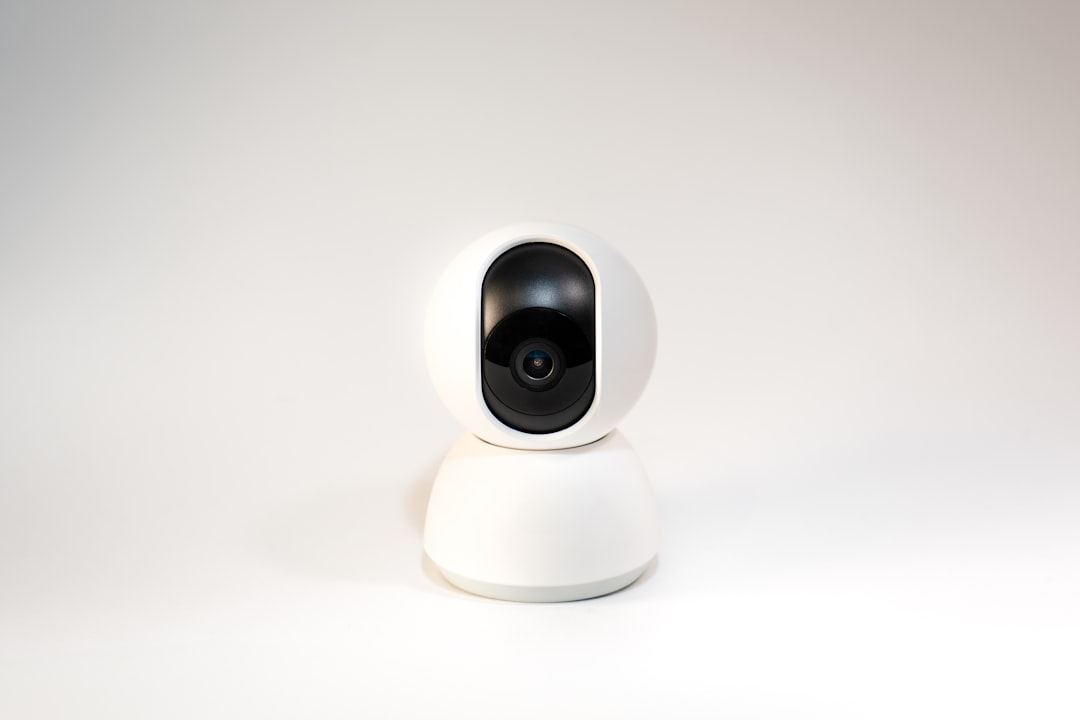
If LockDown Browser tightens control within the test window, Respondus Monitor takes it a step further. This is a companion application that works alongside LockDown Browser and uses a student’s webcam to record video and audio during an exam session.
When activated, Respondus Monitor can track eye movements, background noise, head positioning, and interruptions. It utilizes AI to flag unusual behaviors, which instructors can later review. This setup is what leads to the perception — and the reality — of being “watched” during an online exam.
When Does Recording Happen?
It’s important to understand that LockDown Browser alone does not record students. It simply disables the ability to access other applications or websites during the test. Recording through webcam and microphone only occurs if the institution activates Respondus Monitor.
Educators have full control over whether Respondus Monitor is applied during an exam. If it’s turned off, students’ webcams and microphones won’t even be accessed. If it is turned on, students are notified at the beginning of the exam that their video and audio will be recorded.
Privacy Concerns
With powerful surveillance tools come significant privacy concerns. Students are often apprehensive about being recorded in their personal environments, especially if they share living spaces or don’t have a dedicated study area.
To address those concerns, institutions are encouraged to disclose exactly what data is being collected and how it will be used. According to Respondus, no one watches the exam in real time — the AI software flags suspicious behavior which is then reviewed by instructors post-exam.
In addition, data collected is generally stored securely and access is restricted to authorized individuals only. Privacy policies must comply with local and international data protection regulations, such as GDPR or FERPA in the United States.
Common Features Activated During LockDown Exams
- Webcam recording: Only activated if Respondus Monitor is enabled.
- Microphone recording: Also only active with Respondus Monitor.
- Facial detection and tracking: Used to ensure the student remains present and engaged.
- No access to other software: Prevents the use of shortcuts, messaging apps, or screen sharing tools.
- Clipboard disabled: Stops copy-pasting during the exam.
How to Know if You Are Being Recorded
Before starting an assessment, students who are required to use Respondus Monitor are shown a startup sequence. This typically includes steps like checking the webcam, verifying the microphone, and taking a photo of themselves or their student ID.
This setup process is a clear indication that recording is going to occur. If you complete an exam without going through those steps, it’s very likely that only LockDown Browser was used, without the monitoring component.
Can You Opt Out?
In most cases, opting out of LockDown Browser or Respondus Monitor isn’t allowed if your institution mandates them for specific tests. However, students can often discuss concerns with their instructors or academic support offices. Some schools provide alternative assessment methods on a case-by-case basis, particularly for students with valid privacy or accessibility concerns.
Effectiveness and Limitations
While these tools are designed to minimize cheating, they are not foolproof. Tech-savvy students may still find ways to circumvent restrictions using external devices or clever setups. Additionally, false positives can be an issue — where a student is flagged for behavior that is entirely innocent, such as looking away to think or someone walking briefly into the room.
Nonetheless, the presence of LockDown Browser and Respondus Monitor acts as a deterrent and increases the psychological cost of attempting to cheat, which in itself bolsters exam integrity.
Final Thoughts
So, does LockDown Browser really record students during exams? Not by itself. The actual recording is performed by Respondus Monitor, a separate but integrative tool. When used together, they create a robust monitoring system that combines lockdown features with webcam and audio surveillance.
Transparency is key in this process. Students should always be informed when surveillance tools are in use and have access to information on what data is being collected, why it’s being collected, and how it will be used. With proper implementation, these tools can help uphold academic honesty while minimizing privacy violations.
FAQs
-
Q: Does LockDown Browser record video or audio?
A: Not by itself. Video and audio recording happens only if Respondus Monitor is enabled alongside it. -
Q: Can LockDown Browser or Respondus Monitor access my personal files?
A: No, these tools cannot access personal files on your computer. They only interact with the browser and any connected audio/video devices you authorize. -
Q: Is the webcam recording monitored live?
A: No. All webcam footage is recorded and analyzed by AI. Only if the AI flags something unusual will a human (usually your instructor) review it. -
Q: Can I use a mobile device with LockDown Browser?
A: LockDown Browser is typically designed for PC and Mac. Some institutions may support iPad use through a specific app, but it is limited. -
Q: What should I do if I have privacy concerns?
A: Always reach out to your instructor or institution’s academic support. Many schools have protocols for accommodating student concerns.