
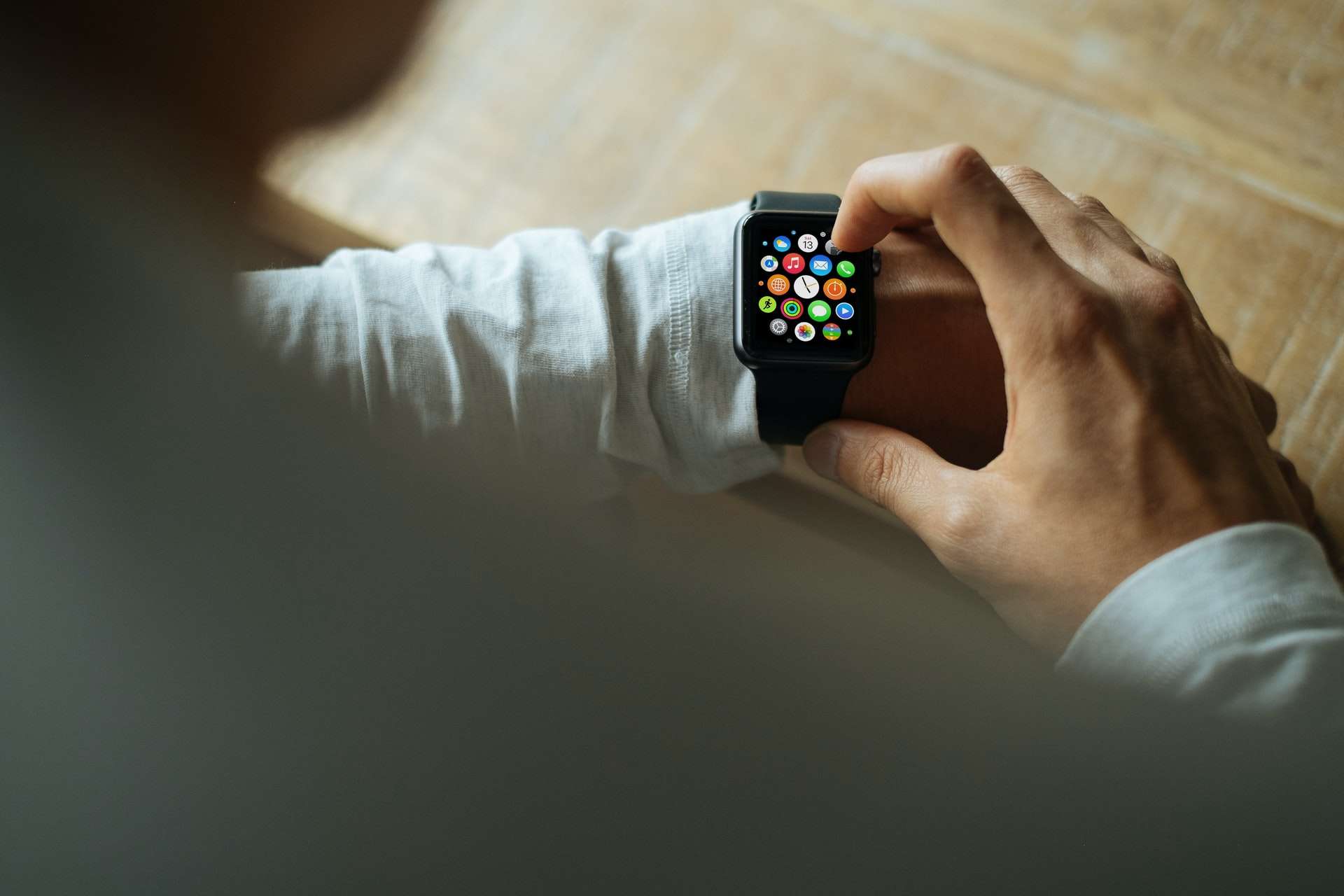
Dining out with friends or colleagues can be a fun experience, but when the check arrives, figuring out how to fairly split the bill and leave an appropriate tip can quickly become a hassle. Fortunately, your Apple Watch can make this process seamless, precise, and efficient. Whether you’re using it as a companion to your iPhone or standing alone in a quick restaurant transaction, Apple Watch offers quick tools and apps for splitting a bill and calculating the tip accurately.
In this article, we’ll walk you through how to use your Apple Watch to handle the math, etiquette, and convenience involved in settling up after a shared meal. This will help you avoid awkward disputes or under-tipping in group settings.
Step 1: Access a Tip Calculator App
The Apple Watch doesn’t come pre-installed with a dedicated tip calculator, but there are several excellent third-party apps designed specifically for this purpose. Some of the most trusted options include:
- Tip Calculator % Gold
- Tip Jar – Tip Calculator
- Gratuity – Tip Split Calculator
- Calcbot – Smart Calculator
These apps are available via the App Store on your iPhone and can easily be added to your Apple Watch. Make sure the app is installed both on your phone and activated in the Watch app under “Available Apps”.
Step 2: Input the Total Bill Amount
Once the app is launched on your Apple Watch, you will be prompted to input the bill amount. Use the digital crown or on-screen keypad to enter the exact total displayed on your receipt. Accuracy matters here, especially if you are in a group setting.
Pro Tip: If tax is not already included in the subtotal, some apps allow you to specify a tax percentage so tips are calculated on the correct base amount—this is useful in regions where restaurant bills don’t include tax.
Step 3: Select the Tip Percentage
Next, you’ll set the desired tip percentage. Most apps provide quick options like 15%, 18%, 20%, and a custom percentage setting. Choose the amount that reflects the quality of your service and is culturally appropriate for your location.
Common Tip Rates in the U.S.:
- 15% — Satisfactory service
- 18% — Good service
- 20%+ — Excellent service
Some apps even include helpful labels or color codes to guide you on what’s considered generous or minimal tipping.
Step 4: Split the Bill Among Parties
After selecting the tip, the app will prompt you to choose how many people are dividing the bill. Input the number of diners sharing the cost, and the app will calculate each person’s share—including tax and tip.
This eliminates guesswork and ensures that no one is footing more than their fair share.
Step 5: Share the Results
Once the per-person amount is calculated, your Apple Watch may give you a QR code, passcode, or simply display the amount for quick sharing. You can relay the totals verbally, snap a screenshot using your iPhone, or use messaging apps to share the amount.
While Apple Watch does not support direct peer-to-peer payments from the watch itself, you can easily switch to your iPhone to make or request payments using services like Apple Cash, Venmo, or PayPal.
Why Use Apple Watch Instead of a Phone?
Although both iPhone and Apple Watch offer similar functionalities when it comes to calculating gratuity and splits, there are some distinct advantages to using the watch:
- Discreetness: Pulling out your phone in a formal dining setting can appear rude, while a quick glance at your wrist maintains etiquette.
- Speed: With preset percentages and intuitive design, the process is faster on a watch than fumbling through apps on a phone.
- Convenience: No need to unlock your phone—just tap and scroll.
Recommended Usage Tips
To make the most of your bill-splitting experience, follow these best practices:
- Test your app ahead of time to ensure it’s properly synced with your watch and meets your needs.
- Keep your watch up-to-date to avoid glitches.
- Practice offline use—some apps allow moderate functionality without an internet connection, which is useful in areas with poor reception.
Conclusion
Splitting a bill and calculating a fair tip no longer needs to be awkward or time-consuming. With your Apple Watch, you can quickly determine precise totals and split costs equitably among diners. Not only does this streamline the end of your meal, but it also promotes fairness and transparency. Equip your device with the right app, and you’ll be ready to dine confidently, whether you’re out with two friends or a party of twelve.