

The green screen effect on Instagram Stories is a powerful yet often underused feature that allows creators, brands, and professionals to replace their background with any photo or video. When implemented correctly, it elevates production quality, reinforces branding, and strengthens storytelling. However, achieving clean and convincing results requires more than simply tapping the “Green Screen” filter. Proper setup, thoughtful lighting, and a few strategic adjustments make a substantial difference in the final output.
TLDR: The Instagram green screen effect lets you replace your background with photos or videos, but quality results require proper setup and lighting. Use a flat, evenly lit green backdrop, avoid shadows and color conflicts, and position yourself several feet from the background. Adjust Instagram’s Green Screen effect carefully and test your framing before recording. Small technical improvements dramatically enhance professionalism and credibility.
Understanding the Instagram Green Screen Effect
The green screen effect, also known as chroma key, works by detecting a specific color in your camera’s view and replacing it with digital media. On Instagram Stories, this effect allows you to select an image or video from your gallery to serve as your new background while you remain in the foreground.
This feature is particularly useful for:
- Educational content (presentations, tutorials, commentary)
- Product demonstrations with lifestyle backgrounds
- Travel or location simulation
- News-style updates and professional briefings
- Brand storytelling
When done well, viewers focus on your message. When done poorly, distracting edges, shadows, or flickering instantly reduce credibility. Precision matters.
Step 1: Setting Up Your Green Screen Properly
Instagram’s built-in Green Screen effect works even without a physical green backdrop. However, for reliable and high-quality results, a dedicated physical green screen is strongly recommended.
Choosing the Right Background
You have several options:
- Professional green screen fabric (best option)
- Collapsible green screen panel
- Smooth green wall
- Temporary green sheet (tight and wrinkle-free)
The key requirements are:
- Even, consistent green color
- No wrinkles or creases
- No texture patterns
- Matte surface (avoid reflective material)
Wrinkles and uneven coloring create shadow variations that make Instagram’s chroma detection inconsistent.
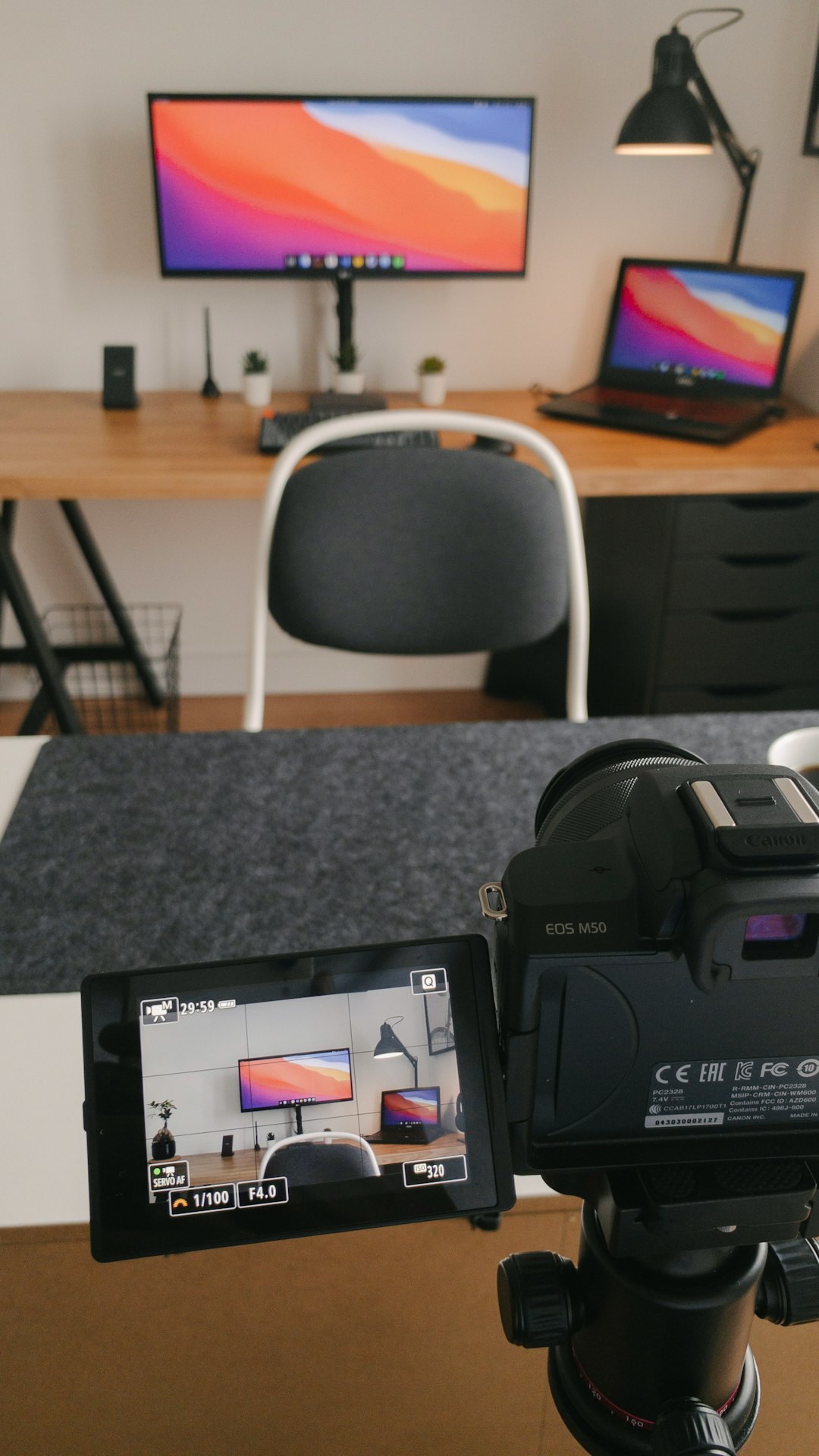
Positioning Matters
Stand at least 3 to 6 feet away from the green screen. This serves two purposes:
- Prevents shadows from falling directly behind you
- Reduces green color spill reflecting onto your clothes or skin
Green spill is one of the most common problems. It creates a faint green outline around your hair and shoulders, reducing visual quality.
Step 2: Mastering Lighting for Clean Results
Lighting is more important than the backdrop itself. Even an expensive green screen will perform poorly under uneven lighting.
Lighting the Background Separately
Ideally, you should use two light sources dedicated exclusively to illuminating the green screen. The objective is uniform brightness from edge to edge.
Best practices:
- Place lights at 45-degree angles toward the backdrop
- Avoid hot spots (bright circles of concentrated light)
- Eliminate visible shadows
Lighting Yourself Independently
Your face should be lit separately from the background. A simple three-point lighting setup works exceptionally well:
- Key light — main light source, placed in front at an angle
- Fill light — reduces shadows on the opposite side
- Back light — subtle separation from background
Balanced lighting ensures Instagram can clearly distinguish you from the green backdrop, resulting in smoother digital replacement.
Avoid These Lighting Mistakes
- Overexposing the green screen
- Standing too close to the backdrop
- Using mixed color temperatures (for example, warm lamp light with cool LED)
- Relying solely on overhead ceiling lights
Consistency in lighting temperature (either neutral white or daylight) enhances uniformity and prevents unnatural skin tones.
Step 3: Activating the Green Screen Effect on Instagram
Once your physical setup is prepared, follow these steps within the Instagram app:
- Open Instagram and swipe right to access Stories.
- Swipe through the effects carousel at the bottom.
- Select the Green Screen effect (magnifying glass icon).
- Tap the photo icon to choose an image or video background from your gallery.
- Adjust framing and positioning.
- Press and hold the capture button to record.
You can also resize yourself on the screen when using virtual background-only mode (without a physical green screen). However, this method works best with clean edges and simple compositions.
Choosing the Right Background Content
The quality of your selected background significantly influences viewer perception.
Use High-Resolution Images
Low-resolution visuals appear pixelated, especially when scaled. Always choose:
- High-resolution images
- 16:9 or vertical-friendly compositions
- Clear focal points
Match Perspective and Lighting
If your background shows bright sunlight coming from the right, but your key light is positioned on the left, your composition will appear unnatural.
Subtle alignment between your lighting direction and the background’s visual cues elevates realism.
Clothing and Appearance Considerations
What you wear directly affects chroma key performance.
Avoid:
- Green clothing (any shade close to backdrop)
- Reflective jewelry
- Translucent fabrics
- Complex small patterns
If you wear green, it will become transparent. Instagram will interpret the color as part of the removable background.
Recommended:
- Solid contrasting colors (blue, black, white, red)
- Matte fabrics
- Simple silhouettes
Framing and Composition for Professional Results
Technical accuracy alone does not guarantee effective storytelling. Consider visual hierarchy and composition.
Position Yourself Strategically
Avoid standing directly in the center unless necessary. Instead:
- Leave visual space for text overlays
- Point toward relevant background elements
- Use hand gestures purposefully
Maintain Eye-Level Framing
Keep your camera at eye level. Shooting from below reduces authority. Shooting from above may weaken presence.
Stability is essential. Use a tripod or stable mount rather than handheld filming whenever possible.
Testing Before Publishing
Never assume your setup works perfectly on the first attempt. Record short test clips and evaluate:
- Edge quality around hair
- Color spill
- Shadow visibility
- Audio clarity
Subtle imperfections become obvious when viewed on larger screens. Test privately before sharing publicly.
Advanced Tips for Elevated Content
Use Subtle Motion Backgrounds
Short looping videos instead of static images can add dimension. For example:
- Slow office movement
- Ambient city scenes
- Soft gradient animations
Movement must remain subtle. High-motion backgrounds compete for attention.
Integrate Text and Interactive Elements
Instagram Stories supports:
- Poll stickers
- Question boxes
- Clickable links (where enabled)
- Animated GIF annotations
Combining a clean green screen effect with structured interactive elements significantly boosts engagement.
Maintain Brand Consistency
If you use the green screen regularly for professional content, develop visual continuity:
- Repeat background types
- Keep consistent color grading
- Use standardized fonts and logo placement
Consistency builds recognition and trust.
When Not to Use a Green Screen
Despite its strengths, the green screen effect should be used strategically. Avoid it when:
- Natural, authentic environments strengthen credibility
- Lighting conditions are uncontrollable
- The background would distract from sensitive topics
Authenticity remains critical in social media communication. Technology should support—not replace—substance.
Conclusion
The Instagram green screen effect is a practical, accessible tool capable of transforming simple Stories into professional-grade visual presentations. However, quality results depend on disciplined setup, proper lighting separation, thoughtful background selection, and testing.
By investing time into correct positioning, lighting balance, and visual alignment, you significantly increase production value while maintaining trust and authority. When used responsibly, the green screen effect becomes a strategic communication tool rather than a gimmick. Precision, preparation, and restraint are the difference between amateur output and professional execution.