

Choose an internet filtering platform when you need broad policy control, reporting, and user-based rules; choose SWG or DNS security when your main goal is threat blocking with less operational weight. The best fit depends on who you protect, how users connect, and how much control you need over websites, apps, uploads, and encrypted traffic.
TLDR: An internet content filtering platform is best for schools, libraries, and businesses that need clear category rules, safe search, user groups, and audit-ready reports. A Secure Web Gateway offers deeper inspection, malware defense, and data controls, but usually costs more and takes longer to tune. DNS security is faster to deploy and can block a large share of risky domains, but it cannot see full URLs or page content. For example, a 300-user company might cut phishing clicks by 40% with DNS filtering, then add SWG only for finance, HR, and remote power users.
What internet content filtering really does
Internet content filtering controls what people can access online. That sounds simple, but the job gets messy fast. A good platform must handle websites, search engines, videos, apps, categories, keywords, user groups, time rules, and reports. It also needs to work on campus, at home, and on mobile connections.
Most platforms block or allow traffic based on categories. Common groups include adult content, gambling, malware, weapons, hate content, streaming media, social media, and games. More advanced systems also manage YouTube restrictions, Google SafeSearch, file downloads, cloud apps, and chat tools.
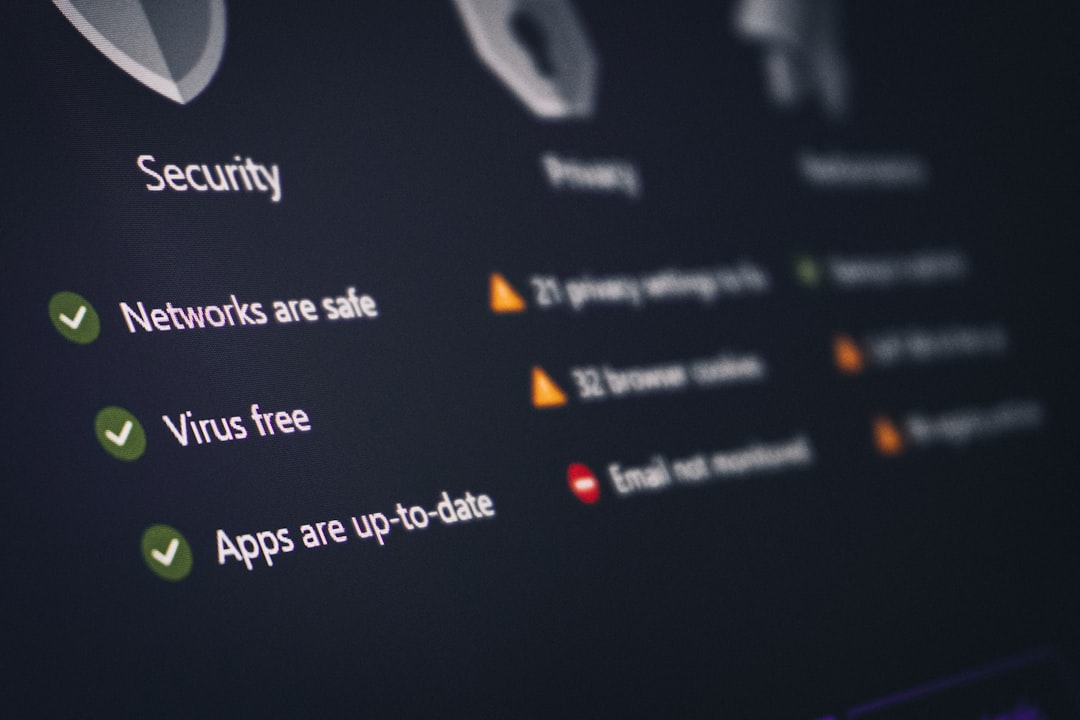
The value is not just blocking “bad” sites. It is about applying the right rule to the right person. A fourth-grade student, a teacher, a warehouse worker, and a finance manager should not receive the same internet policy. The better tools make those differences easy to enforce without turning IT into a ticket machine.
Internet filtering platforms: practical and policy focused
A dedicated internet filtering platform is built around acceptable use. It helps organizations enforce rules that match legal, workplace, or educational needs. Schools use these tools for CIPA compliance. Businesses use them to reduce risk, limit distractions, and keep employees away from dangerous content.
The strongest platforms usually include:
- Category filtering for broad content control.
- User and group policies tied to directories such as Google Workspace, Microsoft Entra ID, or Active Directory.
- Safe search enforcement for Google, Bing, and other engines.
- YouTube controls for education, training, and age-appropriate access.
- Reporting that shows browsing trends, blocked attempts, and risky users.
- Remote protection for laptops used outside the office or school network.
This approach works well when the main question is, “Should this user be allowed to access this content?” It is less ideal when the question becomes, “Is this encrypted file upload hiding sensitive data?” That is where SWG tools start to make more sense.
Secure Web Gateway: deeper security, more friction
A Secure Web Gateway, or SWG, sits between users and the internet. It inspects web traffic, blocks threats, checks files, controls apps, and may enforce data loss prevention. Many SWG products are part of larger SSE or SASE suites, along with CASB, ZTNA, firewall as a service, and remote browser isolation.
SWG is built for security teams that need visibility into web sessions. It can inspect HTTPS traffic, scan downloads for malware, restrict uploads to unsanctioned cloud storage, block risky browser actions, and detect command and control traffic.
That power has a price. SSL inspection can break banking sites, healthcare portals, developer tools, and strange old internal apps that nobody wants to admit still run production work. Honestly, it feels like some deployments start with “secure everything” and end with IT adding exceptions for three weeks straight.
SWG is often the right choice for:
- Companies with strict compliance duties.
- Hybrid workforces using unmanaged networks.
- Teams worried about data uploads to personal cloud accounts.
- Organizations that need advanced malware defense.
- Enterprises consolidating web, cloud, and private app access.
For a small office that only needs category blocking and phishing protection, SWG may be too much. For a bank, law firm, hospital group, or software company, it may be exactly the level of control required.

DNS security: fast, simple, and limited
DNS security blocks threats at the domain lookup stage. When a user tries to visit a site, the DNS resolver checks whether the domain is allowed. If the domain is known for phishing, malware, botnets, or unwanted content, the request is blocked before the browser loads the page.
This makes DNS filtering fast to deploy. Change DNS settings at the router, firewall, endpoint, or MDM profile, and protection starts quickly. There is no heavy proxy path. There is no full page inspection. For many teams, that simplicity is the whole point.
DNS security is strong for:
- Phishing defense against known malicious domains.
- Malware blocking before a user connects to bad infrastructure.
- Basic content filtering by domain category.
- Guest Wi Fi controls for offices, schools, and public spaces.
- Quick rollout across many sites.
The weak spot is precision. DNS sees the domain, not the full path. It may block example.com, but it cannot easily allow one page and block another page on the same domain. It also cannot inspect file contents, form submissions, or app actions inside a session.
Key differences that matter
The simplest way to compare the options is to think in layers.
- DNS security answers: “Is this domain safe or allowed?”
- Internet filtering platforms answer: “Is this content acceptable for this user?”
- SWG answers: “What is happening inside this web session, and should it be stopped?”
Each layer can block bad activity, but they do it with different detail. DNS is fast and broad. Internet filtering is policy rich. SWG is inspection heavy and security focused.
Cost also differs. DNS filtering is usually the most affordable. Content filtering platforms sit in the middle, though pricing depends on reporting, device agents, and student safety features. SWG tends to cost more because it includes deeper traffic processing, threat intelligence, cloud proxy capacity, identity links, and admin controls.
Expect to waste time on exceptions if the product does not make policy testing easy. A rule that blocks “social media” may accidentally block marketing work. A strict file sharing rule may stop legal from receiving client documents. A vague “AI tools” category may block useful research tools along with risky ones.
Which option should you choose?
Pick DNS security if you need quick protection, low cost, and broad threat blocking. It is a smart baseline for small businesses, home workers, guest networks, and distributed sites. It is also useful as a first layer, even when a richer tool is added later.
Pick an internet content filtering platform if your main needs are acceptable use, age-based access, department rules, reporting, and easy administration. Schools, libraries, nonprofits, and mid-sized companies often land here. The balance of control and simplicity is hard to beat.
Pick SWG if you need deeper inspection, malware sandboxing, cloud app control, data protection, and strong remote user coverage. It suits organizations with higher risk, heavier compliance pressure, or security teams that can manage the added complexity.
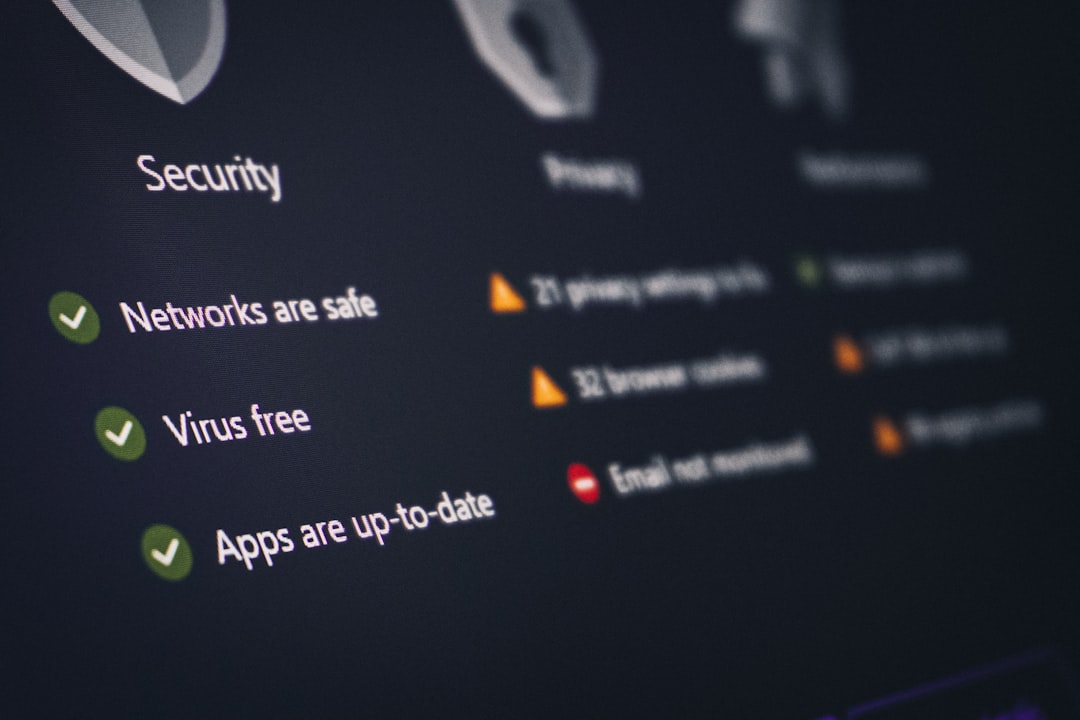
A realistic layered model
Many organizations do not choose only one. They stack controls. A common model looks like this:
- DNS security blocks known bad domains for everyone.
- Content filtering applies role-based web rules and reporting.
- SWG protects high-risk users, remote staff, or regulated departments.
This layered setup avoids overbuying. Not every user needs deep SSL inspection. Not every site visit needs full proxy analysis. But everyone benefits from blocking obvious phishing domains before the page loads.
The right answer is not the biggest tool. It is the tool that matches the risk. If your pain is classroom safety, choose strong content filtering. If your pain is phishing, start with DNS security. If your pain is data leaving through web apps, SWG belongs on the shortlist.
Internet filtering is most effective when it is clear, targeted, and tested. Block what matters. Allow what people need. Review reports often. And when users complain, check whether the policy is doing its job or just getting in the way.