
Pick Bitwarden if you want easy syncing and sharing. Pick KeePass if you want full local control and do not mind doing more setup. Both are safe choices when used well. That matters because stolen credentials are still one of the most common ways attackers get in [source: Verizon].
TLDR: Bitwarden is better for most people, families, and small teams because it syncs across devices with less fuss. KeePass is better for privacy fans who want an offline vault they control. For example, if you have 120 logins across a phone, laptop, and work browser, Bitwarden feels smoother. If you only use one computer and love local files, KeePass is a calm little vault with a heavy door.
Quick Vibe Check
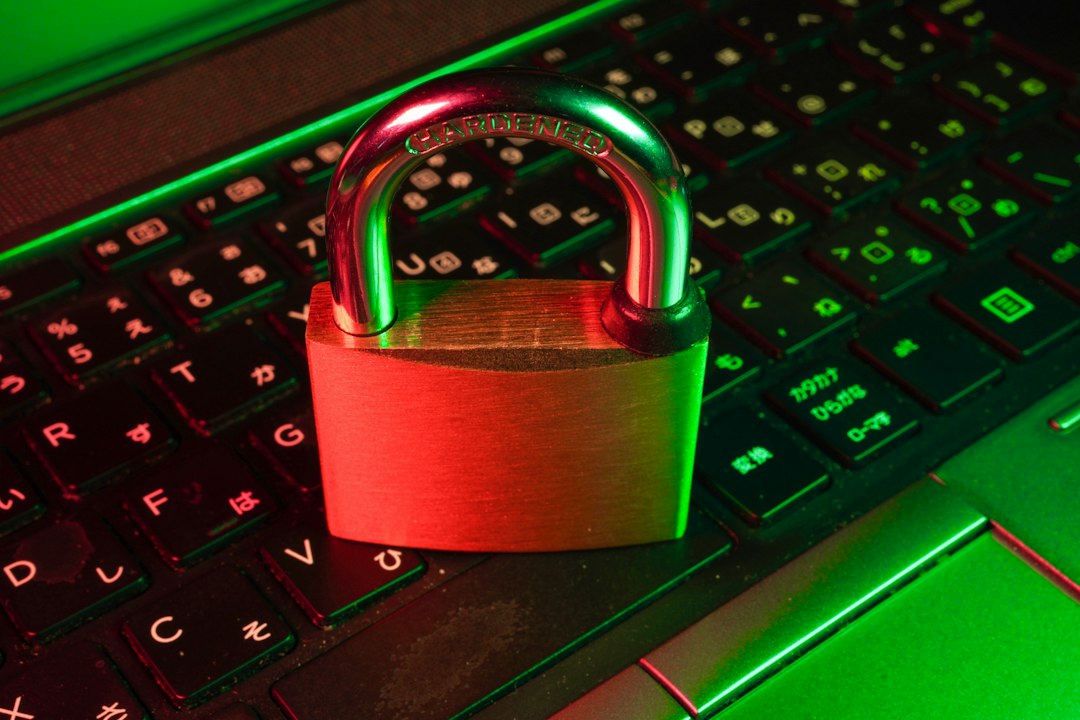
Password managers are not fancy magic boxes. They are locked notebooks. The notebook stores your logins. You remember one strong master password. That is the whole trick.
The real choice is this:
- Bitwarden stores your encrypted vault in the cloud.
- KeePass stores your encrypted vault as a local file.
Both can protect passwords well. But they feel very different to use.
What Is KeePass?
KeePass is free, open source, and old-school in a good way. It keeps your passwords in a database file. Usually, that file ends in .kdbx. You can put it on your computer, USB drive, or your own cloud folder.
KeePass does not force you into one company’s cloud. That is a big win for some users. You own the file. You move it. You back it up. You protect it.
The catch is that you also do more work. Syncing between your phone and laptop can mean Dropbox, Google Drive, Syncthing, or another tool. It works. But honestly, it feels like building a bookshelf before you can read the book.
KeePass supports strong encryption and many plugins, according to its official site [source: KeePass]. That plugin world is powerful. It can also be messy. One plugin may be great. Another may feel like it was last touched when flip phones were cool.
What Is Bitwarden?
Bitwarden is also open source. It is built for easy daily use. You install it on your browser, phone, and desktop. Your vault syncs across devices.
This is the big comfort point. Add a password on your laptop. It shows up on your phone. Share a Netflix login with your partner. Done. No file juggling. No tiny panic about which vault copy is newest.
Bitwarden uses end-to-end encryption, so your vault is encrypted before it reaches Bitwarden’s servers [source: Bitwarden]. That means the company should not be able to read your saved passwords.
Its free plan is generous. The paid plan adds extras like advanced two-factor options, file attachments, and emergency access. For many people, the free version is already enough.
Security: Who Wins?
Short answer: both can be very secure.
But security is not only math. It is also behavior. A tool you actually use every day is safer than a perfect tool you avoid.
- KeePass wins if you want offline storage.
- Bitwarden wins if you want safer habits with less effort.
- Both win if you use a long master password.
- Both lose if your master password is Summer2024!
A good master password should be long. Think passphrase. Something like green mug dances under moonlight. Weird is good. Long is better.
Ease of Use
Bitwarden is easier. No contest.
The browser extension is clean. Autofill is simple. Mobile apps are friendly. Sharing is clear. It feels like a modern app.
KeePass is more hands-on. The main app is plain. It can look dated. Setup takes time. Expect to waste time on sync if you use many devices. Not hours every week. But enough to sigh at your screen.
That said, some people love this. KeePass gives you control. You can keep your vault offline. You can carry it on a USB stick. You can decide exactly where it lives.
Cloud vs Local Storage
This is the heart of the fight.
Bitwarden cloud storage is convenient. Your encrypted vault is always nearby. New phone? Log in. New laptop? Log in. Done.
KeePass local storage gives you more control. Your vault can stay off the internet. That feels great if you dislike cloud accounts.
But local storage has a boring problem. Backups. If your laptop dies and your KeePass file is only there, bad day. Very bad day. You need backup habits.
Sharing Passwords
Bitwarden is better for sharing. Families and teams can share items through organizations and collections. It is not perfect, but it is built for this job.
KeePass can share, but it is not as smooth. You can share the database file. You can use plugins. You can sync a shared vault. Still, it feels more like a workaround.
If you share more than five passwords with another person, Bitwarden will likely save you time.
Cost
- KeePass: free.
- Bitwarden: free plan available.
- Bitwarden Premium: low-cost paid plan with extra features.
KeePass is hard to beat on price. Bitwarden is also very fair. For most users, cost should not be the main deciding point. Comfort should.
Which One Should You Choose?
Choose Bitwarden if:
- You want simple setup.
- You use many devices.
- You share passwords with family or coworkers.
- You want clean apps and easy autofill.
Choose KeePass if:
- You want an offline vault.
- You like open source tools.
- You are willing to manage backups.
- You want full control over the password file.
Final Pick
For most people, Bitwarden is the better choice. It is simple, safe, and easy to use every day. That matters a lot.
For power users, KeePass is still excellent. It is private, flexible, and fully under your control. Just be ready to manage sync and backups yourself.
The best password manager is the one you will use. Use one. Make your master password strong. Turn on two-factor authentication. Then stop reusing the same password everywhere. Your future self will be less annoyed.