

Legal professionals operate in an environment where deadlines are strict, documentation is extensive, and client expectations are high. Managing legal workflows efficiently is no longer optional—it is essential for staying competitive and compliant. Legal case management tools have emerged as powerful solutions that centralize information, automate repetitive tasks, and enhance collaboration across legal teams. These platforms are transforming how firms handle cases from intake to resolution.
TLDR: Legal case management tools help law firms streamline workflows, centralize documents, and automate routine tasks. They improve communication, reduce errors, and ensure compliance with deadlines and regulatory requirements. By integrating features like document management, billing, and task tracking, these tools boost efficiency and productivity. Ultimately, they enable legal professionals to focus more on strategy and client service rather than administrative burden.
The Growing Need for Legal Workflow Management
Modern legal practice involves juggling multiple cases, communicating with clients, tracking billable hours, filing court documents, and meeting strict deadlines. Without a structured system, critical information can be misplaced, leading to delays or compliance risks. Traditional paper-based systems and scattered digital tools often fall short in handling today’s complexity.
Legal case management tools address these challenges by providing a centralized platform where all case-related information is stored and organized. They reduce duplication of effort and allow real-time access to data, enabling lawyers and support staff to collaborate efficiently.

Core Features of Legal Case Management Tools
Most legal case management systems offer a robust suite of features designed to streamline daily operations. While capabilities vary by provider, key functionalities typically include:
- Case Tracking: Monitor case status, milestones, and important deadlines.
- Document Management: Store, organize, and retrieve files securely.
- Task Automation: Automate reminders, templates, and repetitive administrative tasks.
- Time Tracking and Billing: Record billable hours and generate invoices.
- Client Communication: Manage emails, messages, and appointments in one place.
- Reporting and Analytics: Generate performance reports and gain operational insights.
These integrated features eliminate the need for separate systems, creating a seamless workflow from case intake through resolution.
Improving Efficiency Through Automation
Automation is one of the most valuable aspects of legal case management tools. Tasks such as deadline reminders, document generation, and status updates can be automated, significantly reducing administrative workload.
For example, when a new case is opened, the system can automatically generate a checklist of required actions, assign responsibilities, and schedule key dates. This ensures that nothing falls through the cracks. Automated workflows also enhance consistency, as standardized templates and procedures are applied across cases.
By minimizing manual intervention, firms can reduce human error and increase operational reliability. Lawyers can devote more time to strategic thinking and client advocacy rather than administrative tasks.
Enhanced Document Management and Security
Legal work generates extensive documentation, including contracts, pleadings, evidence, and correspondence. Efficient management of these documents is essential for both productivity and compliance.
Legal case management platforms provide:
- Cloud-based storage with secure encryption
- Version control to track document changes
- Advanced search capabilities for quick retrieval
- Role-based access to protect sensitive information
Centralized document repositories eliminate scattered file storage across emails and local drives. Additionally, robust security measures help firms comply with data protection regulations and maintain client confidentiality.

Streamlining Client Communication
Effective communication is critical in legal practice. Clients expect timely updates and transparent billing. Legal case management tools often include integrated messaging systems or client portals that simplify these interactions.
Client portals allow individuals to:
- View case progress
- Upload and download documents securely
- Review invoices and payment history
- Communicate directly with their legal team
This transparency builds trust and reduces the volume of routine inquiries. Lawyers can respond more efficiently when all case information is accessible within a unified system.
Tracking Deadlines and Court Dates
Missed deadlines can have serious consequences, including penalties or case dismissal. Legal case management tools provide integrated calendaring systems that synchronize deadlines across teams.
Features may include automated reminders, court rule-based deadline calculations, and shared calendars accessible by all authorized users. Notifications can be customized to ensure that lawyers and paralegals are alerted well in advance of key dates.
By centralizing scheduling and reminders, these systems reduce the risk of oversight and support consistent compliance.
Financial Management and Billing Accuracy
Accurate time tracking and billing are essential for maintaining profitability. Legal case management tools often incorporate financial modules that link time entries directly to client matters.
With built-in time tracking:
- Lawyers can log hours in real time.
- Expenses are linked to specific cases.
- Invoices can be generated automatically.
- Payment tracking is simplified.
This transparency helps reduce billing disputes and ensures that no billable work goes unrecorded. It also allows firms to analyze performance metrics, such as average case duration and revenue per matter.
Data Analytics for Strategic Decision-Making
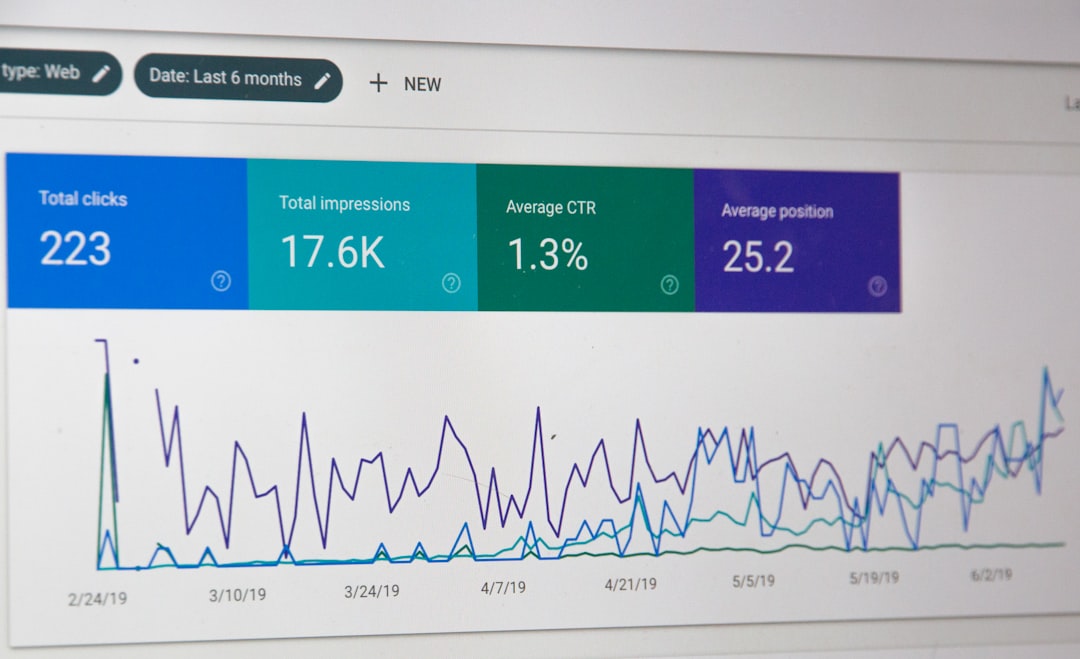
Beyond daily operations, legal case management tools provide valuable insights through analytics and reporting. Administrators can monitor metrics such as case volume, resolution times, staff productivity, and financial performance.
These insights enable firms to:
- Allocate resources more effectively
- Identify workflow bottlenecks
- Improve service delivery
- Forecast revenue trends
Data-driven decision-making enhances competitiveness and long-term growth. Rather than relying on assumptions, firms can base strategies on concrete performance indicators.
Customization and Scalability
Different practice areas have distinct workflow requirements. A personal injury firm may need medical record tracking, while a corporate law practice may prioritize contract lifecycle management. Modern legal case management tools often allow for customization to suit specific practice needs.
Scalability is equally important. As a firm grows, its technology must accommodate increased case volume and additional staff members. Cloud-based systems offer flexibility, enabling organizations to scale operations without significant infrastructure investment.
Integration with Other Legal Technologies
Legal case management tools frequently integrate with complementary software solutions, such as:
- E-discovery platforms
- Accounting systems
- Email clients
- Document signing tools
These integrations create a cohesive digital ecosystem. Instead of switching between multiple applications, legal professionals can manage most tasks within a unified environment. Seamless data exchange reduces duplication and enhances efficiency.
Compliance and Risk Mitigation
Legal practices must adhere to strict ethical and regulatory standards. Case management tools support compliance by maintaining comprehensive audit trails, documenting client communications, and securely storing sensitive information.
Automated workflows also reduce the likelihood of procedural errors. Consistent processes ensure that required steps—such as conflict checks or document reviews—are not overlooked. This structured approach strengthens risk management and professional accountability.
Choosing the Right Legal Case Management Tool
Selecting an appropriate system requires careful evaluation. Firms should consider:
- Ease of Use: Intuitive interfaces minimize training time.
- Security Features: Encryption and access controls are critical.
- Customization Options: Fit the software to specific practice areas.
- Integration Capabilities: Ensure compatibility with existing tools.
- Support and Training: Reliable customer support enhances implementation success.
A thorough needs assessment and trial period can help determine whether a solution aligns with operational objectives. Investing in the right platform can yield substantial long-term benefits.
Conclusion
Legal case management tools have become indispensable in modern legal practice. By centralizing case information, automating workflows, enhancing communication, and providing actionable insights, these platforms empower law firms to operate with greater precision and efficiency. They not only reduce administrative burden but also strengthen compliance and client satisfaction.
As the legal industry continues to evolve, firms that adopt effective workflow management systems are better positioned to meet client expectations and maintain a competitive edge. Technology, when implemented strategically, becomes a catalyst for improved performance and sustainable growth.
Frequently Asked Questions (FAQ)
- What is a legal case management tool?
A legal case management tool is software designed to help law firms organize, track, and manage cases, documents, deadlines, billing, and client communications within a centralized platform. - How do these tools improve productivity?
They automate repetitive tasks, centralize information, and streamline communication, reducing administrative time and allowing lawyers to focus on substantive legal work. - Are legal case management systems secure?
Most reputable systems use encryption, secure cloud storage, access controls, and audit trails to protect sensitive client data and ensure compliance with regulations. - Can small law firms benefit from case management software?
Yes. Small firms often experience significant efficiency improvements, as the software reduces manual work and helps manage growing caseloads with limited staff. - Do these tools integrate with other software?
Many platforms integrate with accounting software, email systems, document signing tools, and other legal technologies to create a seamless workflow environment. - Is training required to implement a case management system?
Most systems require some training, but user-friendly interfaces and vendor support typically make the transition smooth and manageable.