
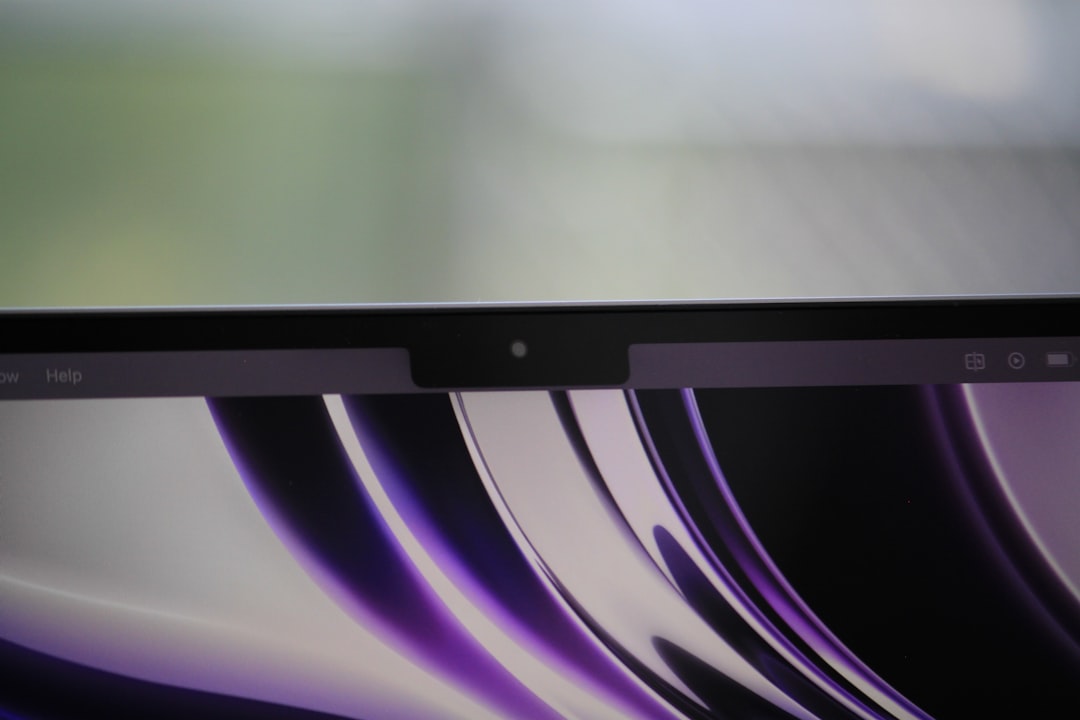
A cracked or malfunctioning screen is one of the most frustrating issues a MacBook Air owner can face—especially when the damage is internal and not just surface-level glass. Internal screen damage can appear suddenly, even without a visible crack, and may render the laptop nearly unusable. Understanding the causes, repair options, and costs involved is essential before making a decision.
TLDR: An internally broken MacBook Air screen often shows black spots, colored lines, or flickering without visible external damage. Repair options include professional Apple service, third-party repair shops, or DIY screen replacement. Costs typically range from $250 to $600 depending on the model and service provider. Carefully weighing warranty status, skill level, and repair costs helps determine the best solution.
What Does an Internally Broken MacBook Air Screen Look Like?
Internal damage affects the LCD or Retina panel beneath the glass. Unlike surface cracks, internal damage may not always be physically obvious, but the display will clearly malfunction. Common symptoms include:
- Black blotches or ink-like spots spreading across the screen
- Vertical or horizontal colored lines
- Flickering display
- Dim or uneven backlighting
- Ghosting or image retention
In many cases, this type of damage is caused by pressure applied to the lid, closing the laptop with an object on the keyboard, or accidental drops. Even something as small as a grain of debris trapped between the keyboard and screen can cause internal cracking over time.
Common Causes of Internal Screen Damage
Understanding the root cause helps prevent repeat issues. The most frequent causes include:
- Physical impact: Drops or bumps during transport.
- Excessive pressure: Carrying the laptop in an overstuffed bag.
- Keyboard debris: Small objects pressing into the display when closed.
- Manufacturing defects: Rare, but possible in newer devices.
- Hinge stress: Over time, hinge tension may strain the display assembly.
Modern MacBook Air models are slim and lightweight, but this thin design can also make the display more vulnerable to stress-related damage.
Official Apple Repair Option
If the MacBook Air is still under warranty or covered by AppleCare+, the official Apple repair route is often the safest choice.
Pros:
- Genuine Apple parts
- Certified technicians
- Maintains resale value
- May be partially covered by AppleCare+
Cons:
- Higher out-of-pocket cost without coverage
- Limited negotiation on pricing
Without AppleCare+, screen replacement costs generally range between $400 and $600 depending on the MacBook Air model (M1, M2, M3, etc.). With AppleCare+, accidental damage service fees are usually significantly lower, often between $99 and $299.
Apple typically replaces the entire display assembly rather than just the LCD panel, which contributes to the higher cost.
Third-Party Repair Shops
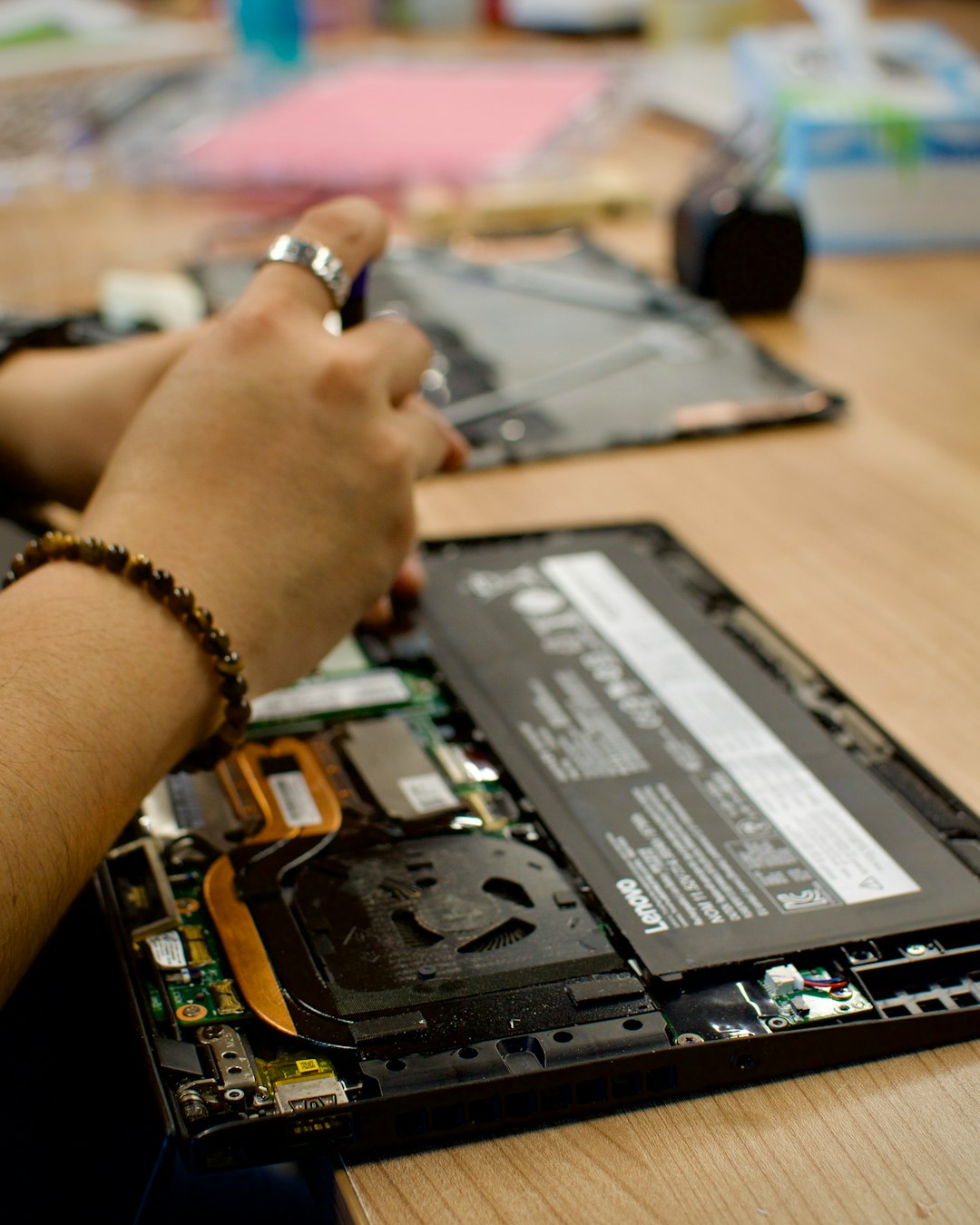
Independent repair shops often provide a less expensive alternative. Depending on the shop and model, prices typically range from $250 to $450.
Advantages:
- Lower cost
- Faster turnaround in some cases
- Ability to use OEM or high-quality aftermarket parts
Disadvantages:
- Quality can vary by provider
- May void remaining Apple warranty
- Aftermarket displays may differ slightly in brightness or color accuracy
Before choosing a repair shop, it is wise to check reviews, verify warranty on parts, and confirm whether original or aftermarket components will be used.
DIY Screen Replacement: Is It Worth It?
Some technically inclined users consider replacing the MacBook Air screen themselves. DIY repair kits are available online, with replacement displays typically costing $150 to $350.
However, modern MacBook Air models are complex. The display assembly includes:
- LCD or Retina panel
- Backlight components
- Flexible display cables
- Webcam and sensors
- Aluminum housing
Replacing only the internal LCD panel rather than the full display assembly is technically possible but significantly more difficult and risky.
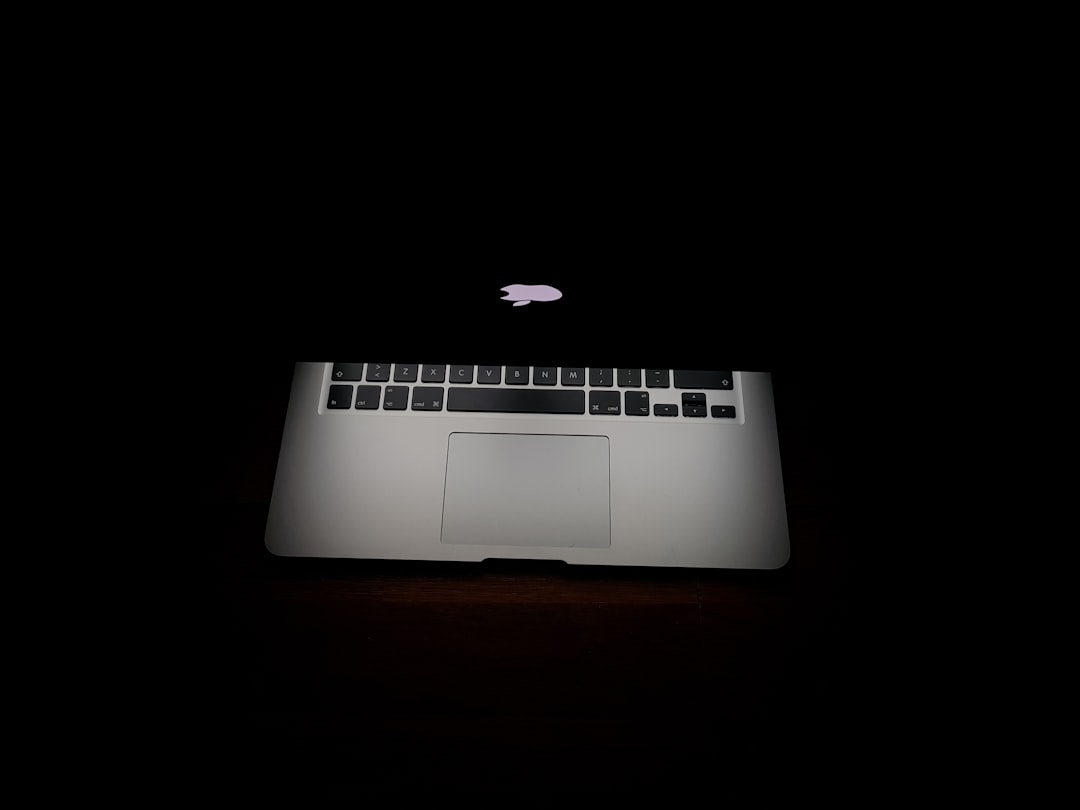
Tools Required:
- Pentalobe screwdriver
- Torx drivers
- Plastic spudger tools
- Heat source for adhesive removal (in some models)
Risks of DIY Repair:
- Damaging delicate display cables
- Improper reassembly affecting hinges or webcam
- Voiding warranty
- Incorrect calibration or True Tone issues
DIY repair is generally recommended only for individuals with electronics repair experience. While the parts cost may appear lower, mistakes can lead to even more expensive damage.
Model-Specific Cost Estimates
Repair costs vary by MacBook Air generation. Below are general 2026 estimates for out-of-warranty repairs:
- MacBook Air Intel models (2018–2020): $300–$500
- M1 MacBook Air (2020): $350–$500
- M2 MacBook Air (2022–2023 redesign): $400–$600
- M3 MacBook Air (2024+): $450–$650
Redesigned models with thinner bezels and Liquid Retina displays tend to cost more due to higher part prices and integrated component complexity.
Is Repair Worth It or Should It Be Replaced?
When screen repair costs approach half the price of a new MacBook Air, replacement may be worth considering. Factors influencing the decision include:
- Age of the device
- Battery health
- Storage capacity
- Processor performance
For example, repairing a five-year-old Intel model for $500 may not be financially sensible when a new entry-level MacBook Air costs under $1,000.
However, for newer M-series models, a screen replacement is typically more cost-effective than full replacement.
Temporary Workarounds
If immediate repair is not feasible, temporary solutions can extend usability:
- Connect to an external monitor
- Use screen mirroring to a TV or display
- Lower brightness to reduce flickering strain
- Back up data immediately
Using an external monitor effectively turns the MacBook Air into a compact desktop until proper repair is arranged.
How to Prevent Future Screen Damage
Prevention is often simpler and cheaper than repair. Protective measures include:
- Using a structured laptop sleeve
- Avoiding keyboard covers that add pressure
- Never closing the lid with objects on the keyboard
- Transporting in padded compartments
- Cleaning debris before closing
Additionally, avoiding hard shell cases that stress the hinge area can help reduce long-term strain on the display assembly.
Conclusion
An internally broken MacBook Air screen is inconvenient but fixable. Options range from official Apple repairs to independent shops and even DIY replacements for experienced users. Costs vary significantly depending on the model and method chosen, but typically fall between $250 and $600. Evaluating warranty status, device age, and overall condition ensures the most financially sound decision.
Frequently Asked Questions (FAQ)
- How can a MacBook Air screen break internally without external cracks?
Internal LCD layers can crack due to pressure, debris, or impact even if the outer glass appears intact. - Does AppleCare+ cover internal screen damage?
Yes, accidental damage—including internal screen cracks—is generally covered, subject to a service fee. - Can I fix a broken MacBook Air screen by replacing just the glass?
No. Internal damage requires LCD or full display assembly replacement, not just outer glass. - Is it safe to keep using a MacBook Air with internal screen damage?
It is generally safe electronically, but the damage may spread. Backing up data immediately is strongly recommended. - How long does screen replacement take?
Apple repairs typically take 3–5 days. Third-party shops may complete the job within 1–3 days depending on part availability. - Will replacing the screen affect True Tone or brightness?
If performed by Apple or a qualified technician using proper tools, calibration should maintain original display features. - Is it cheaper to buy a new MacBook Air?
It depends on the model and repair cost. For older devices with high repair quotes, replacement may offer better long-term value.