
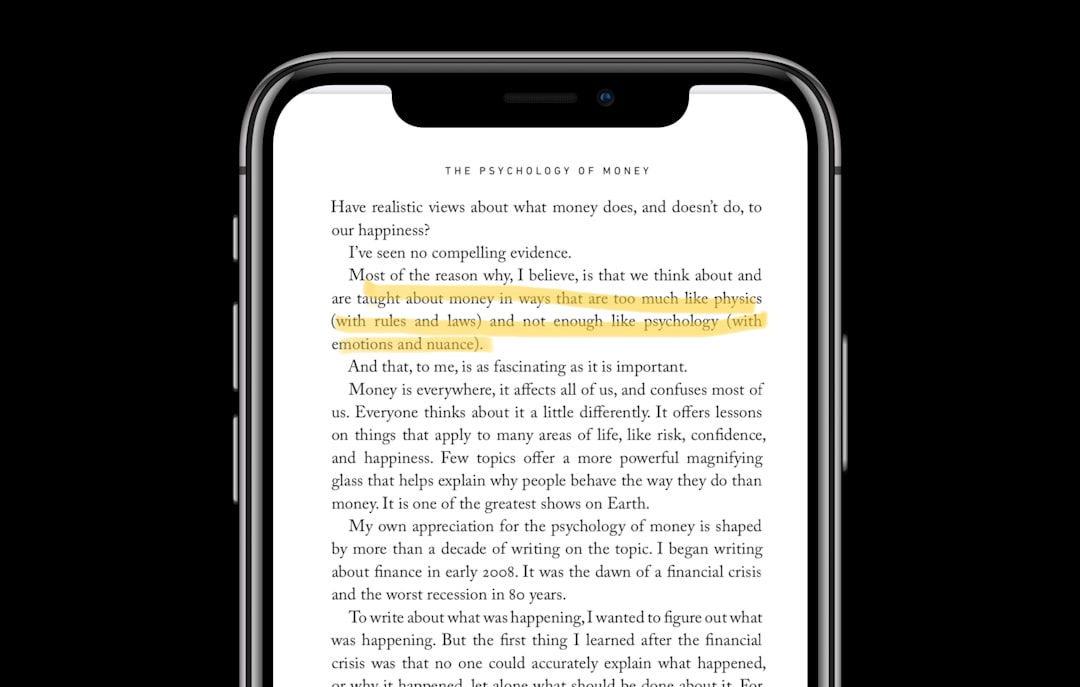
Clear visual communication has become a cornerstone of modern collaboration. Whether you are reporting a software bug, giving design feedback, creating documentation, or explaining a technical issue to a remote team member, words alone are often not enough. Screenshot annotation apps like Greenshot make it possible to capture, mark up, and share visual information quickly and accurately. These tools streamline communication, reduce misunderstandings, and save significant time across teams and industries.
TLDR: Screenshot annotation apps like Greenshot make visual feedback faster, clearer, and more efficient. They allow users to capture their screen, highlight specific issues, and share annotated images instantly. These tools are essential for developers, designers, educators, support teams, and remote workers. Choosing the right app depends on your workflow, collaboration needs, and platform compatibility.
In increasingly distributed work environments, the ability to point to a specific issue visually is invaluable. Instead of writing lengthy explanations, users can simply capture a screen, circle a problem, add notes, and send the image within seconds. This approach reduces ambiguity and accelerates decision-making.
Why Visual Feedback Matters
Text-based explanations often leave room for interpretation. For example, telling a designer that “the button alignment looks off” may not clearly convey the issue. A screenshot with a highlighted misalignment and a short note eliminates guesswork.
Visual feedback tools are critical in contexts such as:
- Software development: Bug reporting and UI validation
- Graphic design: Layout and element placement feedback
- Technical support: Troubleshooting user-reported issues
- Education: Marking assignments or guiding students
- Project management: Reviewing deliverables efficiently
In each case, annotated screenshots serve as a common reference point. They ensure that everyone involved sees the exact same issue and understands the suggested correction.
How Screenshot Annotation Apps Work
Applications like Greenshot provide streamlined workflows designed for speed and clarity. Their functionality typically includes:
- Full-screen capture or selected area capture
- Window-specific capture
- Scrolling webpage capture (in some tools)
- Annotation features such as arrows, text boxes, highlights, and shapes
- Blur or pixelation for sensitive information
- Quick export and sharing options
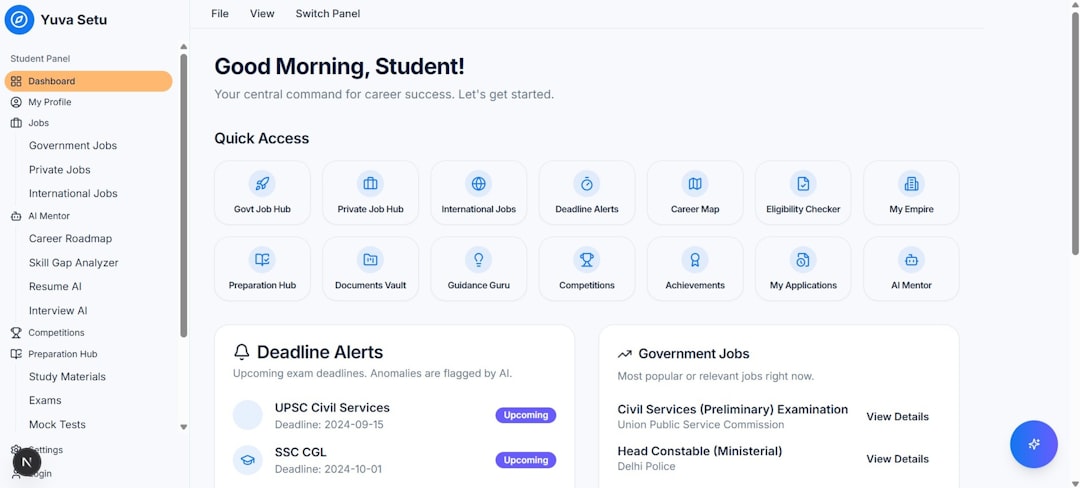
Once a screenshot is captured, it opens in an integrated editor. Users can immediately annotate the image with visual indicators such as arrows, callout boxes, underlines, and labels. Many apps also allow color customization to categorize feedback clearly—red for critical issues, yellow for suggestions, green for approvals.
After editing, the image can be:
- Copied to the clipboard
- Saved locally
- Attached to an email
- Uploaded to cloud storage
- Shared via collaboration platforms
This end-to-end workflow—from capture to distribution—often takes less than a minute.
Key Features That Define a Reliable Annotation Tool
While many screenshot apps exist, not all offer the same level of functionality or reliability. Serious users should evaluate tools based on several criteria.
1. Speed and Lightweight Performance
A reliable annotation app must launch quickly and capture instantly without slowing down the device. Tools like Greenshot are valued for being lightweight and efficient, particularly on systems where performance matters.
2. Precise Annotation Controls
Professional feedback requires more than casual drawing tools. High-quality apps provide:
- Adjustable arrow thickness
- Resizable text boxes
- Alignment guides
- Numbered steps for walkthroughs
- Consistent color palettes
Clear and consistent visual notation is essential when multiple reviewers collaborate on the same project.
3. Privacy and Redaction Tools
Many screenshots contain sensitive data such as email addresses, account numbers, or internal project details. Strong annotation apps include blur or pixelation tools to protect confidential information before sharing.
4. Integration with Workflows
Modern teams rely on project management systems, cloud drives, and messaging platforms. The best annotation tools reduce friction by supporting direct exports into these environments.
Greenshot: A Benchmark in Simplicity
Greenshot remains a trusted name because of its straightforward design and efficient workflow. It is particularly valued for:
- Keyboard shortcut customization
- Region selection precision
- Minimal system resource usage
- Open-source transparency
Its accessibility makes it suitable for both technical and non-technical users. Importantly, its interface does not overwhelm beginners while still providing enough depth for experienced professionals.
This balance between simplicity and functionality is what many organizations look for when standardizing tools across departments.
Use Cases Across Industries
Screenshot annotation is not limited to software development. Its applications are broad and practical.
Software Development and QA
Developers and quality assurance teams rely heavily on annotated screenshots to document:
- UI inconsistencies
- Layout shifts
- Error messages
- Workflow breakdowns
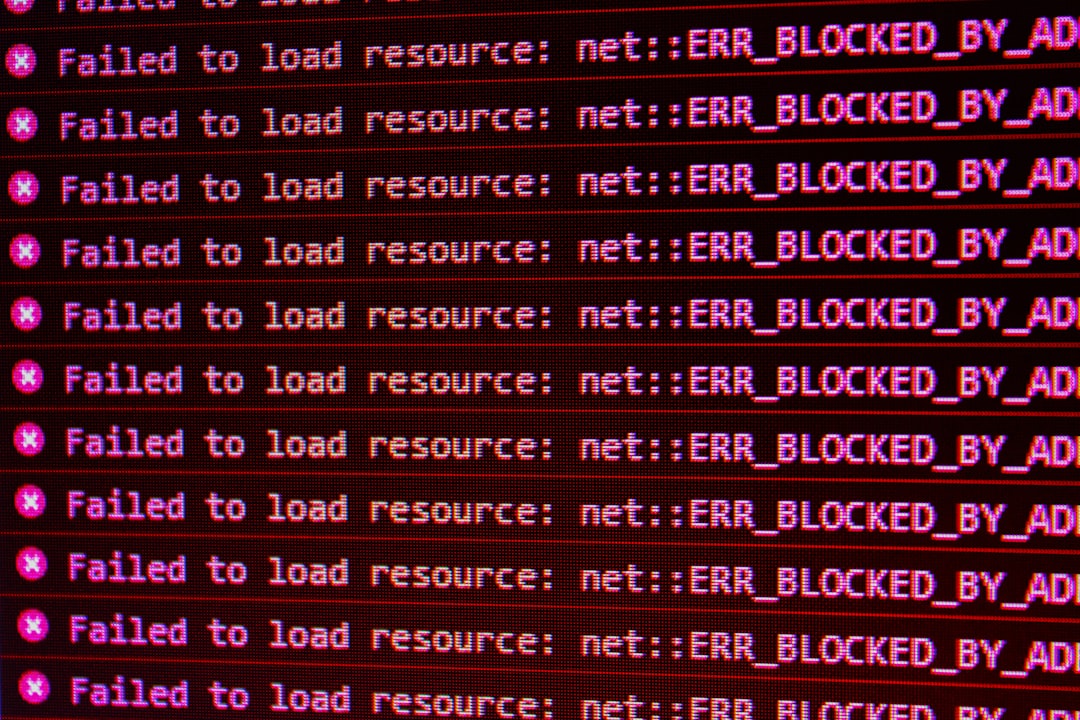
When a tester highlights an exact location of a malfunction and includes contextual notes, developers can reproduce and fix issues faster, reducing costly communication loops.
Design Review Processes
Creative teams benefit from precise visual critique. Instead of making general statements like “spacing feels tight,” reviewers can mark exact pixel areas and propose measurable adjustments.
This clarity accelerates approval cycles and reduces revision rounds.
Customer Support and IT Helpdesk
Support agents frequently request screenshots from users experiencing issues. Annotating these images allows agents to guide customers step by step:
- Highlighting which button to press
- Indicating menu navigation paths
- Marking configuration errors
Visual aids reduce frustration and improve resolution rates.
Education and Training
Educators increasingly use screenshots to provide feedback on digital assignments or demonstrate software usage. Annotated explanations promote better understanding than lengthy written justifications.
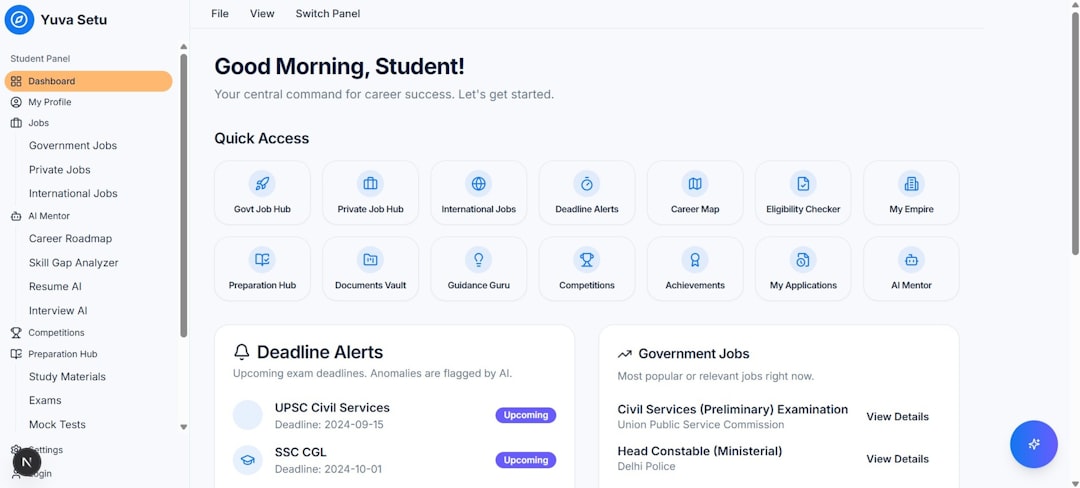
Students benefit from seeing exactly where improvements are needed, while instructors save time compared to writing extensive textual notes.
Advantages Over Verbal or Text-Only Feedback
While meetings and written reports are important, screenshot annotation offers distinct advantages:
- Clarity: Eliminates ambiguity
- Speed: Faster than drafting detailed explanations
- Record Keeping: Creates visual documentation for future reference
- Consistency: Standardizes communication formats
In remote environments, where teams may operate across time zones, asynchronous communication becomes crucial. Annotated screenshots allow recipients to review feedback independently without requiring immediate discussion.
Best Practices for Effective Screenshot Annotation
To maximize the effectiveness of visual feedback, professionals should follow structured practices:
- Keep annotations concise and focused
- Use consistent color coding
- Avoid cluttering the screenshot with excessive notes
- Number steps when providing procedural guidance
- Ensure sensitive data is redacted
Over-annotation can create confusion, just as under-annotation can leave ambiguity. Balance is essential.
Choosing the Right Tool for Your Needs
When selecting a screenshot annotation app, evaluate:
- Platform compatibility: Windows, macOS, Linux support
- Collaboration features: Cloud integration, shared libraries
- Security standards: Encryption and privacy controls
- Ease of onboarding: Learning curve for team adoption
- Cost structure: Free, open-source, or subscription models
For individuals or small teams, lightweight and open-source solutions may be sufficient. Larger organizations may require advanced collaboration features and centralized management.
The Strategic Value of Visual Documentation
Beyond immediate feedback, annotated screenshots serve as long-term documentation assets. They can be compiled into:
- Training manuals
- Knowledge base articles
- Onboarding materials
- Compliance records
This broader strategic value often goes overlooked. Efficient screenshot practices can form the foundation of internal knowledge management systems, reducing repeated questions and redundant explanations.
Conclusion
Screenshot annotation apps like Greenshot are more than convenience tools. They are essential communication instruments in modern digital workflows. By enabling precise, visual, and shareable feedback, they reduce misunderstandings, shorten revision cycles, and enhance collaboration across disciplines.
In environments where clarity and efficiency directly impact productivity, investing in reliable screenshot annotation software is a practical and strategic decision. Whether supporting developers, guiding students, assisting customers, or reviewing creative work, these tools transform complex feedback into simple, actionable insight.