
The best Snaplytics alternative for most teams is Sprout Social, but the right pick depends on whether you need deep analytics, faster publishing, better client reports, or stronger short-form video planning. Snaplytics made sense for brands focused on Snapchat and Instagram Stories, yet many teams now need wider coverage because there are more than 5 billion social media user identities worldwide [source: DataReportal].
TLDR: If you want one safe replacement, choose Sprout Social for analytics and reporting. If budget matters, try Buffer or Later. For example, a small agency managing 10 client profiles could move from manual weekly reports taking 3 hours to automated reports taking around 30 minutes. If you care most about Instagram, TikTok, and visual planning, Later is probably the easiest switch.
Snaplytics was useful because it focused on content formats that felt hard to measure, especially Stories. The problem is that social media teams rarely work on one format now. You may be posting Reels, Shorts, TikToks, carousel posts, ads, Stories, and link posts all in the same week. That makes a broader tool more practical.

1. Sprout Social: Best overall Snaplytics alternative
Sprout Social is the strongest choice if your team needs serious reporting. It covers publishing, inbox management, competitor tracking, campaign reporting, and team workflows. The reports look polished, which helps if you send them to managers or clients.
It drives me crazy when analytics tools bury the best numbers three clicks deep. Sprout does a better job here. You can quickly see engagement, reach, audience growth, post performance, and response times.
- Best for: agencies, mid-size teams, social media managers who report weekly
- Top strength: clean analytics and presentation-ready reports
- Weak spot: pricing can feel heavy for small businesses
Sprout is also a good fit if social media feeds your sales process. If your team tracks leads from campaigns, this connects nicely with topics like MQLs and SQLs in HubSpot vs Salesforce, where marketing and sales need to agree on what a good lead looks like.
2. Later: Best for Instagram, TikTok, and visual planning
Later is a strong choice for brands that care about visuals. Think restaurants, creators, beauty brands, hotels, and small e-commerce stores. The calendar is easy to understand. The preview tools are useful. You can plan how your Instagram grid will look before anything goes live.
The catch is that Later is not as deep as Sprout for reporting. You get useful performance insights, but it is not built for complex executive dashboards. That is fine for many teams. Honestly, not every business needs a 40-page PDF to decide if a Reel worked.
- Best for: Instagram-first and TikTok-heavy brands
- Top strength: simple visual scheduling
- Weak spot: less advanced reporting than enterprise tools
If you promote food, events, or local offers, Later pairs well with a focused content plan like this guide to restaurant social media marketing on Instagram vs Facebook.

3. Hootsuite: Best for managing many channels
Hootsuite is one of the most familiar names in social media software. It supports many networks and gives teams a central place to schedule posts, monitor mentions, and review performance.
This is a practical Snaplytics alternative if your brand is spread across several platforms. You can manage LinkedIn, Facebook, Instagram, X, TikTok, Pinterest, and YouTube from one place. That saves time, especially when different team members handle different channels.
- Best for: teams with many social accounts
- Top strength: broad channel support
- Weak spot: the interface can feel busy at first
Expect to spend some time cleaning up streams and dashboards. If you skip that step, Hootsuite can feel cluttered. Once set up, though, it is reliable.
4. Buffer: Best simple and affordable option
Buffer is a good pick if you want scheduling and basic analytics without a big learning curve. It is clean, friendly, and easier to use than many heavier tools.
Buffer works well for solo marketers, founders, creators, and small teams. You can plan posts, track engagement, and see which content gets clicks. It does not try to do everything. That is part of its appeal.
- Best for: small teams and tight budgets
- Top strength: simple publishing workflow
- Weak spot: limited deep analytics
For online stores, Buffer can support product launches, sale announcements, and content calendars. If you are comparing store builders and marketing features, this guide to all-in-one e-commerce platforms gives helpful context.
5. Iconosquare: Best for Instagram and competitor analytics
Iconosquare is a smart choice for brands that want deeper Instagram and Facebook reporting. It also supports TikTok, LinkedIn, and X, depending on your plan. Its competitor tracking is useful when you want to know why another brand keeps getting better engagement.
You can track follower growth, engagement rate, reach, impressions, best posting times, and content type performance. The dashboards are tidy. The data is easy to compare. That makes it helpful for monthly reviews.
- Best for: brands focused on Instagram analytics
- Top strength: competitor and engagement reporting
- Weak spot: not as broad as Hootsuite for channel management
How to choose the right Snaplytics replacement
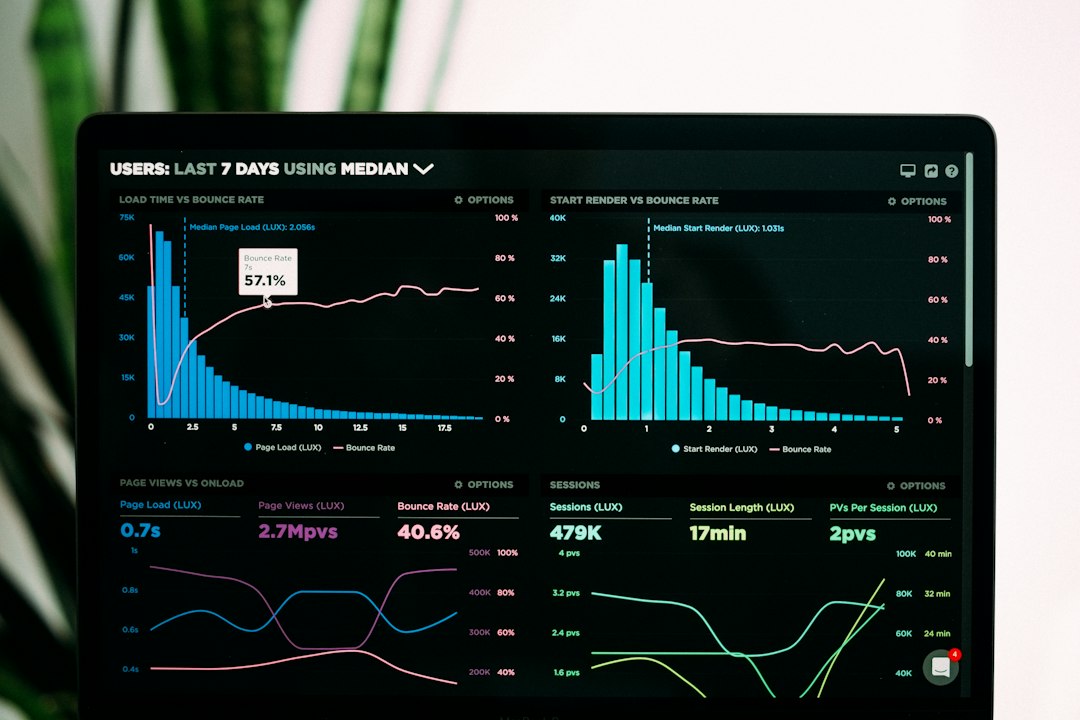
Start with the job you need done most often. If reporting is your biggest pain, choose Sprout Social or Iconosquare. If planning content takes too long, choose Later or Buffer. If your team manages many accounts, Hootsuite is still a strong bet.
A quick rule helps. Pick Sprout Social for polished reports, Later for visuals, Hootsuite for many channels, Buffer for simplicity, and Iconosquare for Instagram analytics. Do not buy the biggest tool just because it has the longest feature list. Buy the one your team will actually open every morning.