
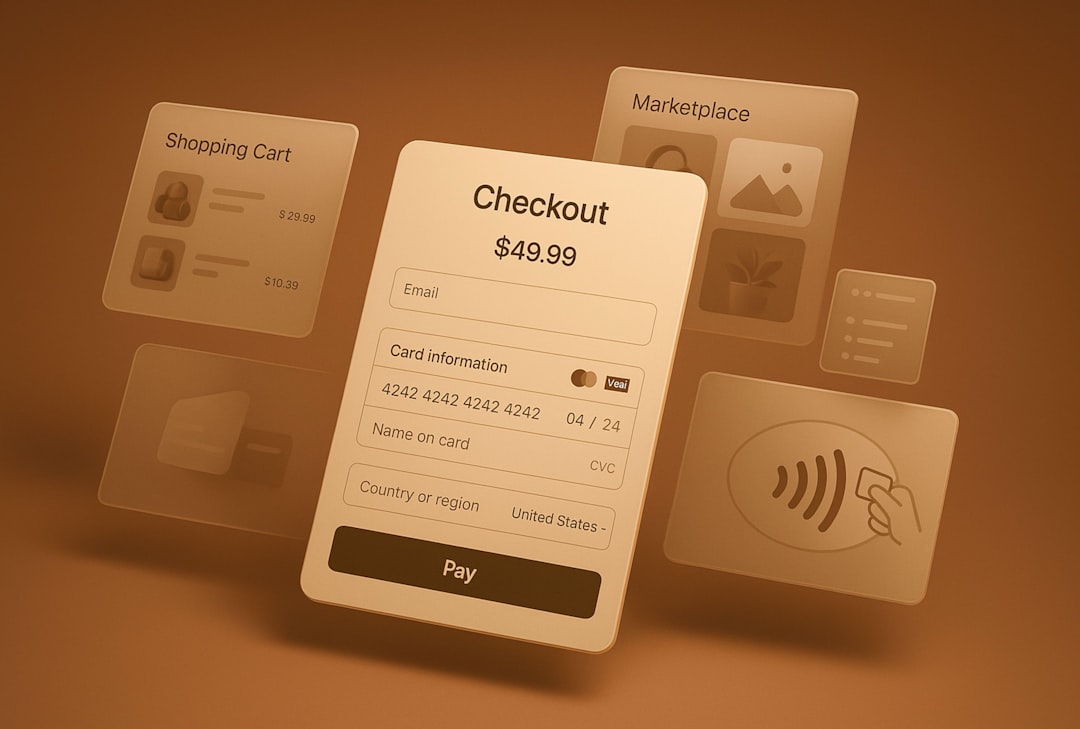
Choosing between Stripe Payment Elements and Stripe Checkout can feel like picking between pizza and tacos. Both are good. Both can feed your business. But they are not the same meal. One gives you more control. The other gets you moving fast.
TLDR: Use Stripe Checkout if you want a fast, hosted payment page with less setup. Use Stripe Payment Elements if you want a custom checkout inside your own website or app. For example, a small merch shop taking 300 orders per month may launch faster with Checkout, while a SaaS company improving checkout conversion by 8% may prefer Payment Elements for more control. If speed matters most, pick Checkout. If brand control matters most, pick Payment Elements.
What Is Stripe Checkout?
Stripe Checkout is a ready-made payment page hosted by Stripe. Your customer clicks a button. They go to a Stripe-hosted page. They pay. Then they return to your site.
Simple, right?
It is like renting a clean, modern payment counter instead of building one from scratch. Stripe handles a lot for you. This includes card forms, wallets, taxes, coupons, address collection, and many payment methods.
You can still add your logo. You can change colors. You can make it feel close to your brand. But it is still Stripe’s hosted page.
Best for:
- Small businesses
- New online stores
- Fast product launches
- Subscriptions
- Donations
- Simple checkout flows
What Is Stripe Payment Elements?
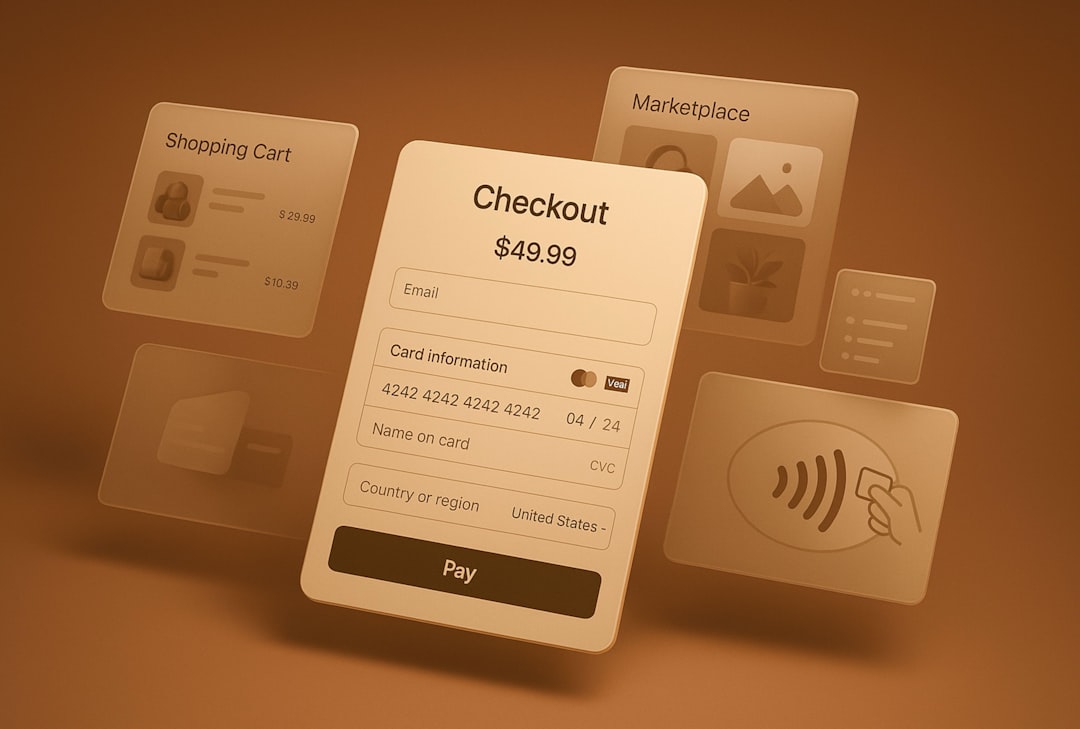
Stripe Payment Elements is a flexible set of UI components. These components let you build a payment form inside your own website or app.
Think of it like getting a box of fancy building blocks. Stripe gives you the secure payment pieces. You decide where they go. You decide how the checkout looks. You decide how the flow works.
Payment Elements can support many payment methods in one smart form. Cards, Apple Pay, Google Pay, bank payments, and local methods can appear based on the customer’s location and currency.
It feels more custom. It also takes more work.
Best for:
- Marketplaces
- SaaS platforms
- Mobile apps
- Custom shopping carts
- Businesses with complex checkout rules
- Brands that care deeply about design
The Big Difference
The biggest difference is where the payment happens.
With Checkout, the customer pays on a Stripe-hosted page.
With Payment Elements, the customer pays on your site or inside your app.
That one difference affects almost everything. It changes the design process. It changes the development time. It changes how much control you have. It also changes how much responsibility your team carries.
Stripe Checkout: The “Get It Done” Option
Stripe Checkout is great when you want to launch quickly. Very quickly.
You do not need to design a full checkout page. You do not need to worry much about payment form details. Stripe has already tested the flow. It works on desktop. It works on mobile. It supports fraud tools. It helps with compliance.
This is great for lean teams. It is also great for founders who have 42 tabs open and a coffee going cold.
Pros of Stripe Checkout:
- Fast setup. You can launch in less time.
- Hosted by Stripe. Less payment page maintenance.
- Mobile friendly. It works well on small screens.
- Built-in features. Coupons, tax, shipping, and subscriptions are easier.
- Strong security. Stripe handles sensitive payment details.
Cons of Stripe Checkout:
- Less design control. You cannot customize everything.
- Redirect flow. Customers leave your site to pay.
- Less flexible logic. Complex checkout steps may be harder.
Payment Elements: The “Make It Yours” Option
Payment Elements is for businesses that want checkout to feel native. The customer stays on your site. The payment form can match your layout. You can place it next to a cart summary, promo box, upsell, or account form.
This can be powerful. Especially if your checkout is part of a bigger journey.
For example, a food delivery app may need tips, delivery notes, wallet credits, and saved addresses. A travel site may need passenger details, insurance options, and booking rules. Payment Elements fits better here.

Pros of Payment Elements:
- More control. You shape the full checkout experience.
- On-site payments. Customers stay on your website or app.
- Flexible layouts. Great for custom carts and flows.
- Dynamic payment methods. Stripe can show the best options by region.
- Stronger brand feel. The page can look fully yours.
Cons of Payment Elements:
- More development work. Your team builds more pieces.
- More testing. You own more of the user experience.
- More design decisions. Freedom can slow you down.
Which One Is Better for Conversion?
This is the juicy part.
There is no universal winner. Sorry. No magic button. No checkout dragon to slay.
Stripe Checkout can convert well because it is simple and trusted. Customers may recognize Stripe. The page is clean. It removes many distractions.
Payment Elements can also convert well because the customer never leaves your site. This can feel smoother. It can reduce friction if your checkout has many custom steps.
Here is a simple way to think about it:
- If your checkout is basic, Checkout may convert better because it is fast and polished.
- If your checkout is unique, Payment Elements may convert better because it fits your flow.
Imagine an online course seller. They sell one course for $99. They have a simple “Buy Now” button. Stripe Checkout is probably perfect.
Now imagine a B2B SaaS platform. It has monthly plans, annual discounts, usage billing, tax IDs, coupon codes, and team seats. Payment Elements may give the team more room to build the right experience.
What About Design?
Design matters. People trust what looks clean. They fear what looks weird. A messy payment page is like a restaurant menu with soup stains. Not ideal.
Checkout gives you a neat page with limited branding. You can adjust the basics. But you cannot fully redesign the experience.
Payment Elements gives you more design power. You can match your fonts, spacing, layout, and page structure. This is useful if your brand has a strong style.
But beware. More control means more chances to make mistakes. A custom checkout should still be clear, fast, and boring in the best way. Payments are not the place for mystery.
What About Security and Compliance?
Both options are secure when used correctly. Stripe is built for payments. That is the whole point.
With Checkout, Stripe hosts the payment page. This reduces your compliance burden. It is simpler for many teams.
With Payment Elements, Stripe still helps protect sensitive card data. But your team has more frontend and backend work to handle. You must implement it carefully.
If your team is small or new to payments, Checkout may feel safer and easier.
Cost and Setup Time
Stripe’s payment processing fees are usually similar for both options. The real cost difference is often developer time.
Checkout is cheaper to launch because it takes less time.
Payment Elements can cost more upfront because it needs more planning, design, coding, and testing.
So ask this:
- Do we need to launch this week?
- Do we have developers ready?
- Is our checkout simple or complex?
- Will better customization increase revenue?

Quick Decision Guide
Choose Stripe Checkout if:
- You want the fastest launch.
- You sell simple products or subscriptions.
- You do not need a fully custom checkout.
- You want Stripe to host the payment page.
- You have limited developer resources.
Choose Stripe Payment Elements if:
- You need a custom checkout experience.
- Your customers should stay on your site.
- You have a more complex payment flow.
- You want deeper brand control.
- You have developers who can build and maintain it.
The Final Verdict
Stripe Checkout is like ordering a great cake from a bakery. It is fast. It looks good. It works. You do not need to own an oven.
Stripe Payment Elements is like baking the cake yourself with professional ingredients. You can choose the layers, frosting, and tiny chocolate spaceship on top. But you need time, skill, and testing.
For most small businesses, Stripe Checkout is the best first step. It is simple and reliable. For growing companies with special checkout needs, Payment Elements can be the smarter long-term choice.
The best integration is not the fanciest one. It is the one that helps customers pay with the least confusion. Keep it smooth. Keep it simple. Let the money tap dance into your account.