
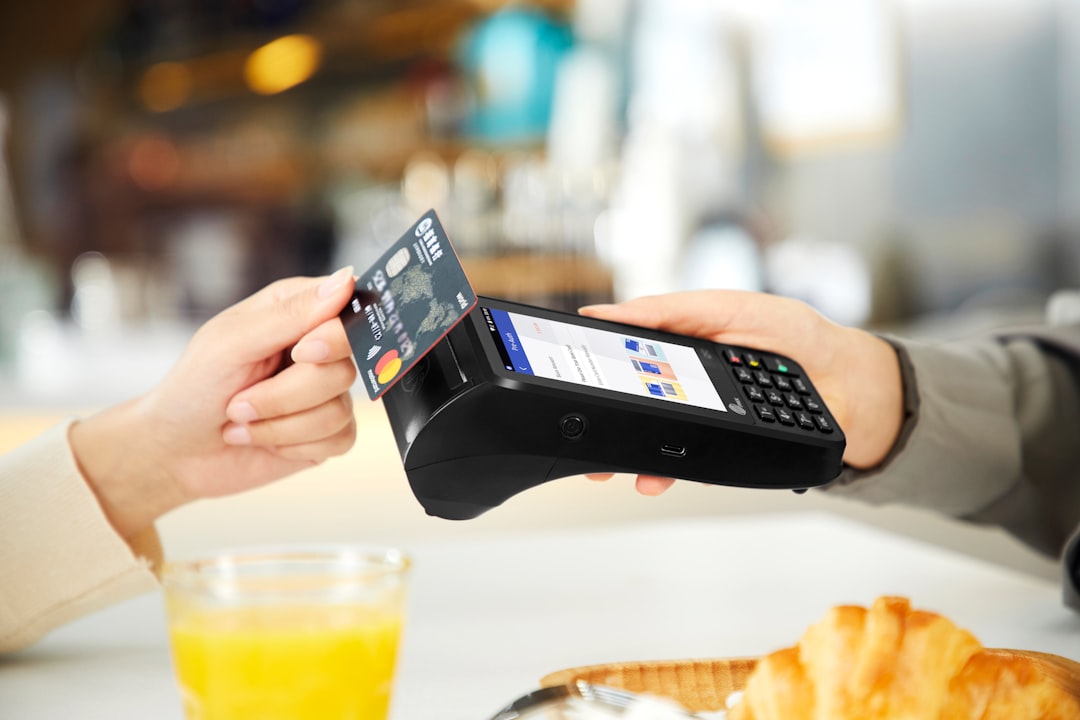
In today’s fast-paced restaurant environment, efficiency and secure access to digital tools are critical for both customers and operators. The Toast Tab login system plays a central role in connecting diners with their orders and enabling restaurant staff to manage operations smoothly. Whether you are a guest reviewing a receipt or a restaurant employee accessing the back-office dashboard, understanding how the login process works ensures a seamless experience.
TLDR: The Toast Tab login portal allows customers to view receipts, manage digital payments, and track orders, while restaurants use Toast’s back-end system to manage sales, staff, and reporting. Logging in requires secure credentials, and both parties benefit from proper account setup and security practices. Common issues such as forgotten passwords or browser errors can be resolved quickly with basic troubleshooting. A secure and properly configured login process enhances operational efficiency and protects sensitive data.
What Is Toast Tab?
Toast Tab is part of the broader Toast POS ecosystem, a cloud-based restaurant management platform used by thousands of establishments. It enables:
- Customers to access digital receipts, manage payments, and view order history.
- Restaurants to process transactions, assign staff permissions, analyze sales data, and manage day-to-day operations.
The login experience differs slightly depending on whether you are a guest or a restaurant administrator, but both prioritize security, usability, and speed.
Toast Tab Login for Customers
Customers typically interact with Toast Tab after dining at a participating restaurant. Access is usually linked to a digital receipt or an online order confirmation.
How Customers Access Toast Tab
The login process for customers generally follows these steps:
- Open the link provided via text message or email after your purchase.
- Enter your phone number, email address, or verification code.
- Confirm your identity through a one-time authentication process.
- Access your receipt, tip options, or order details.
Unlike traditional account-based systems, many Toast Tab customer interactions use verification-based login instead of requiring a permanent password. This approach enhances convenience while maintaining security.
Key Features for Customers
- Digital receipts for easy expense tracking
- Contactless payment and tipping
- Order history access when linked to a Toast account
- Quick reordering at participating restaurants
For frequent diners, creating a full Toast account may simplify future interactions, particularly for online ordering and loyalty programs.
Customer Login Issues and Solutions
While the system is generally reliable, some users may encounter problems. Common issues include:
- Verification code not received: Ensure your phone number or email is entered correctly and check spam folders.
- Expired session link: Request a new receipt link from the restaurant.
- Browser compatibility issues: Update your browser or switch to a supported one such as Chrome or Safari.
If problems persist, contacting the restaurant directly is often the fastest resolution path, as they can resend transaction details.
Toast Tab Login for Restaurants
For restaurant owners and staff, login access is significantly more comprehensive. Toast provides role-based credentials to maintain security and operational control.
How Restaurant Staff Log In
Restaurant employees typically log in through the Toast POS terminal or the web-based back-office portal. The process generally includes:
- Navigating to the official Toast login page.
- Entering a registered email address and password.
- Completing multi-factor authentication if enabled.
- Accessing role-specific dashboards and tools.
Each employee’s access level is determined by management, ensuring sensitive financial and reporting tools remain restricted.
Role-Based Access Control
One of the strengths of the Toast system is its granular permission structure. Common user roles include:
- Server: Order entry, payment processing
- Manager: Refund approval, shift adjustments
- Administrator: Reporting, payroll integration, system configuration
- Owner: Full financial visibility and analytics
This layered approach minimizes risk while ensuring operational efficiency.
Security Best Practices for Restaurants
Because restaurant logins provide access to financial data and employee information, security should be taken seriously. Recommended practices include:
- Using strong, unique passwords
- Enabling multi-factor authentication
- Regularly reviewing user access permissions
- Immediately deactivating accounts for former employees
- Avoiding shared login credentials
Implementing these measures significantly reduces the risk of internal misuse or external breaches.
Customer vs. Restaurant Login: Key Differences
While both customer and restaurant logins exist within the same ecosystem, their purposes and complexity vary.
| Feature | Customer Login | Restaurant Login |
|---|---|---|
| Primary Purpose | View receipts and complete payments | Manage operations and reporting |
| Authentication Method | Verification code or limited account login | Email and password with possible MFA |
| Access Level | Single transaction or profile | Full operational dashboard |
| Security Controls | Session-based security | Role-based permissions |
| Troubleshooting | Check link, verify contact info | Password reset, IT administrator support |
How to Reset Toast Login Credentials
For Customers
Since many customer logins rely on one-time verification, password resets are rarely required. However, for full account holders:
- Select the Forgot Password option on the login page.
- Enter your registered email address.
- Follow the reset instructions sent to your inbox.
For Restaurants
Restaurant users resetting credentials should:
- Click Forgot Password on the Toast login page.
- Verify identity using email authentication.
- Create a strong replacement password.
If access issues continue, contacting Toast support or the designated account administrator is recommended.
Common Technical Challenges
Even well-designed platforms can present occasional obstacles. Recognizing and addressing them quickly maintains operational continuity.
Browser Compatibility
Ensure that supported and up-to-date browsers are used. Clearing cache and cookies can resolve many session-related issues.
Network Connectivity
Because Toast operates in the cloud, stable internet connectivity is essential. Restaurants should maintain a reliable primary connection and consider a backup network to prevent downtime.
Account Lockouts
Multiple failed login attempts may trigger temporary lockouts. Waiting for the reset period or contacting support typically resolves the issue.
Why Secure Login Management Matters
Restaurants handle significant volumes of financial transactions and customer data daily. A compromised login can result in:
- Financial discrepancies
- Unauthorized refunds
- Exposure of customer payment information
- Operational downtime
For customers, login security ensures that digital receipts and payment methods remain protected from unauthorized use.
Tips for a Smooth Experience
For Customers:
- Save digital receipts for expense reporting.
- Use accurate contact details during transactions.
- Complete tipping and payment confirmations promptly.
For Restaurants:
- Train employees thoroughly on login procedures.
- Audit accounts monthly to verify correct permission levels.
- Monitor login activity for unusual patterns.
- Document recovery and access protocols.
Final Thoughts
The Toast Tab login system is more than just an entry point to a digital dashboard—it is a critical access gateway that supports modern restaurant operations and enhances customer convenience. By understanding the differences between customer and restaurant logins, implementing sound security practices, and addressing common technical issues proactively, both parties can ensure a reliable and protected experience.
In an increasingly digital hospitality landscape, secure and well-managed login systems are not optional—they are essential. Taking the time to configure, secure, and properly use Toast Tab login tools will pay dividends in operational efficiency, data protection, and customer satisfaction.