
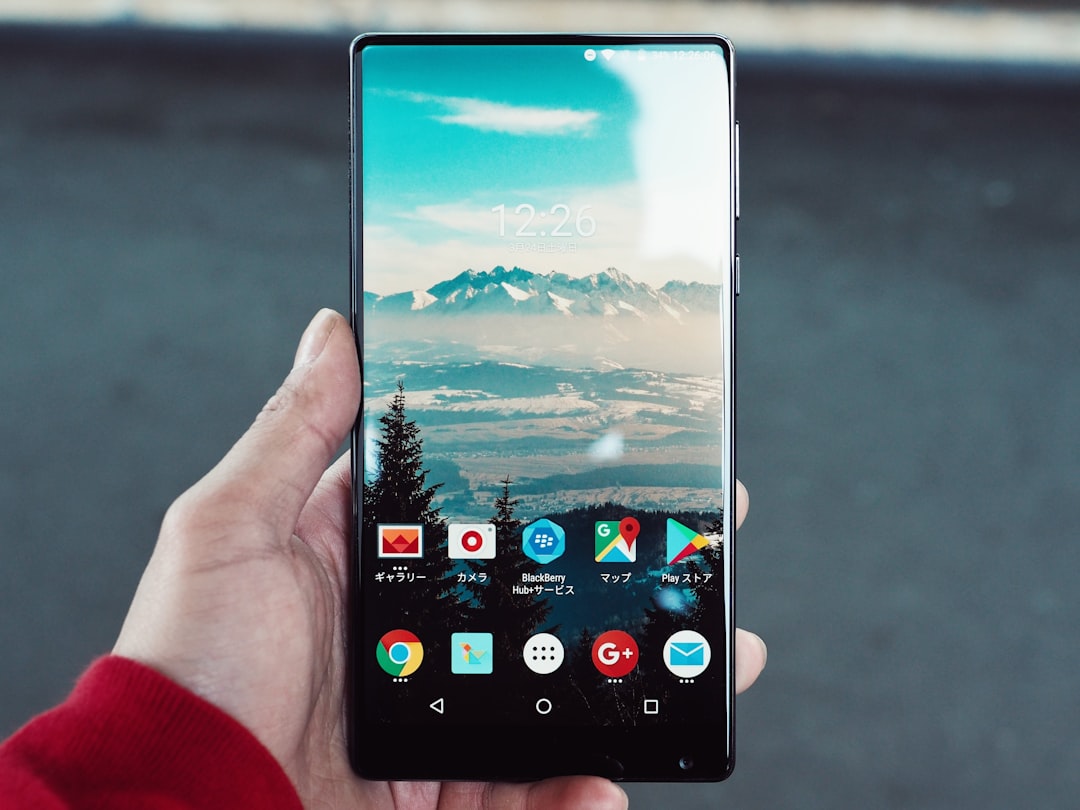
The best PPSSPP Gold alternative for most Android players is the free PPSSPP app. It uses the same core PSP emulation tech, while Gold mainly supports the developers. PPSSPP is also open source and available on Android, Windows, macOS, Linux, and more [source: PPSSPP].
TLDR: Start with PPSSPP Free if you want the safest and easiest option. Try RetroArch if you like one app for many consoles, such as PSP, PS1, and SNES. If you test 10 PSP games, expect about 7 or 8 to run well on a mid-range Android phone, as long as you use sane settings. For example, God of War: Chains of Olympus may need frame skip, while Persona 3 Portable is usually much kinder.
1. PPSSPP Free
Best for: Most players.
Yes, this is the obvious pick. But it is obvious for a reason. PPSSPP Free gives you almost everything PPSSPP Gold gives you. The Gold version is more like a thank-you purchase.
You get save states, custom controls, texture filtering, cheats, and gamepad support. It is clean. It is fast. It does not feel like a weird copycat app stuffed with junk.
- Pros: Stable, simple, trusted.
- Cons: Some heavy games still need setting tweaks.
- Pick it if: You just want PSP games to work.
Honestly, it feels like the least annoying choice. That matters a lot when all you want is 20 minutes of Tekken 6 before dinner.
2. RetroArch
Best for: People who play many retro systems.
RetroArch is not just a PSP emulator. It is a big retro gaming hub. You install “cores” inside it. For PSP, it can use a PPSSPP-based core.
This app is powerful. It can also feel messy at first. The menus are not as friendly as PPSSPP. Expect to waste time on setup if you are new.
- Pros: Many consoles in one app.
- Cons: Setup can be confusing.
- Pick it if: You want PSP plus other systems in one place.
Once it is set up, it is great. Shaders, overlays, cloud style layouts, and controller profiles are all there.
3. Lemuroid
Best for: A nice, simple library.
Lemuroid is like RetroArch, but much easier on the eyes. It supports several classic systems, including PSP through supported cores. The app scans your games and shows them in a neat library.
This is great if you hate ugly menus. And I get it. Some emulator apps look like they were built during a lunch break in 2012.
- Pros: Clean design, easy setup, good controller support.
- Cons: Fewer deep settings than PPSSPP.
- Pick it if: You want a pretty app that feels simple.
Lemuroid is a good choice for lighter PSP games. For tough titles, PPSSPP still gives you more control.

4. Rocket PSP Emulator
Best for: Quick testing on older phones.
Rocket PSP Emulator is a smaller PSP emulator app. It is not as famous as PPSSPP. Still, some users like it because it feels light and direct.
The catch is simple. Updates and support may not be as strong. That can matter when a game stutters or crashes.
- Pros: Simple layout, light app feel.
- Cons: Less trusted than PPSSPP.
- Pick it if: You want a backup PSP emulator to test.
Do not expect magic. If a game runs badly in PPSSPP, Rocket may not fix it. But it can be worth a try on low-end phones.
5. AwePSP
Best for: Trying another PSP-only emulator.
AwePSP is another app built for PSP games on Android. It often appears when people search for PPSSPP alternatives. It supports common PSP game files and on-screen buttons.
The experience can be mixed. Some games work fine. Others may feel choppy. It drives me crazy when an app takes 10 extra taps just to fix buttons, and that can happen with lesser-known emulators.
- Pros: Made for PSP games, easy to understand.
- Cons: Performance can vary a lot.
- Pick it if: You are testing options and do not mind trial and error.
6. Emulator PSP Pro Style Apps
Best for: Curious users who want extra choices.
You may see apps with names like Emulator PSP, PSP Emulator Pro, or similar. Some are fine. Some are not. Be careful here.
Read reviews. Check update dates. Avoid apps that ask for strange permissions. A PSP emulator does not need your contacts. That is a red flag.
- Pros: Many choices in the Play Store.
- Cons: Quality is all over the place.
- Pick it if: You know how to spot sketchy apps.
Quick Tips for Better PSP Gaming on Android
- Use ISO or CSO files from games you own.
- Try 2x resolution first. Go higher only if your phone stays smooth.
- Turn on frame skip for heavy games.
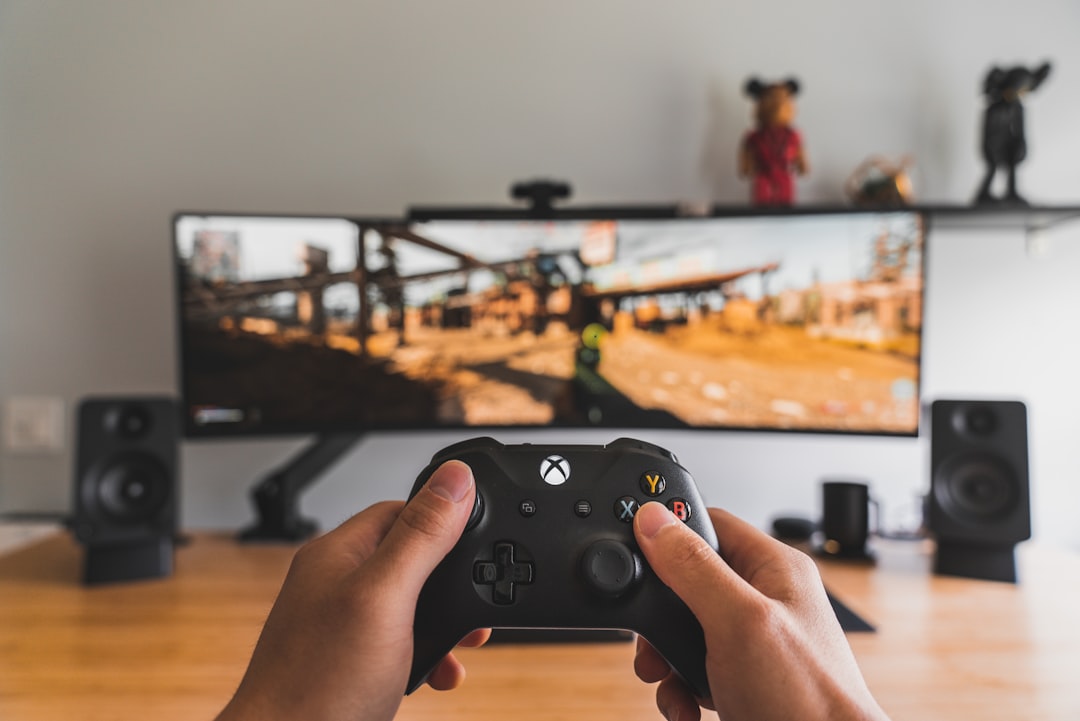
- Use a Bluetooth controller for action games.
- Save often with save states and in-game saves.
Which One Should You Pick?
If you want the easiest answer, choose PPSSPP Free. If you want one app for lots of systems, pick RetroArch. If you want clean and simple, try Lemuroid.
For most people, the winning setup is simple: PPSSPP Free plus a controller. That combo covers the most games with the least pain. And less pain means more time racing, fighting, grinding, and yelling at tiny boss health bars.