
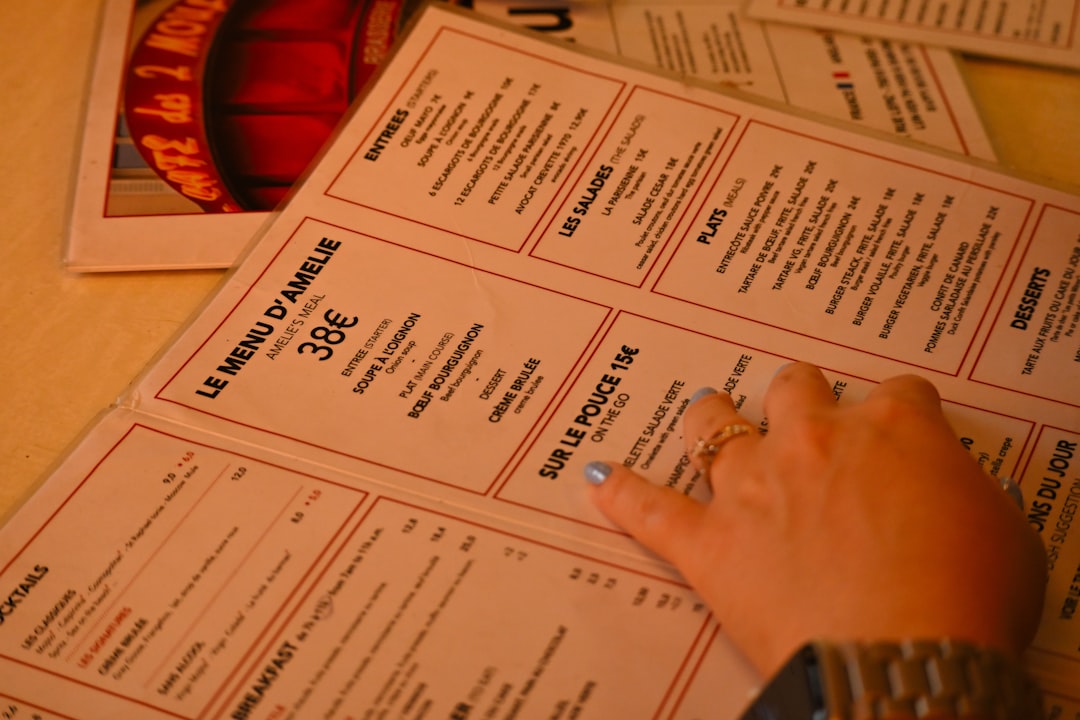
In today’s fast-paced digital landscape, restaurants must go beyond an enticing physical ambiance and stellar food to attract and retain customers. A strong online presence is essential—especially when it comes to displaying menus and enabling online orders. Enter website builders tailored for restaurants. These platforms are designed to make it easier for restaurateurs to establish a polished digital footprint, ensure great menu visibility, and streamline the ordering process.
TL;DR:
Restaurant website builders optimized for menu presentation and online orders can significantly increase customer engagement and improve operational efficiency. These platforms offer integrated features such as responsive menu layouts, secure order processing, and seamless third-party integrations. They empower restaurants without technical expertise to effectively showcase dishes and accept online orders. Choosing the right builder depends on factors like customization options, pricing, and support for delivery or pickup modules.
Why Specialized Website Builders Matter for Restaurants
Generic website builders may offer drag-and-drop convenience, but they often lack key features crucial for restaurant businesses. Specialized website builders for the food industry focus on optimizing three main elements:
- Visual menu presentation
- Online ordering and payment systems
- Mobile responsiveness and user experience
When diners browse a restaurant’s site, they want quick access to an aesthetically pleasing and well-organized menu. If there’s an option to order food without calling or navigating to another app, that’s even better. These features translate into real revenue and return visits.
Key Features to Look For
Not every website builder is created equal, even within the restaurant niche. Here are some essential features that set the top contenders apart:
- Dynamic Menus: The ability to update menu items, prices, and descriptions with minimal clicks.
- Photos and Visual Enhancements: High-resolution images of dishes enrich the browsing experience.

- Order Management System: Built-in systems for pickup, delivery, and reservations with real-time order tracking.
- Mobile Optimization: A mobile-responsive design ensures your menu looks perfect on any device.
- Third-party Integrations: Compatibility with services like DoorDash, Grubhub, Square, and more.
- SEO Tools: Built-in search optimization helps customers discover your restaurant on Google and other search engines.
Top Website Builders for Restaurant Menus and Online Orders
1. Toast Websites
Toast is a well-known name in the restaurant POS industry, and its website builder is tailored specifically for restaurants. What sets Toast apart is how seamlessly it integrates with their POS system, which streamlines orders and reduces errors.
Pros: Includes online ordering, automatic syncing with POS, and analytics built for food businesses.
Cons: Less customizable layouts compared to more general-purpose builders.
2. BentoBox
BentoBox is a leader in restaurant-focused websites, offering stunning templates that emphasize food photography and simplified menus. With built-in ordering, catering modules, and event management, it caters to a broad range of dining establishments.
Pros: Sharp design, automatic Google Menu syncing, and loyalty program integration.
Cons: Pricier than other platforms, especially for smaller restaurants.
3. Squarespace with ChowNow Integration
While Squarespace is a general-purpose builder, combining it with ChowNow makes it a competitive solution for restaurants. ChowNow handles the online ordering while Squarespace provides visually-stunning templates perfect for brand storytelling.
Pros: Highly customizable, good SEO tools, and professional appearance.
Cons: Requires managing multiple platforms and a bit of technical know-how.
4. Wix Restaurants
Wix offers an all-in-one builder with a dedicated Wix Restaurants app. It allows menu creation, tableside reservations, and online ordering directly on your site—all without transaction fees.
Pros: Free plan available, drag-and-drop ease, integrated restaurant tools, and multilingual support.
Cons: Not as robust POS integration compared to Toast or BentoBox.
5. GloriaFood
A lesser-known, budget-friendly option, GloriaFood is completely free and still manages to pack in menu management and ordering features. It’s great for smaller restaurants just starting their journey online.
Pros: Free plan, unlimited orders, and clean mobile-first menu interface. 
Cons: Limited design options and upsells for additional features like promo codes or analytics.
Tips for Optimizing Online Menus
Even the best website builder can fall short if the menu is poorly designed. Here are some tips restaurants can follow to enhance user experience and encourage more orders:
- Use High-Quality Photos: Dishes with appetizing visuals are more likely to be ordered.
- Write Clear Descriptions: Avoid overly complex recipe details—stick to ingredients and flavor notes.
- Group Items Logically: Categories like appetizers, mains, and desserts help users navigate easily.
- Include Prices Clearly: Transparent pricing prevents frustration and builds trust.
- Highlight Popular or Signature Dishes: Use icons or featured sections.
Benefits of Accepting Online Orders
The e-commerce ecosystem has shifted expectations—diners now anticipate fast and easy food ordering. By enabling online orders, restaurants can take advantage of:
- Increased Revenue: Capture more orders during peak hours without turning guests away.
- Data Collection: Collect customer emails, order histories, and preferences for future marketing.
- Reduced Manual Errors: Orders entered by customers themselves tend to be more accurate.
- Time Savings: Staff can focus on food and service instead of taking phone calls.
Security and Efficiency Matter
One overlooked but critical feature of restaurant website builders is the security of your online checkout. Look for platforms with SSL encryption, PCI compliance, and payment gateway partnerships with trusted names like Stripe or PayPal. Efficient delivery and order tracking features—such as SMS notifications and kitchen display integration—can also elevate the customer experience and streamline operations.
Conclusion
Website builders optimized for restaurants go far beyond standard drag-and-drop tools. They provide the visual menu capabilities, online ordering features, and back-end efficiency that food businesses need to compete in an increasingly digital marketplace. Whether you run a cozy family diner or a bustling urban bistro, choosing the right platform can profoundly impact your visibility, sales, and customer satisfaction.
Frequently Asked Questions
-
Q: What’s the most user-friendly restaurant website builder for beginners?
A: Wix Restaurants is often praised for its ease of use and beginner-friendly interface, especially with its drag-and-drop builder and built-in food service modules. -
Q: Are there free website builders that support online orders?
A: Yes, GloriaFood offers a completely free plan that includes menu presentation and online orders, although advanced features require a paid upgrade. -
Q: Can I integrate a third-party delivery app with these builders?
A: Most premium restaurant website builders support integrations with popular delivery and POS services like Uber Eats, DoorDash, and Square. -
Q: Do I need technical knowledge to manage the website?
A: Not necessarily. Platforms like Wix Restaurants and BentoBox are designed for non-technical users with intuitive interfaces and customer support. -
Q: How important are images in digital menus?
A: Extremely important. Customers are more likely to order dishes that look delicious in photos, which makes high-quality imagery a vital part of your menu design.