

Netflix is one of the most popular streaming platforms, providing seamless access to movies and TV shows globally. However, like any other online service, it can sometimes experience technical issues. One such error that users might encounter is the “Envoy overloaded” error. This issue can be frustrating, especially when you are in the middle of watching your favorite content.
Understanding what this error means and how to resolve it can help you get back to streaming as soon as possible. In this article, we will delve into what causes the “Envoy overloaded” error on Netflix, why it happens, and how you can attempt to fix it.
What Does “Envoy Overloaded” Mean?
The “Envoy overloaded” error on Netflix is typically associated with network congestion. Envoy is an open-source edge and service proxy used by many platforms, including Netflix, to manage and route network traffic efficiently. When you see this error, it usually means that the Netflix service is experiencing an overloaded request load, causing delays or disruptions in streaming.
This issue can occur due to:
- High traffic on Netflix’s servers.
- Network problems on your internet service provider’s end.
- Overloaded local network due to multiple devices consuming bandwidth simultaneously.
Common Causes of the “Envoy Overloaded” Error
Several factors can contribute to the “Envoy overloaded” error. Below are some of the most common causes:
1. Netflix Server Overload
When too many users are trying to access Netflix at the same time, the servers might become overwhelmed. This is more common during peak usage hours, such as evenings and weekends.
2. Internet Connection Issues
Your internet connection plays a vital role in streaming. If your ISP is experiencing network congestion or if your home network is overloaded with multiple devices, you may experience streaming issues, including this error.
3. Problems with Envoy Proxy
Since Netflix uses the Envoy proxy to manage network traffic, any internal issue related to this proxy system may result in the error. This could be due to a misconfiguration or a temporary overload.
4. Device or Application Issues
Outdated applications or software bugs on your device could also contribute to connectivity errors. If Netflix is not running the latest version on your device, issues like this may occur more frequently.

How to Fix the “Envoy Overloaded” Error
Fortunately, there are several troubleshooting steps you can take to try and resolve this issue:
1. Check Netflix’s Server Status
Before attempting any fixes on your end, first check if Netflix is experiencing outages or technical difficulties. Visit the Netflix status page or use third-party platforms like Downdetector.
2. Restart Your Device
Sometimes, a simple device restart can resolve temporary issues. Turn off your streaming device, wait a few seconds, and turn it back on.
3. Restart Your Router and Modem
Network congestion or connectivity problems may be causing the error. Restarting your router and modem can help refresh the connection and potentially fix the issue.
4. Reduce Bandwidth Usage
If multiple devices at home are using the internet for high-bandwidth activities such as gaming or video conferencing, try pausing those activities and see if Netflix starts working smoothly.
5. Update the Netflix App
Ensure that you are using the latest version of the Netflix app. Outdated versions may lead to compatibility issues and errors.
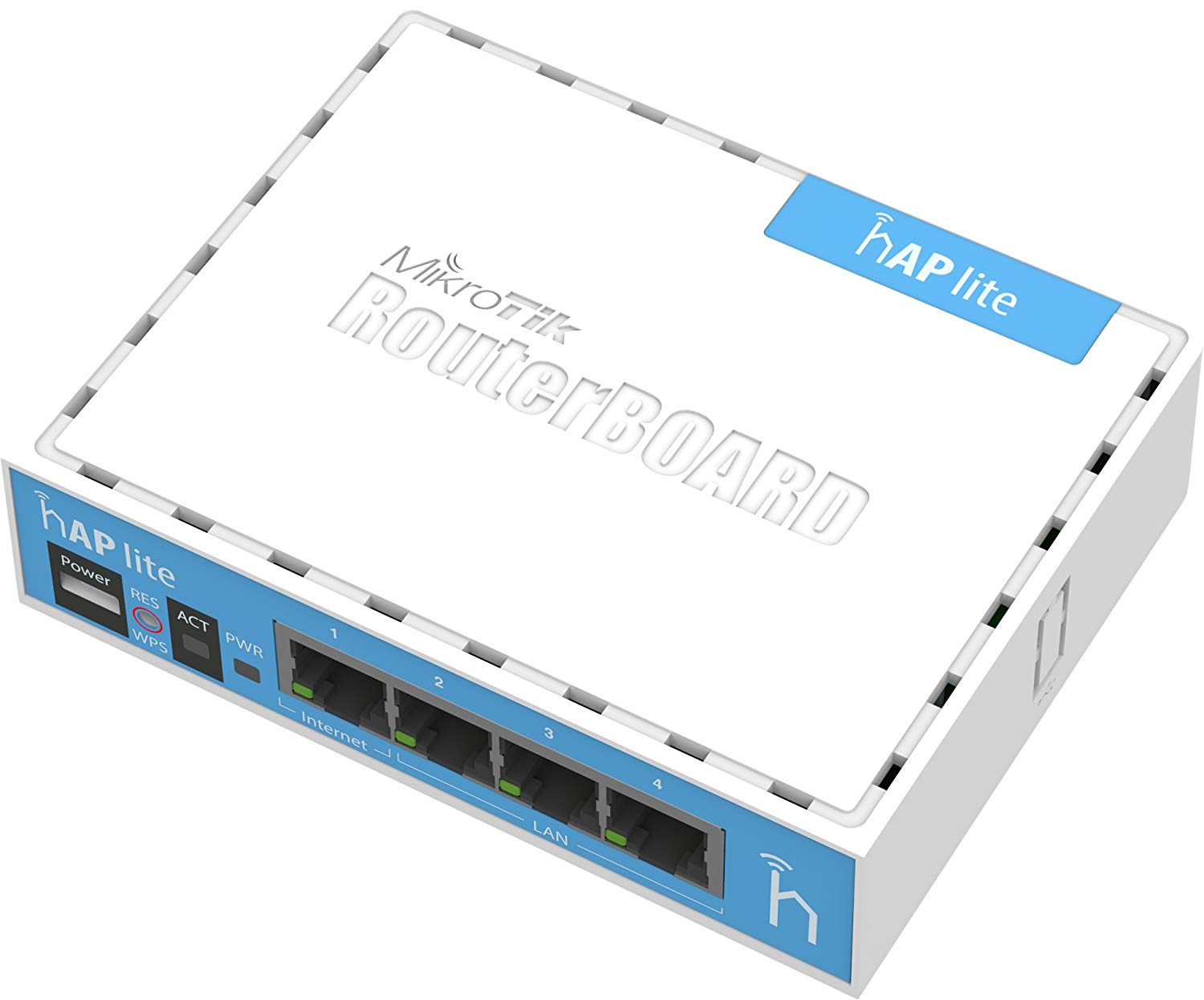
6. Switch to a Wired Connection
Wi-Fi can be inconsistent, which may contribute to streaming problems. If possible, connect your device to the internet using an Ethernet cable for a more stable connection.
7. Try a Different Device
If the error persists, try streaming Netflix on a different device. If it works on another device, the issue may be specific to your original device.
8. Contact Your Internet Service Provider
If none of the above steps work, it might be worth reaching out to your ISP to check if there are any ongoing network issues on their end.
When to Contact Netflix Support
If you have tried all the troubleshooting steps and the issue persists, it is advisable to contact Netflix’s customer support. They can provide additional guidance or confirm if there is a known issue affecting their servers.

Final Thoughts
The “Envoy overloaded” error on Netflix is usually a temporary issue caused by network congestion or server overload. While it can be frustrating, following the troubleshooting steps outlined in this article should help you resolve the problem in most cases.
If the error persists despite trying multiple fixes, it’s always a good idea to check with Netflix or your internet service provider for further assistance. By keeping your network and devices in optimal condition, you can enjoy a smoother and uninterrupted streaming experience.