

In today’s digital age, having an online presence is crucial for businesses, bloggers, and creatives alike. But creating a functional and successful website requires more than just a beautiful design or compelling content — it rests fundamentally on the infrastructure behind it. As a website owner, understanding the basics of hosting servers and network infrastructure can greatly influence your site’s performance, security, and scalability.
What Is Web Hosting, Really?
At its core, web hosting is the service that allows your website to be accessible over the internet. Every component of your site — HTML files, CSS, images, videos, databases — resides on a server. When a user types your domain name into a web browser, the browser communicates with your hosting server to retrieve and display the necessary data.
There are several types of hosting services available, each with its own pros and cons. Some of the most common include:
- Shared Hosting: Multiple websites share the resources of a single server, making it cost-effective but limited in power.
- VPS (Virtual Private Server): Offers more dedicated resources and security than shared hosting, ideal for medium-sized websites.
- Dedicated Hosting: Gives you an entire server to yourself, providing maximum power, performance, and security — at a higher cost.
- Cloud Hosting: Uses a network of servers that dynamically allocate resources based on demand, optimizing for uptime and scalability.
Choosing the right hosting type depends on the size of your site, your budget, and the level of control you require.
Deep Dive into Server Types
Beyond hosting plans, it helps to understand the hardware and software that run your site. Servers are robust computers designed to manage, store, and process web data. The key types you’ll encounter are:
- Physical servers: These are on-site or rented full servers, used often in dedicated or VPS hosting.
- Virtual servers: Emulate physical servers but are hosted within a larger physical server. These are typical in VPS and cloud hosting setups.
Web hosting providers typically use either Linux or Windows server operating systems. Linux tends to be more popular due to its flexibility, open-source nature, and compatibility with PHP and MySQL — technologies used by platforms like WordPress.
What Is Network Infrastructure and Why Should You Care?
Network infrastructure refers to the interconnected hardware and software resources that allow different systems and data to communicate. For websites, this means routers, switches, data centers, load balancers, and content delivery networks (CDNs). On the software side, site administrators also rely on tools like Bulk WP to efficiently manage large-scale website operations, performing scheduled or manual bulk actions such as deleting posts, pages, users, or custom fields based on specific conditions.
Your website’s speed, stability, and security are all undeniably tied to the strength and efficiency of the underlying network. Poor infrastructure can lead to slow loading times, frequent downtime, and vulnerability to attacks.
Important Network Components
- Bandwidth: Determines how much data can be transferred at once. Higher bandwidth ensures greater speed and supports more users simultaneously.
- Latency: The delay before data starts transferring. Lower latency means faster server response times, improving user experience.
- Data Centers: Physical locations housing servers. The closer the data center to your audience, the faster your content loads, thanks to reduced latency.
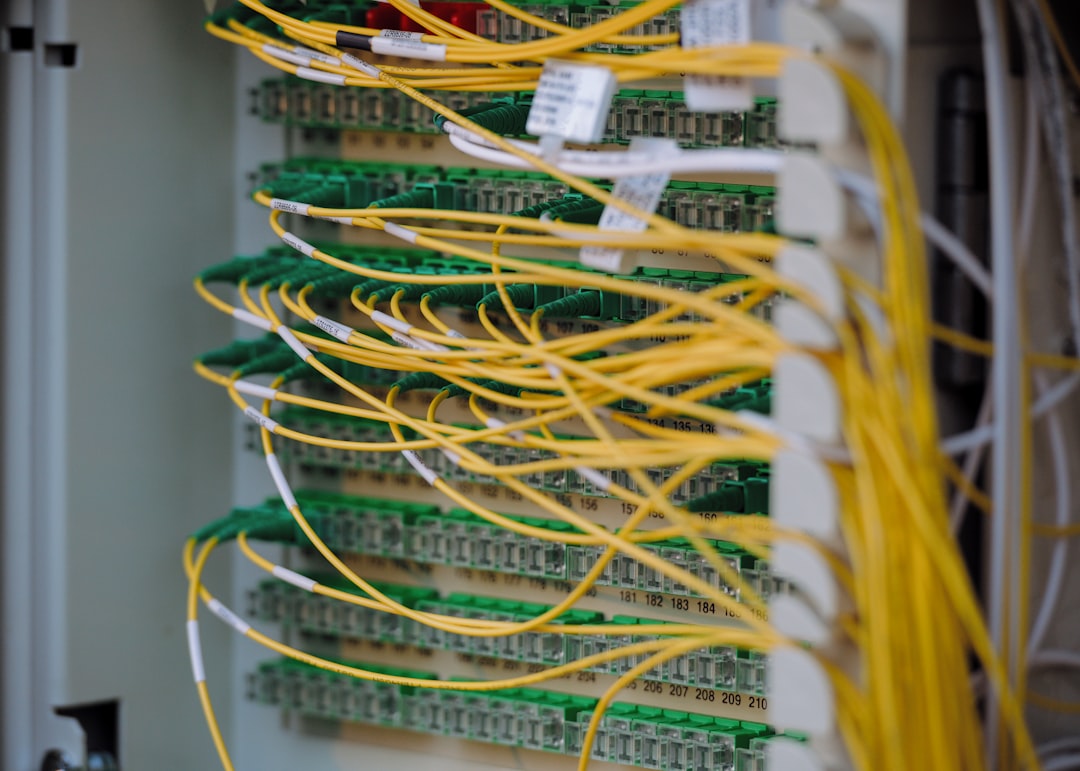
As a website owner, opting for a hosting provider with a strong and geographically diverse infrastructure can make a world of difference. Modern providers often utilize CDNs, which cache your website’s content across a network of global servers, ensuring rapid load times no matter where your audience is.
Security Considerations for Hosting and Networks
Websites are frequent targets for cyber attacks, from DDoS (Distributed Denial of Service) attacks to data breaches. That’s why understanding the security provisions of your server and network is essential.
Here are some key elements to evaluate:
- SSL Certificates: Secure your site’s data transmission, particularly crucial for eCommerce or user login systems.
- Firewalls: Protect your server from unauthorized access or harmful traffic.
- Backups: Regular backups ensure you can restore your site if data is lost or corrupted.
- DDoS Protection: Safeguards your site against traffic overloads intended to take it down.
In addition, make sure your server software is regularly updated. Outdated systems are more vulnerable to attacks. If you’re using a managed hosting provider, they’ll typically handle updates for you. If not, you’ll need to stay vigilant.
Performance Metrics You Should Monitor
Once your website is live, continuous monitoring is key to keeping it healthy. There are several performance metrics that depend directly on your server and network configuration:
- Uptime: The percentage of time your website is available online. Look for hosts that guarantee 99.9% uptime.
- Response Time: How quickly your server answers a user’s request.
- Load Time: Time it takes your full website to appear in a browser. It should be under 3 seconds for ideal user experience.
Analytics tools like Google PageSpeed Insights and GTmetrix can help measure these values. For server-specific details, many hosting dashboards offer built-in performance monitors.
Scalability: Preparing for Growth
Whether your site is a portfolio with a few daily visitors or an online store with thousands of customers, your hosting needs will change as you grow. One of the biggest mistakes new site owners make is choosing a server with no path for scaling.
This is where cloud hosting truly shines. Unlike traditional models, cloud infrastructure allows you to increase or decrease your resources as needed. More traffic today? Add more computing power in minutes. Expecting a slow season? Scale down to avoid paying for idle resources.

Ask potential hosting providers about their upgrade paths. Can they seamlessly move you from shared to VPS or dedicated environments? Do they offer automated scaling and load balancing features?
What to Look for in a Hosting Provider
Your hosting provider is essentially the foundation of your online operations. A poor choice can lead to performance bottlenecks, security gaps, and management headaches.
When selecting a host, consider the following:
- Reputation: Read reviews and testimonials. Look for uptime guarantees and customer service ratings.
- Customer Support: Around-the-clock support via multiple channels (chat, email, phone) is a must, especially if you’re not a tech expert.
- Architecture: Check their data center locations, hardware specs, and network infrastructure (e.g., do they use SSDs or spinning disk drives?).
- Security Measures: Ensure they offer built-in security features like malware scanning, firewalls, and frequent backups.
While price is definitely a factor, don’t be tempted by the cheapest plan. Low-cost hosting often comes at the expense of speed, uptime, and support quality.
Final Thoughts
Owning a website today is about more than slapping together content on a template. With competition as fierce as ever and user patience running thin, the hosting environment and network infrastructure you choose can make or break your digital success.
Invest the time to understand your needs and options. Choose a hosting solution and infrastructure that not only meet your current demands but also empower your website to grow. In the end, a well-informed decision on the backend leads to smoother operations, better user experience, and long-term peace of mind.